
Contents
Why People Look for Dot Card AlternativesDot Card Alternatives: Quick Platform ComparisonHow I Chose These Dot Card AlternativesBest Dot Card Alternatives (Detailed Review)Which Dot Card Alternative Is Right for You?Final WordFAQ10 Best Dot Card Alternatives in 2026 – Features, Pricing & Use Cases
Dot Card brought a fresh approach to business networking, offering an elegant place to share all of your contact info. Instead of carrying a stack of paper cards, you could order a sleek NFC card, customize the look of your profile with different color themes, and say goodbye to manual typing.
However, users and companies have even more requirements for digital business cards today. Teams want more than just contact sharing. They look for branding options, analytics, and smooth integration with their existing systems.
Dot Card has added some of these features to its plans, but it still does not offer the same level of flexibility, automation, or team control that some other platforms provide.
For companies evaluating a switch from Dot Card or for individuals looking for better design options and value, I’ve put together a list of Dot Card alternatives for 2026.
Read on to find a full breakdown of pricing, team features, and which options make the most sense based on how you network and scale.
Why People Look for Dot Card Alternatives
Dot Card may be a handy solution, but it’s not perfect for everyone. Depending on your specific needs, you might find Dot’s limitations inconvenient or just curious whether there’s something better out there.
Sometimes users look for alternatives because of the Dot Card Pricing. By the way, we broke down their prices and plans in detail and showed what the total cost would look like for a 100 person team.
Below, I break down the most common reasons people seek alternatives, from the perspectives of individual users and companies.
Why Individuals Look for a Dot Card Alternative
Individual professionals often love the concept of a digital business card but discover that Dot’s approach has a few trade-offs for personal use. Here are some reasons an individual might explore other options:
1. Dot Card Doesn’t Always Fit Daily NetworkingMany individual users say that while Dot Card feels interesting at first, it does not always become part of their daily networking routine. In practice, people often fall back on sharing a LinkedIn link, a phone number, or a message, leaving the physical card unused in their wallets.
2. Not Everyone is Comfortable with NFC CardsNFC tapping works well when both sides are familiar with it, but that is not always the case. Some recipients hesitate, do not know where to tap, or need multiple attempts. For quick, informal exchanges, users often prefer a simple link, QR code, or message-based share that works instantly without explanation.
3. Limited Control Over Profile DesignIndividual users who care about personal branding often feel limited by the available themes and layout options, especially when compared to alternatives that allow deeper customization or multiple profiles.
4. Customization Costs Add Up with Dot CardFor solo users, paying extra for visual customization or branding can feel disproportionate to the value received. Many people expect basic personalization to be included and start looking for alternatives that offer more flexibility without ongoing costs.
5. Contacts Lose Context After the ExchangeSeveral users mention that after sharing their contact digitally, they lose the context of the interaction. The contact lands in the other person’s phone, but there is no reminder of where or why the connection happened, which reduces follow-up value for individual networking.
6. A Physical Card Isn’t Always NecessaryNot all individual users want or need a physical card. Some prefer fully digital solutions that they can use instantly, without waiting for shipping or managing another object. This often leads people to consider fully digital alternatives instead.
In short, individuals tend to look for a Dot Card alternative when they need more control over their profile, more flexible ways to share their contact details, or a solution that better fits their personal networking habits.
Why Companies Look for a Dot Card Alternative
Dot Card covers basic contact sharing, but team use cases quickly expose its limitations. This is where companies start exploring alternatives.
1. Limited Support for Team WorkflowsUser reviews from Trustpilot confirm that Dot Card is primarily built around a single user’s digital profile and NFC sharing. There’s no centralized team dashboard, limited options for managing multiple profiles from one place, and no robust admin tools for distributing or revoking cards for multiple users.
Teams that need coordinated contact sharing and oversight quickly outgrow it.
2. Minimal Analytics and TrackingB2B teams often want to see detailed engagement data: who viewed a profile, where leads came from, and which events yielded the most scans. Dot Card’s analytics are basic and not designed for deep insights or tracking, making it a deal-breaker for sales, partnerships, and marketing measurement.
3. No CRM or Business IntegrationsDot Card doesn’t offer built-in integrations with CRM, email marketing, or lead routing tools, forcing teams to manually export and re-enter data or build custom solutions. Reviewers highlight that as a gap and start looking for alternatives.
4. Static Sharing ExperienceBusiness teams often need more flexible ways to share contact details. Relying on a physical card does not work in every situation, so many teams prefer alternatives that support links, digital sharing, and online touchpoints.
5. Branding and Customization LimitationsProfessional teams want branded experiences that reflect their company identity at scale. Dot Card’s customization is limited compared to platforms that support enterprise-level styling, logos, themes, multiple card types, and consistent branding across all team profiles.
6. Scalability and Admin ControlGrowing teams need admin features like role management, bulk provisioning, and company-wide templates. Dot Card doesn’t provide these, making it harder to deploy across a large organisation without external tools or workarounds.
Dot Card Alternatives: Quick Platform Comparison
Here I’ll provide a quick comparison table of popular Dot Card alternatives, highlighting what each platform is about, who it’s best suited for, what team-focused features it offers, and how its pricing model works.
Platform | Short Description | Best For | Team Features | Pricing (Monthly) |
|---|---|---|---|---|
1. Digital Business Card (DBC) | Fully digital business card platform with strong design and analytics | Teams and professionals who want branding + analytic insights | Admin panel, branded templates, analytics, SSO | Individual: $6.99/user/month (billed annually) Team: $4.99/card/month (billed annually) |
2. Blinq | Mobile-first digital card with strong customization | Individuals and teams that want full digital flexibility | Team branding, admin control, CRM sync | Individual: $6–7/month Team: $4.99/user/month |
3. WaveConnect | NFC cards combined with a clean team platform | Design-focused individuals and companies | Team management, branding, SSO | Individual: Free Team: $5/user/month |
4. Popl | Popular app with many sharing methods and optional NFC devices | Sales teams and active networkers | CRM sync, lead capture, analytics | Individual: $7.99–14.99/month Team: $4–5/user/month |
5. Linq | Digital card with CRM-style follow-ups and automation | Sales-driven teams need workflows | Advanced integrations and automation | Individual: Free (limited) Team: $29/user/month |
6. V1CE | Premium physical cards with strong visual impact | Executives and brand-focused teams | Team plans and analytics | Individual: $7.75/month Team: $193/month (unlimited users) |
7. Mobilo | NFC cards focused on lead capture and automation | Event-heavy B2B sales teams | Admin tools, workflows, CRM add-ons | Individual: Free after card purchase Team: $4/user/month |
8. Tapni | Budget-friendly platform with team features | SMBs want value for money | Team control, CRM, SSO (Enterprise) | Individual: $2.49/month Team: $4.99/user/month |
9. HiHello | Simple app-based digital business cards | Individuals and small teams | Partial. Basic team controls | Individual: $6/user/month Team: $5/user/month |
10. CamCard | Business card scanning and contact management platform | Individuals and teams that still collect paper business cards | Centralized contact database, role-based access, CRM export | Individual: $4.16/month (billed annually) Team: $21–25/user/month (minimum 10 users) |
How I Chose These Dot Card Alternatives
I focused on platforms that offer a wider feature set to individuals and companies than Dot Card, and do so at more attractive pricing
When reviewing each platform, I looked closely at the following criteria:
- Networking Experience
The platform must make sharing contact details fast and easy. This includes NFC cards, QR codes, links, and how simple it is for the other person to save the contact.
- Individual user flexibility
I checked how well each tool works for solo users. This includes profile customization, easy onboarding, and the card's usability at events, meetings, or conferences.
- Team Features
Strong alternatives needed proper team support. This means user management, shared templates, admin controls, and the ability to manage cards at scale.
- Integrations
I prioritized platforms that support CRM syncing, lead capture, and basic workflow integration.
- Branding Customization
The ability to control how the card looks matters. Platforms with flexible branding options and fewer visual limitations ranked higher.
- Pricing Value
I compared not just the price, but what you actually get for it. Platforms that offer more features at a lower cost are prioritized.
- Product Development
I also considered how actively each platform is evolving. Tools that continue to improve and add relevant features are more likely to stay useful over time. Using these criteria, I narrowed the list down to platforms that offer more value than Dot Card.
In the next section, I break down each alternative to help you find the best fit for your workflow.
Best Dot Card Alternatives (Detailed Review)
DBC: Digital Business Card
DBC: Digital Business Card is an original digital business card platform designed for individual professionals and companies. We focus on unique design, ease of use, and a strict separation between solo and team use cases.
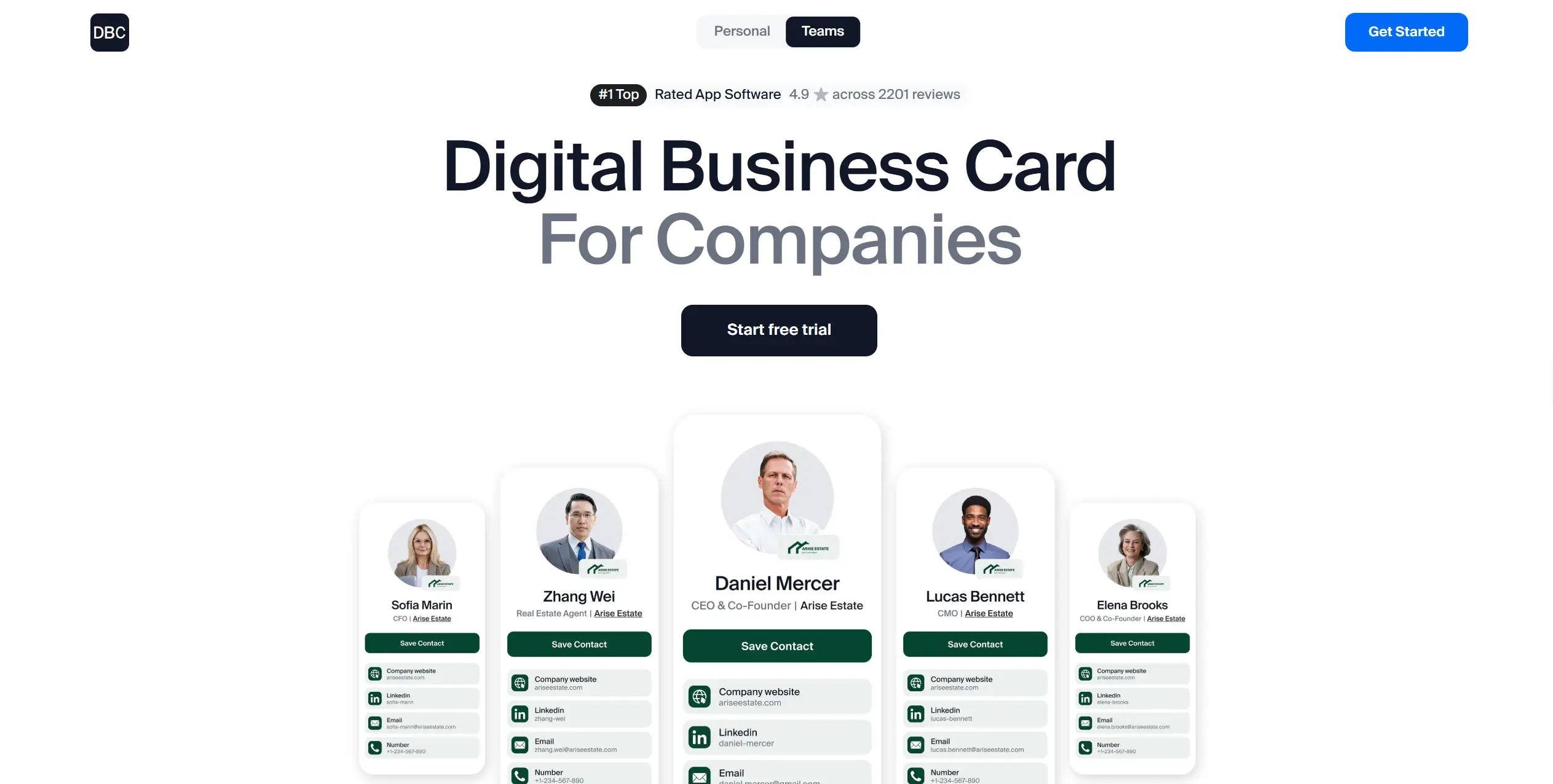
For individual users, DBC offers a flexible digital card with control over layout, content, and presentation. For companies, we provide a workspace where admins can configure and update profiles, track engagement analytics, and review individual performance during conferences and events.
The main distinction of DBC on the market is its balance between visual presentation and structured usage. We are proud to combine flexible design control with practical features such as an AI-powered business card scanner and advanced analytics.
As a Dot Card alternative, DBC is built as a digital platform from the start and does not center its workflow around physical NFC cards.
Why Individuals Choose DBC Over Dot Card
Reason | Why it matters |
|---|---|
Flexible card design options | Individuals can choose and test different card designs to match their role or profession, instead of using a single generic layout. |
Simple and focused user experience | The platform is not overloaded with extra layers, making card setup and daily use fast and intuitive. |
Interaction analytics | Users can see when and how others interact with their card, not just share it and hope for a result. |
Lead capture after sharing | Contact details from card interactions are collected and stored, turning networking into a usable contact list. |
DBC: Digital Business Card combines flexible design, interaction analytics, and lead capture to help individuals use digital business cards as a practical networking tool.
Why Teams Choose DBC Over Dot Card
Reason | What teams actually get |
|---|---|
Instant access to the platform | Teams can start using DBC immediately without setup delays or incomplete profiles. |
Detailed analytics per employee | Admins can see how each team member’s card performs across leads, events, and campaigns. |
Unified branding for the entire team | All cards follow a single brand structure, making updates and rebranding fast and consistent. |
Clear control over profile editing | Admins decide which fields users can change and which stay locked at the company level. |
Individual performance visibility | Managers can see the actual results of each team member. |
CRM integrations | Leads sync with CRM systems, reducing manual work and keeping data structured. |
For teams, DBC: Digital Business Card provides a structured way to manage digital business cards at scale. Centralized branding, defined access control, detailed analytics, and CRM integrations help teams improve connections, stay consistent, and track results from all networking activities.
Pricing:
- Individual plan is $6.99 per user per month, billed annually.
- Business plan for teams starts at $4.99 per card per month when billed annually.
- Enterprise pricing is custom.
Sales teams, consultants, founders, realtors, beauty professionals, doctors, and companies that want to manage digital business cards, track results, and keep branding consistent across the team.
Popl
Popl is one of the most well-known digital business card companies, often credited with popularizing the idea of smart NFC business cards.
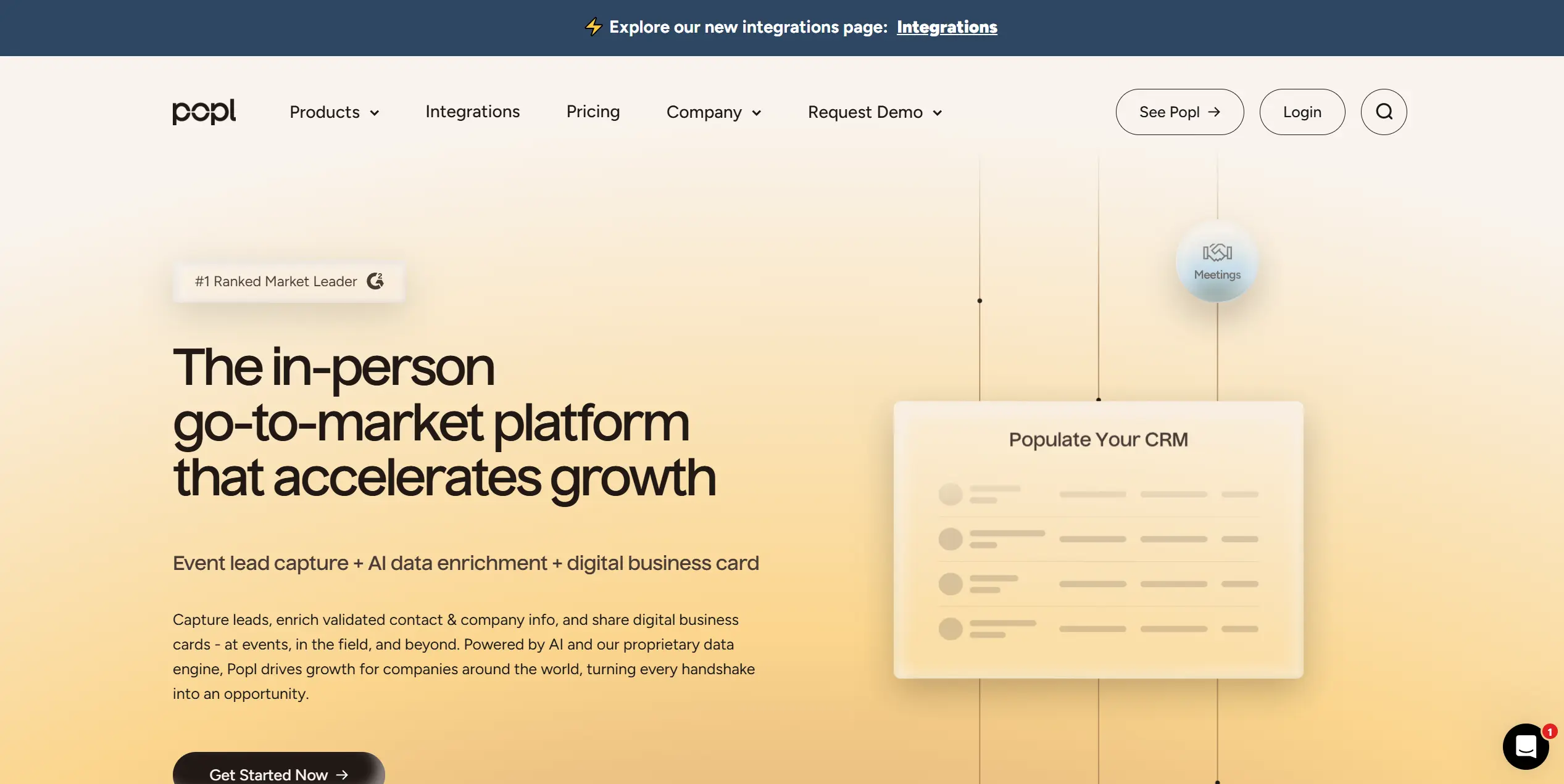
In addition, it provides lead capture, badge scanning, contact enrichment, and lead routing to sales systems. The platform is widely used at events, conferences, trade shows, and in everyday networking.
Users can create and customize digital cards with contact information, social links, and brand elements. Beyond card sharing, Popl captures lead data and makes it actionable through features such as lead management, automated follow-ups, and CRM sync. The product also integrates with calendar and meeting scheduling tools.
Why Individuals Choose Popl Over Dot Card
Reason | Why it matters |
|---|---|
Strong brand recognition | People often already know Popl from social media and events, so using it feels familiar in conversations. |
Polished mobile app experience | Setup is quick, and the app feels finished, which matters when you want something you can use immediately. |
Rich profile content | Individuals can add many link types and present them in a way that feels more like a modern link hub than a basic contact page. |
Free digital use without buying hardware | Popl can be used through the app with a QR code or link, so you can try it before spending money on NFC products. |
Extra sharing tools | Email signature tools, virtual backgrounds, and app based sharing options make Popl easier to use across daily workflows. |
More frequent product updates | People pick Popl because they see it shipping new features and expanding capabilities over time. |
More hardware formats | Phone tags, keychains, stickers, and other options make it easier to choose a form factor you will actually carry. |
Popl tends to win individual users on familiarity and polish, plus the ability to start for free and use it as a richer personal link hub with multiple sharing options and hardware choices.
Why Teams Choose Popl Over Dot Card
Reason | What teams actually get |
|---|---|
Admin platform for teams | A central dashboard to manage team cards, rollouts, and updates across many users. |
CRM integrations and automation | Leads can flow into Salesforce, HubSpot, and other systems through integrations and Zapier-style connections. |
Lead capture with tagging and enrichment | Teams can capture leads, add context, and assign ownership so that event activity maps to the pipeline. |
Performance tracking | Managers can view usage and leads per rep metrics, which support KPI tracking. |
Company branding controls | Teams can apply logos, brand colors, and in higher tiers, reduce third party branding in the share experience. |
Event lead capture and badge scanning | Tools built for trade shows that support scanning badges and running event capture flows. |
Published small team pricing | A self-serve plan for smaller teams makes adoption easier without sales calls. |
Hardware options for mixed roles | Teams can mix cards, phone tags, and other formats across employees based on how they work. |
Popl offers a tiered pricing model for individuals and teams:
- Free: Basic digital card creation and sharing.
- Pro: $6.49 per month (billed annually) for advanced individual features.
- Pro+: $11.99 per month (billed annually) with additional customization and lead tools.
- Teams / Enterprise: Custom pricing for larger groups and advanced workflows.
Check out our breakdown of Popl Pricing to understand the key differences between the plans and get the exact costs for different team sizes.Best For:
Sales and marketing teams that attend conferences, trade shows, and partner events need badge scanning, lead enrichment, campaign tracking, and CRM sync.
It also fits individual professionals who want lead capture, analytics, and multiple cards across different networking contexts.
Blinq
Blinq is a digital business card platform used by millions of professionals and teams worldwide that combines broad sharing flexibility with enterprise-grade integrations and security. It lets users personalize their digital business cards with a headshot, logo, and slick design templates.
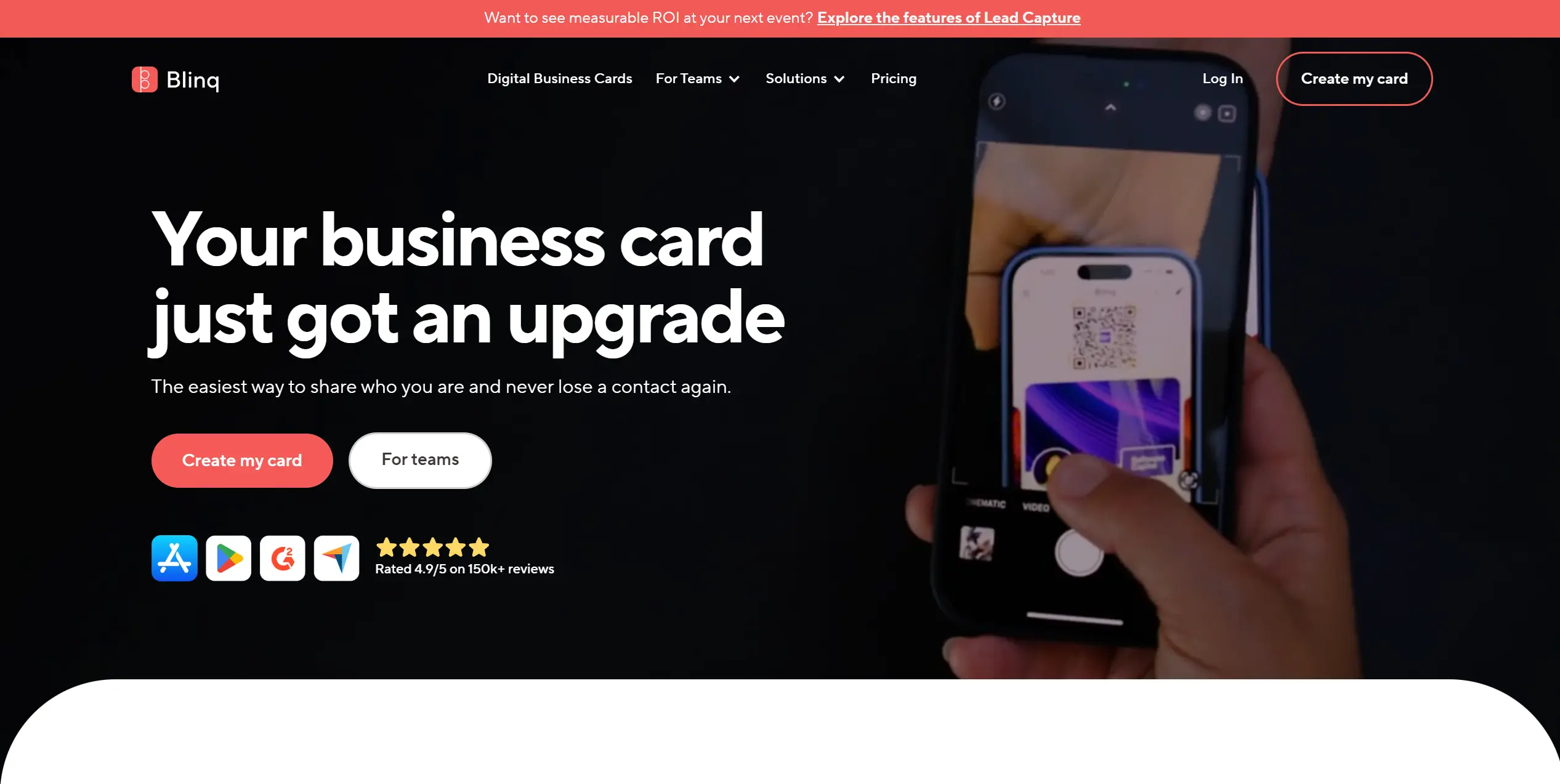
The platform includes tools for organizing contact information, custom branding, and team administration.
For teams, Blinq Business adds admin features such as branded templates, field locking permissions, a shared corporate contact book, and CRM sync.
As a Dot Card alternative, it also offers integrations for onboarding and offboarding, as well as email signature management through common workspace tools.
Why Individuals Choose Blinq Over Dot Card
Reason | Why it matters |
|---|---|
Strong Free plan | You can start with 2 cards, unlimited sharing, email signatures, and virtual backgrounds without paying. |
Multiple sharing methods | Works across QR, links, Apple Wallet, Apple Watch, and widgets, so it fits in person and remote networking. |
The recipient does not need the app | The other person can open and save your details in a browser, which removes friction in first time exchanges. |
Contact export on Premium | The Premium plan includes CSV export, which is useful if you want to keep your contacts outside Blinq. |
Scanner features on Premium | Premium includes a business card scanner and an event badge scanner, useful when paper cards still appear in your workflow. |
Blinq works well for individuals who want a strong free plan and flexible sharing across daily channels, then upgrade for export, scanners, and deeper customization when needed.
Why Teams Choose Blinq Over Dot Card
Reason | What teams actually get |
|---|---|
Central team plan | Business is priced per card with a minimum of 5, so teams can roll out a shared plan instead of managing separate personal subscriptions. |
Branding templates for everyone | Business includes branded card templates so the team looks consistent across employees. |
Defined profile permissions | Field locking permissions let admins decide what employees can edit. |
Shared corporate contact book | Team collected contacts can be stored in a shared company book. |
CRM sync and automation | Business includes syncing contacts to CRM, and the integrations page highlights connections for tools like Salesforce, HubSpot, and Zapier. |
IT friendly onboarding and access | Integrations support provisioning via Active Directory and SCIM, and sign in via Okta. The pricing page lists enforced SSO and audit logs at Enterprise. |
Compliance options for larger orgs | Plan comparison lists GDPR compliance and SOC 2 Type II report availability at Enterprise. |
Teams choose Blinq when they need consistent branding, admin editing, and CRM sync, with options to connect onboarding and access to existing IT systems as the rollout grows.
Pricing:Blinq offers a tiered pricing model for individuals and teams:
- Free: Create and share digital business cards with unlimited fields and unlimited shares.
- Premium (individual): $9.99 per month billed monthly, or $7.33 per month billed annually.
- Business (team): $6.99 per month per card billed monthly, minimum 5 cards, or $4.99 per month per card billed annually, minimum 5 cards
- Enterprise: Custom pricing with advanced features.
Check our Blinq Pricing article with a detailed analysis of Blinq plans, focusing on B2B teams and enterprise buyers.Best For:
Freelancers, consultants, and corporate professionals who want flexible sharing and a strong Free plan.
It is also a solid fit for distributed teams because sharing does not depend on a device being present in the moment.
V1CE
V1CE is one of the closest Dot Card competitors, as both platforms are built around physical NFC cards connected to digital business profiles. The product is built for in person networking, where a tap or scan opens a profile that can be saved as a contact or used to capture details via a lead form.
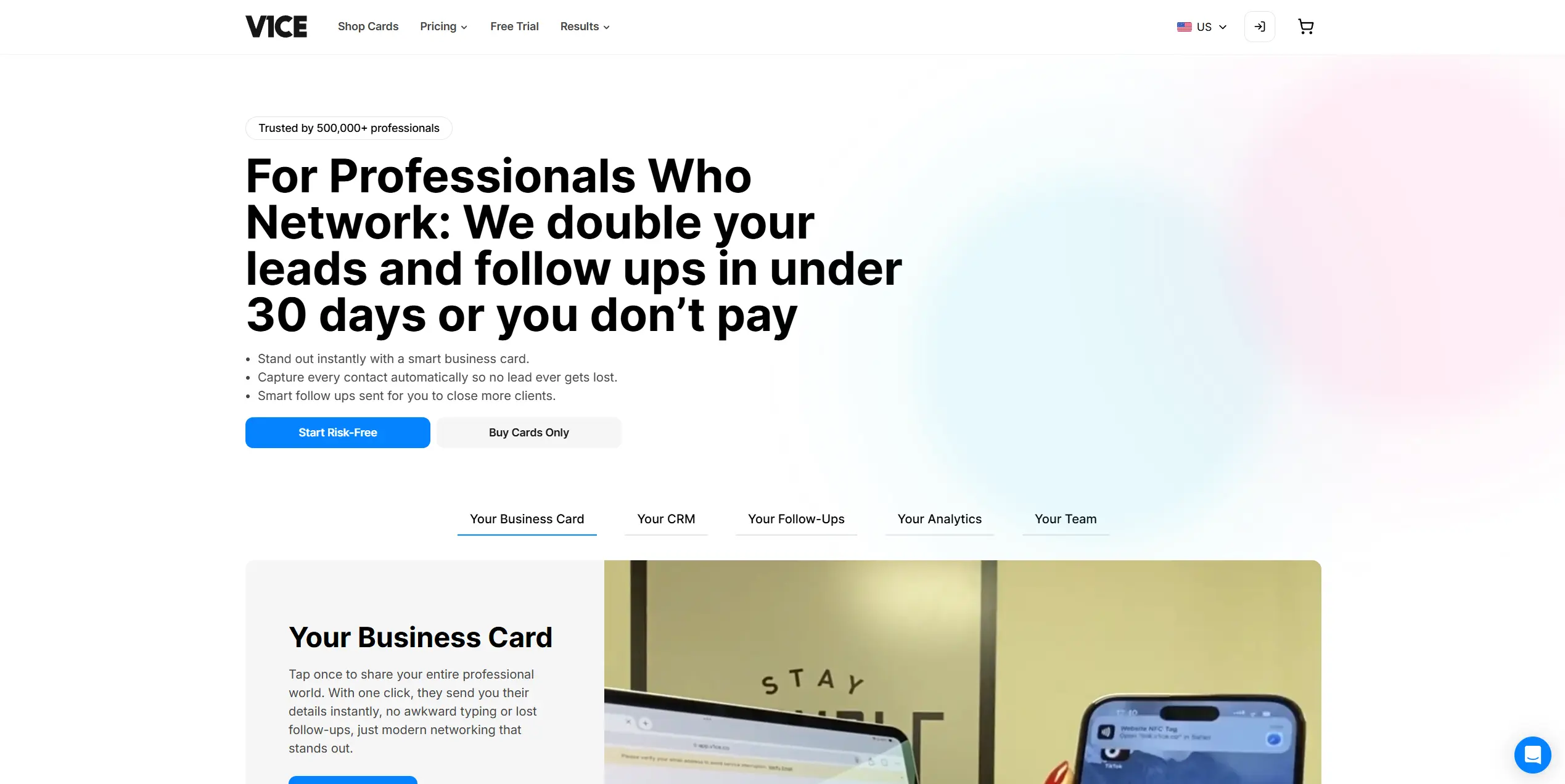
V1CE offers digital profiles with contact details, links, and branding elements, along with lead capture and CRM integrations.
For teams, the platform includes centralized administration, templates, analytics, and permission controls, so companies can manage cards and profiles across multiple members from one workspace.
Why Individuals Choose V1CE Over Dot Card
Reason | Why it matters |
|---|---|
Lead capture forms | You can collect contact details directly from your card, so you leave a meeting with data for follow-up. |
Automated follow-ups | After someone shares details, V1CE can run an email or SMS follow-up flow automatically. |
Wallet pass sharing | You can share from Apple Wallet or Google Wallet, which helps when you do not have your NFC card on you. |
More than one profile | Paid plans are positioned around “unlimited digital cards”, useful if you switch roles, events, or offers. |
Virtual backgrounds for calls | Your QR can live inside a Zoom or Teams background, useful for webinars and remote sales calls. |
V1CE fits individuals who network in person and want to collect leads, see engagement, and share from a wallet pass when needed.
Why Teams Choose V1CE Over Dot Card
Reason | What teams actually get |
|---|---|
Flat monthly plan for unlimited users | V1CE publicly positions a Teams plan with one monthly price and unlimited users, which fits companies that often scale headcount. |
Central team rollout | The product is marketed as a way to manage permissions and track performance from a single dashboard. |
Shared analytics | Team plans are presented as a way to track usage and results across the team, not per person in isolation. |
CRM and workflow integrations | Leads can be synced into common CRMs and automation tools, so event leads do not die in spreadsheets. |
Standardized sharing toolkit | Wallet passes, email signatures, link in bio pages, and virtual backgrounds are positioned as part of one system for sales and marketing teams. |
Teams choose V1CE when they want one platform for team cards, shared analytics, lead capture, CRM sync, and a flat plan that can cover many users.
Pricing:V1CE offers a free tier that includes one digital business card with lead capture and basic analytics.
Paid tiers include:
- Free — $0
- Plus — $13.49 per user/month
- Plus Unlimited — $202.53 / month (fixed price, unlimited users)
Sales teams and event-focused companies who want a combined physical and digital card solution with built-in lead capture, CRM integration, and administrative controls.
Mobilo
Mobilo is commonly used by sales teams, recruiters, and enterprises that want every employee to share contact details in a consistent and controlled way.
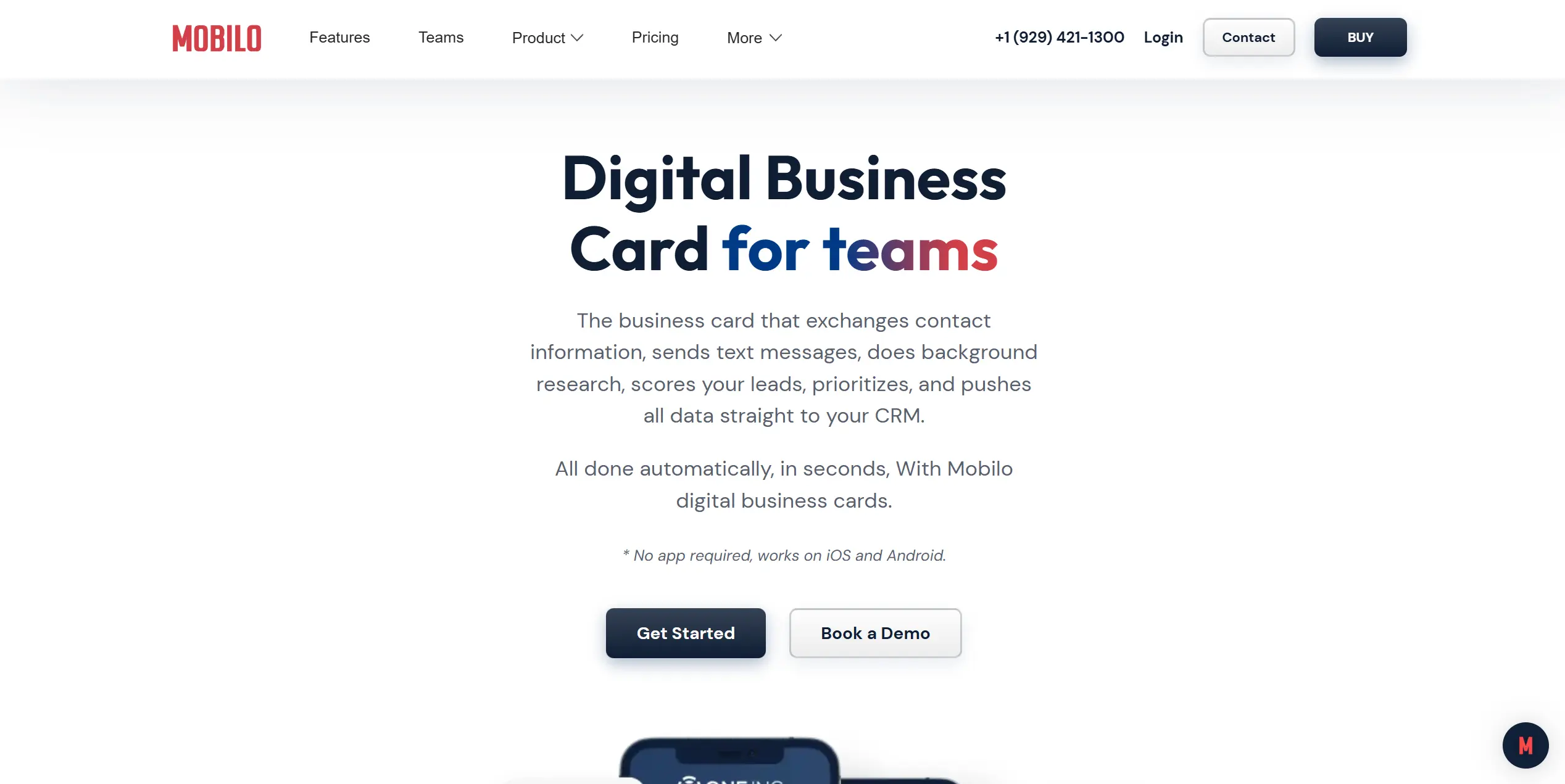
They are focusing more on company cards tied to a corporate email domain and managed centrally, which makes the platform popular with organizations that care about contact management and standardized employee profiles.
As a Dot Card alternative, Mobilo is often chosen by companies that want digital business cards to integrate with their internal systems rather than serve as standalone personal profiles.
Why Individuals Choose Mobilo Over Dot Card
Reason | Why it matters |
|---|---|
Lead capture is part of the card flow | You can collect contact details when someone opens your profile, so you leave with leads you can use for follow-up. |
Works without an app for the recipient | The other person can open your profile and share details from a browser, which reduces friction in first time meetings. |
Profile updates happen from a dashboard | You can update profile fields and links, and changes apply to future taps and scans. |
Multiple physical formats | Mobilo sells cards plus items like key fobs and buttons, so people can pick what they will actually carry. |
Mobile wallet support | Pricing pages list a digital wallet card, which is useful when you want quick access on mobile. |
Mobilo fits individuals who want a tap card that also collects contact details, stays editable over time, and can be used with or without extra accessories, depending on how they share.
Why Teams Choose Mobilo Over Dot Card
Reason | What teams actually get |
|---|---|
Team admin controls | A team's admin panel with field locking and user permissions to keep profiles consistent across employees. |
Team stats and adoption visibility | The Teams plan includes team stats and leaderboard features to track usage across the organization. |
SSO, audit logs, role access | Security options include SSO, audit logs, and role-based permissions, plus encryption for captured contacts. |
CRM connectors plus webhooks | Native connectors for Salesforce and HubSpot, plus webhooks, with mapped fields and assignment rules mentioned in their team's FAQ. |
Company ownership of contacts | Mobilo emphasizes captured contacts and routing into company systems, which supports contact ownership when employees change roles or leave. |
Teams choose Mobilo when they need company control over profiles, security, access management, and lead routing into CRM workflows, so contacts do not stay trapped inside individual accounts.
Pricing:- Free — $0
- Pro — $4.99 per user/month
- Teams — $2.99 per user/month (billed annually)
Companies that want centralized control over employee digital business cards and prefer company-owned profiles over personal customization.
HiHello
HiHello is a digital business presence platform that goes beyond just business cards to help users manage how they present their professional identity across multiple channels.
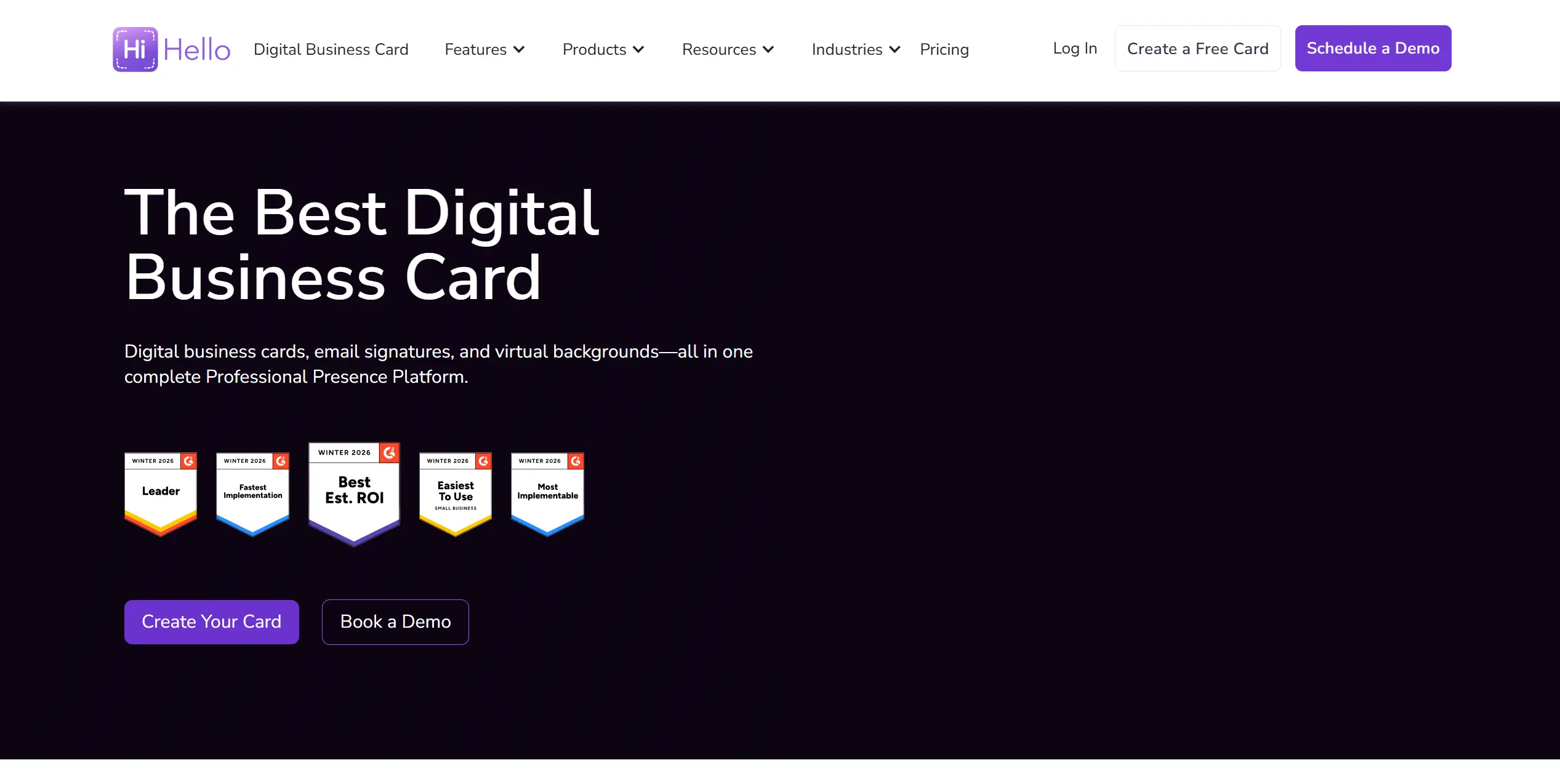
Many users praise its flexible sharing options and ease of setup, making it simple to create and distribute contact information in minutes.
Rather than focusing on one format, HiHello supports sharing via QR codes, links, email, text, and device widgets. It also integrates contact cards into email signatures and virtual meeting backgrounds, giving users more ways to present their information in interactions.
As a Dot Card alternative, HiHello stands out for its broad approach to professional presence, combining contact sharing with tools that help users maintain consistency and visibility.
Why Individuals Choose HiHello Over Dot Card
Reason | Why it matters |
|---|---|
Many ways to share | You can share via QR, text, email, and Apple Watch, which fits both in person and remote networking. |
Email signatures linked to your card | Your signature is generated from your digital card, so contact details stay consistent when you update your card. |
Virtual backgrounds for video calls | You can create virtual backgrounds for Zoom, Teams, and Meet that include your details for ongoing visibility in calls. |
Contact organization with notes and tags | HiHello includes contact management features with notes and tags, which are useful for adding context after a meeting. |
Card analytics | You can track engagement on your card, which helps you understand what people open after you share. |
Strong ease of use feedback | Reviews often highlight fast setup and easy sharing, which matters for day to day use. |
HiHello fits individuals who want flexible sharing plus signatures and video meeting assets, with contact organization and analytics that support follow-up.
Why Teams Choose HiHello Over Dot Card
Reason | What teams actually get |
|---|---|
Centralized email signature management | Teams can deploy and manage signatures from one place with Google Workspace and Microsoft Outlook support. |
Team branding across cards | Business plans highlight brand consistency and templates for teams and sub teams. |
Employee directory | HiHello offers a searchable company directory built from employee digital cards. |
CRM and marketing automation integrations | Contacts can sync into systems like Salesforce, HubSpot, Dynamics 365, and Marketo. |
Enterprise security options | HiHello states it is SOC 2 Type II compliant and supports requirements such as GDPR, plus offers SSO and directory system integrations. |
Teams choose HiHello when they want one platform for digital cards and centrally managed email signatures, backed by CRM sync, a company directory, and enterprise security options.
Pricing:Official public pricing for HiHello is available for key tiers:
- Free — $0 (basic digital business card with core sharing).
- Professional — $6/month when billed annually ($72 per year) or $8 per month when billed monthly.
- Business — $5 per user per month when billed annually ($60 per user per year) or $6 per user per month when billed monthly.
- Enterprise — Custom pricing for large organizations.
Check our HiHello Pricing breakdown and learn which plan makes the most sense based on how you network and scale.Best For:
Teams that care about brand consistency across digital cards and email signatures, and want contacts routed into CRM and marketing tools.
It also works well for individual professionals who share contact details across email, video calls, and want a simple way to keep everything updated.
Wave
Wave is a digital business card platform known for its simplicity and ease of use, trusted by tens of thousands of professionals and teams around the world.
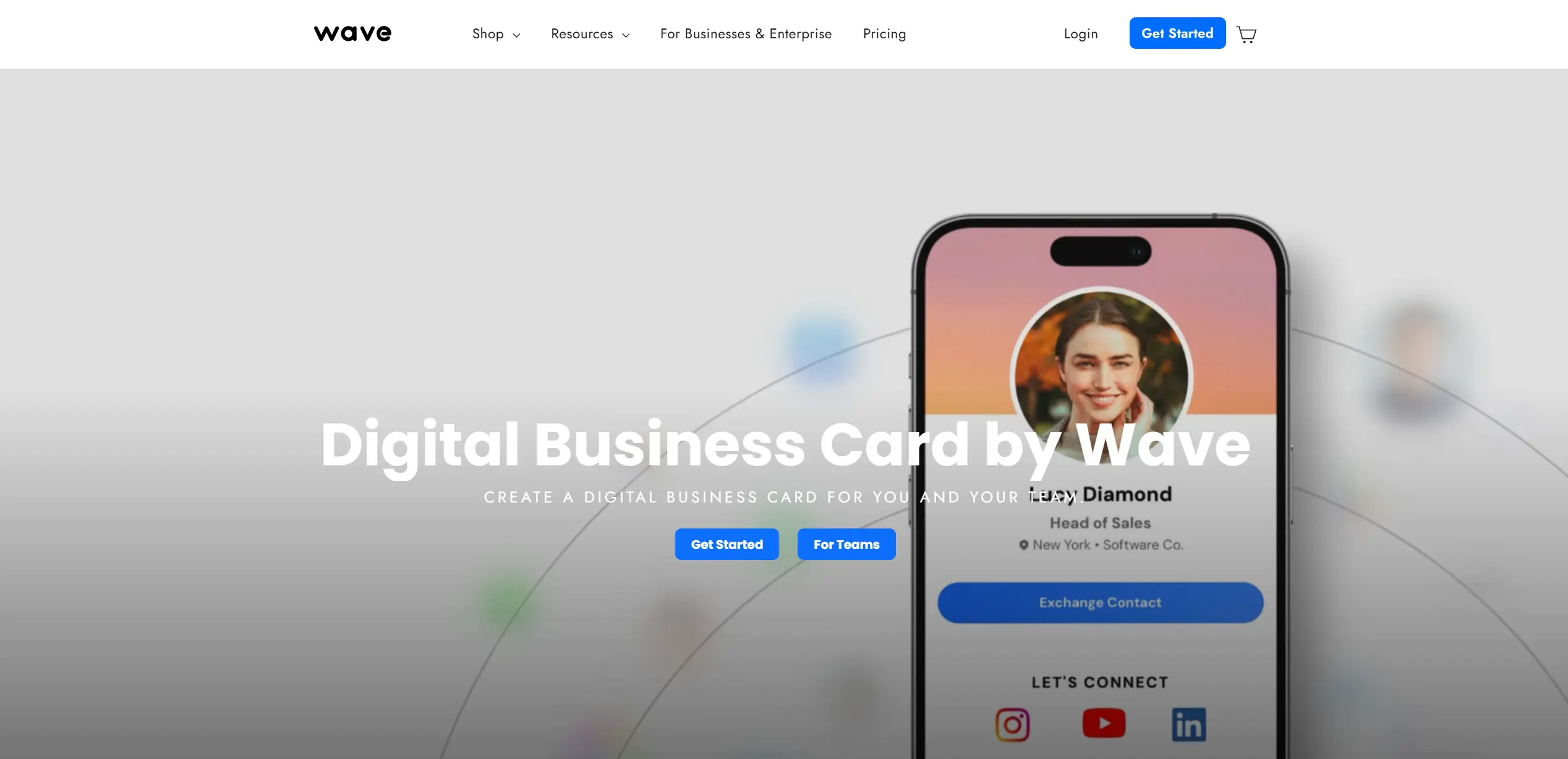
It provides analytics and CRM integrations on paid plans, supporting workflows where contact data feeds directly into sales and relationship tools.
As a Dot Card competitor, Wave stands out as one of the easiest-to-use digital business card solutions globally, often noted for its straightforward setup and broad sharing options.
Why Individuals Choose Wave Over Dot Card
Reason | Why it matters |
|---|---|
Custom physical cards that look premium | Wave sells custom cards, including bamboo and metal options, so people can show up with something that matches their personal brand. |
Sharing works in more than one situation | Wave supports QR, wallet sharing, and link sharing, so you are not dependent on one tap moment. |
Lead capture is included in the Free | Wave includes a lead-capture form on its Free plan, which helps you collect contact details instead of just sending yours. |
Advanced analytics is also listed on Free | Wave offers advanced analytics on the Free plan, which is unusual in this category, and provides basic engagement signals without upgrading. |
A “responsive chip” claim in their product marketing | Wave markets its phone tap products as using a very responsive NFC chip, which speaks to the common frustration of “tap, tap, nothing happens.” |
Wave is a strong pick for individuals who want flexible sharing beyond one tap, plus free lead capture and analytics.
Why Teams Choose Wave Over Dot Card
Reason | What teams actually get |
|---|---|
Admin platform and bulk changes | Teams includes an admin platform plus bulk editing, which helps keep profiles consistent across the company. |
Templates and locked fields | Teams can design templates and lock user content, so the company controls what stays standardized. |
Centralized contact management | Teams includes centralized contact management, useful when multiple people capture leads, and the company needs shared visibility. |
Enterprise security options when needed | Enterprise lists SSO and SCIM provisioning, which matters for IT managed rollouts and clean offboarding. |
CRM integrations in paid plans | Pro lists CRM integrations, and Teams builds on that with team management on top. |
Teams choose Wave when they want centralized control, templates with locked fields, shared contact management, and the option to add SSO and SCIM when the rollout moves beyond a small team.
Pricing:- Free — $0
- Pro — $9 per month billed monthly, or $7 per month billed yearly.
- Teams — $5 per user per year (minimum 3 users, billed annually).
- Enterprise — Custom pricing.
Professionals who want a customizable physical NFC card that feels premium, plus a digital profile with lead capture and analytics built in. For teams, Wave fits companies that need admin control, templates, locked fields, and centralized contact management, with an upgrade path to SSO and SCIM when IT requirements arise.
Tapni
Tapni is a digital business card platform built around fast, hardware-based sharing with minimal setup. The product is commonly used by individuals and small teams who want a simple tap-or-scan experience without turning digital cards into a complex system.
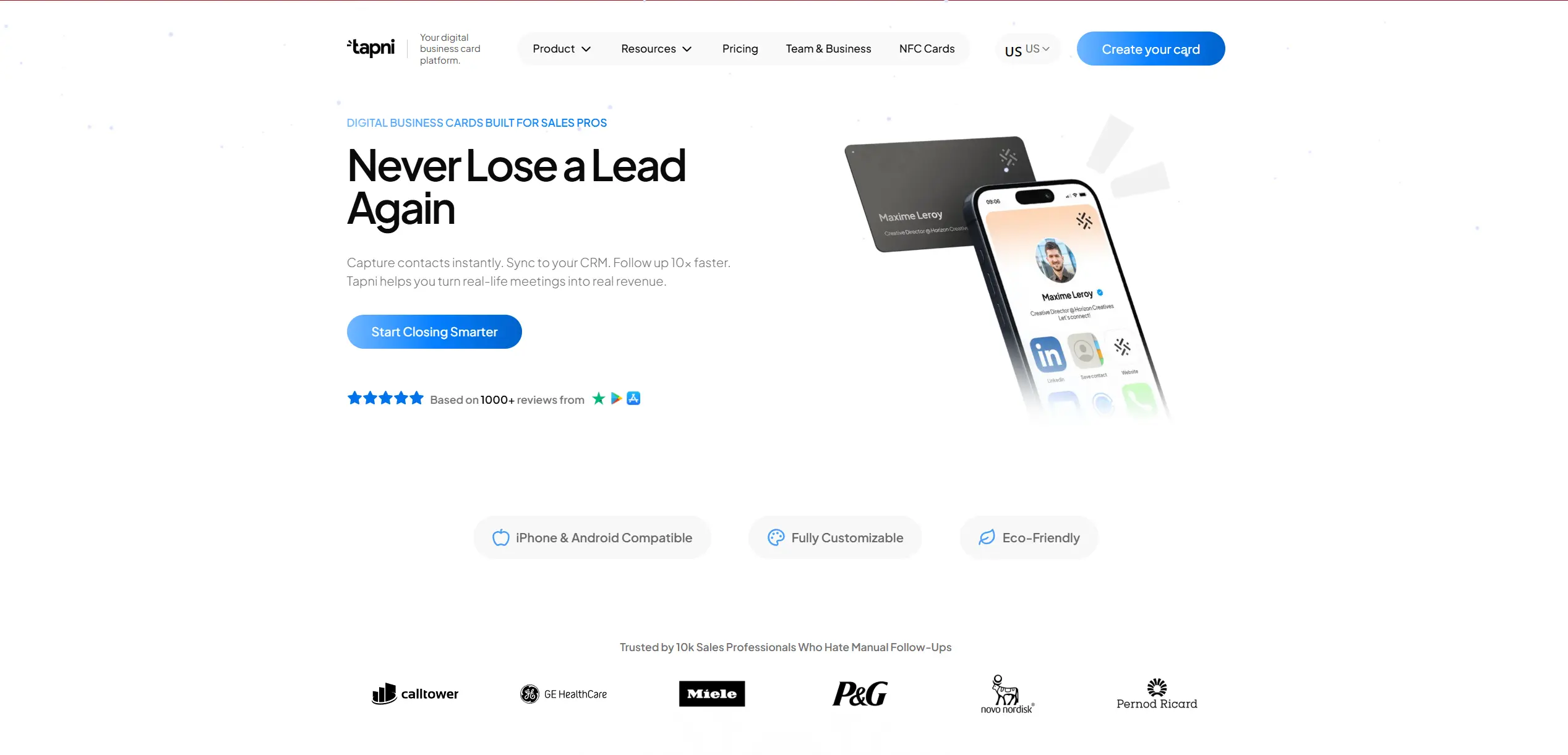
Tapni keeps the focus on quick exchanges in networking situations. Physical NFC cards are tightly linked to a lightweight digital profile that can be updated without replacing the card.
As one of the closest Dot Card competitors, Tapni appeals to users who prefer a straightforward NFC approach with predictable pricing and low setup friction.
Why Individuals Choose Tapni Over Dot Card
Reason | Why it matters |
|---|---|
Lead capture and follow-up are part of the product story | Tapni positions forms, reminders, and follow-up as part of the workflow, not a separate tool. |
Scanner for paper cards and event badges | Tapni lists an AI scanner for paper cards and event badges, useful when the other side still hands out paper. |
Wallet cards and offline QR sharing | Tapni includes Apple and Google wallet cards, plus offline QR sharing in the plan comparison. |
Direct link mode for sharing one link | Useful when you want to send a calendar link, LinkedIn, or a payment link without pushing the full profile. |
Tapni is a good option for individuals who rely on NFC sharing but still want to collect contact details and move leads into follow-up without extra tools.
Why Teams Choose Tapni Over Dot Card
Reason | What teams actually get |
|---|---|
Central management dashboard | Business includes a central management dashboard for keeping the rollout organized. |
CRM integrations across major systems | Tapni lists direct CRM integrations such as HubSpot, Salesforce, and Pipedrive. |
Automations plus advanced analytics | Business includes automations and advanced analytics, so teams can track usage and improve follow-up. |
Email signatures and virtual backgrounds | Business includes email signatures and virtual backgrounds, useful when the team shares contact details outside events too. |
SSO and role control for larger rollouts | Enterprise includes SAML SSO plus roles and permissions. |
Support and rollout credibility from user feedback | Reviews often mention responsive support and successful department rollouts for events. |
Teams pick Tapni when they want NFC sharing plus a sales workflow around it, with CRM sync, automation, and admin control that scales from a small team to an enterprise.
Pricing:- Free — $0
- Pro — $2.49 per month, includes a 14-day free trial.
- Teams — $4.99 per user per month for 1 to 100 members, includes a 30-day free trial.
- Enterprise — starts at $5,999 per year
Sales professionals who want a fast tap or scan exchange plus lead capture, scanning, and follow-up in one place.
Tapni is also a strong fit for groups that need a central dashboard and CRM sync, and for larger orgs that want SSO plus role-based controls.
Linq
Linq is often described as a stable and predictable digital business card platform for companies that focus on sales.
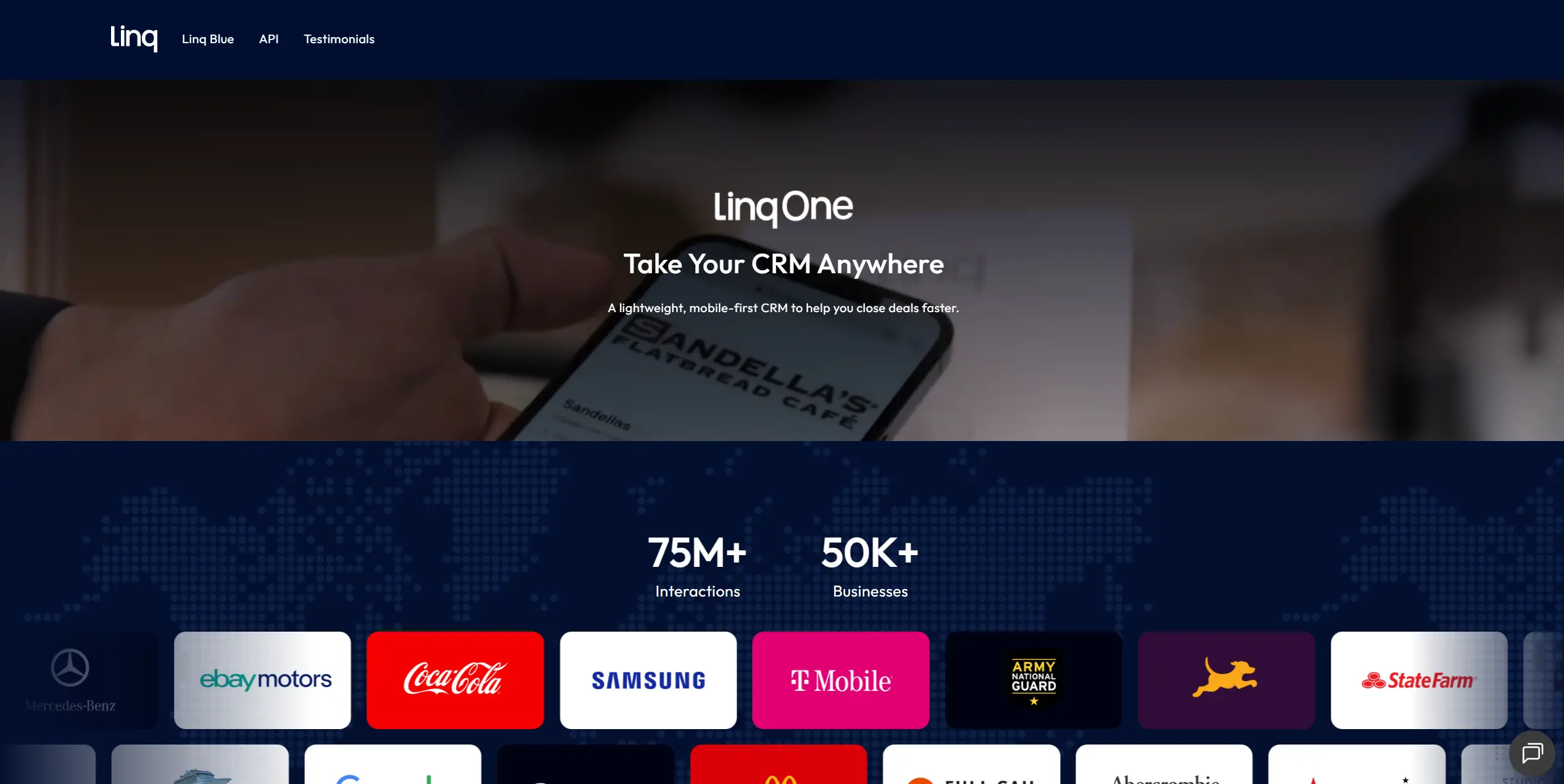
Many teams highlight Linq’s suitability for large deployments, where employees receive ready-to-use cards without needing to configure or maintain them individually.
As a Dot Card alternative, Linq is typically chosen by organizations that prioritize centralized control, consistency, and long-term reliability in their digital business card setup.
Why Individuals Choose Linq Over Dot Card
Reason | Why it matters |
|---|---|
Business phone number with call transcription and call summary | If you do a lot of calls, you keep business communication separate, and you do not lose context after the call. |
Follow-up templates and message snippets | You can send follow-ups faster and stay consistent when you meet many people in a week. |
Contact enrichment | Leads become more usable without manual research, especially after events. |
Custom lead forms plus card scanning | You can capture details even when the other person does not want to type everything, and you can digitize paper cards when needed. |
Advanced analytics | You can see what gets engagement and adjust what you share. |
Linq is a strong Dot Card alternative for individuals who want follow-up support inside the platform, especially calling, notes, and structured outreach.
Why Teams Choose Linq Over Dot Card
Reason | What teams actually get |
|---|---|
Bulk management plus admin dashboard | Central control over rollout, updates, and ownership across the team. |
Lead syncing with CRMs | Leads can flow into the company's existing systems instead of being stored in a separate address book. |
CRM integration with two-way sync (HubSpot example) | Calls, recordings, transcriptions, and contact changes can be synced across tools, reducing duplicate work. |
Managed phone features | Teams can manage numbers, call forwarding, and internal calling workflows from one place. |
Extra pages per seat | Reps can use different pages for different contexts, like roles, campaigns, or industries, without rebuilding from scratch. |
Linq fits teams that treat networking as pipeline input, want central admin control, and care about CRM connection, plus tracked communication.
Pricing:- Basic: $0 (free forever)
- Linq One: $29 per user per month, or $249 per user per year
Best for sales individuals and teams who need follow-up and communication built into the product: people who call prospects, want structured outreach, and want lead data to sync into a CRM with admin control for rollout.
CamCard
CamCard is best known for turning paper business cards into a searchable contact database, so you can follow-up without typing everything by hand.
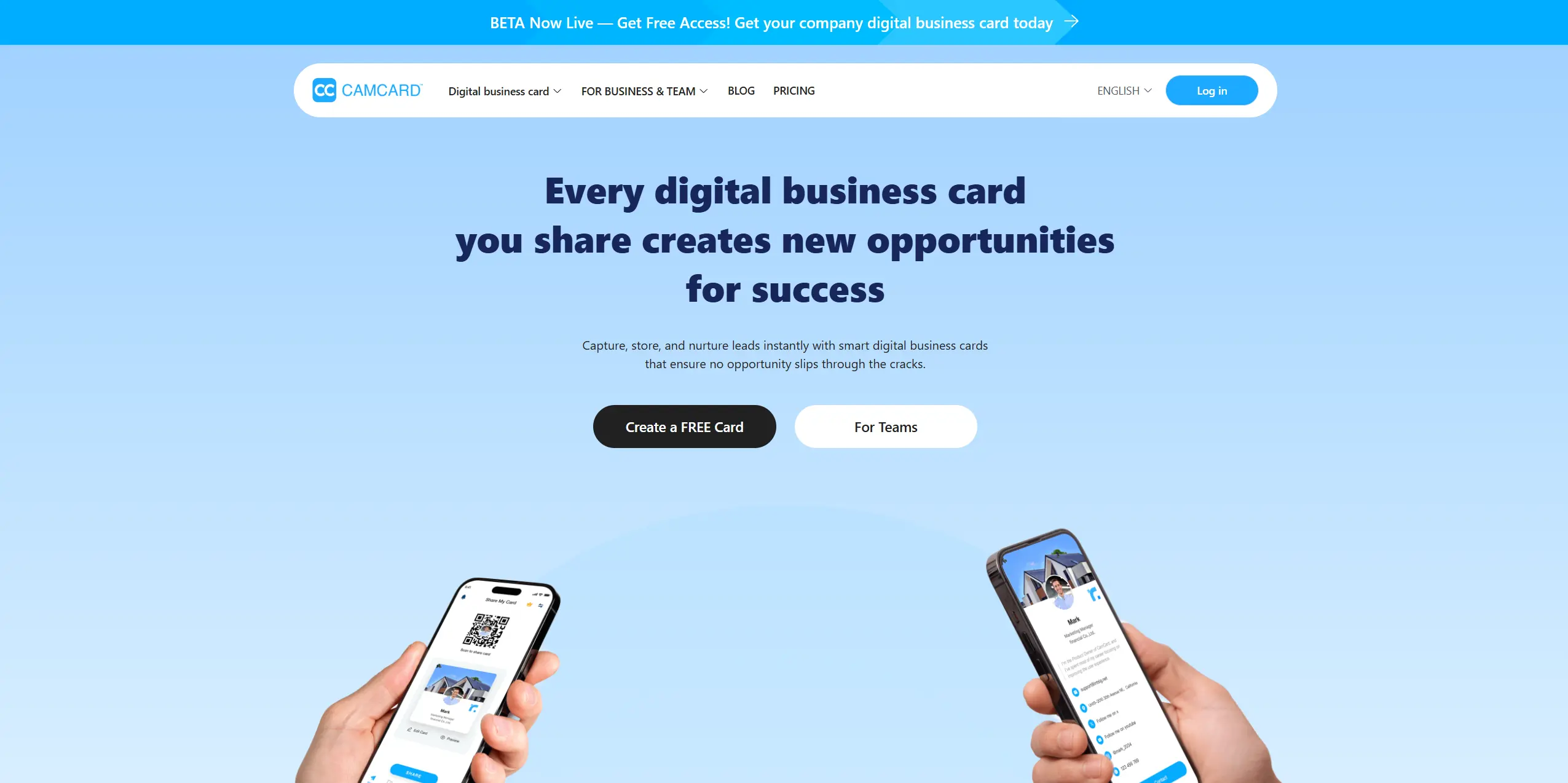
Many reviewers value CamCard for its speed and reliability when processing large volumes of contacts. It is frequently used after conferences, meetings, or business trips, where contacts need to be reviewed, tagged, and exported later.
CamCard is typically chosen by individuals and teams who already operate with traditional business cards and want a digital layer for storage, search, and follow-up, without changing how they network in person.
Why Individuals Choose CamCard Over Dot Card
Reason | Why it matters |
|---|---|
Business card scanning to contacts | You can scan a stack of paper cards and turn them into saved contacts without manual entry. |
Export and sync options | You can export to Excel or VCF and sync contacts to Google Contacts, Outlook, and Salesforce when you need to move fast. |
Search and filtering for a growing network | It is easier to find people later when your contact list grows past “I remember his first name.” |
Tagging and follow-up organization | Useful when you want to mark where you met someone and what you discussed, then return to it weeks later. |
CamCard is a strong Dot Card alternative for people who leave events with paper cards and want a fast way to digitize, organize, and sync them into contacts and CRMs
Why Teams Choose CamCard Over Dot Card
Reason | What teams actually get |
|---|---|
Centralized card database | A shared place to store scanned cards, so contacts do not live only on one employee’s phone. |
Role access control | Admin controls based on position, which help with governance and reduce accidental mess in shared data. |
CRM exports and integrations | Export options for common systems and an API path for larger workflows. |
Sharing alerts and tracking | Visibility when card information is shared, which helps teams keep follow-ups structured. |
Security posture for organizations | CamCard lists multiple security certifications on its pricing page for companies that care about controls and audits. |
Teams pick CamCard when they still rely on paper business cards, but want a shared workflow for scanning, access control, exports, and connecting contacts to sales systems.
Pricing:CamCard uses subscription pricing for individuals and teams:
- Premium (individual): $4.16 per month billed annually.
- Professional (team): $25 per user per month (minimum 10 users)
- Premium (team): $21 per user per month (minimum 10 users)
- Enterprise — Custom pricing
Detailed breakdowns, scaling costs, and team pricing examples are covered in our CamCard Pricing analysis.Best For:
CamCard is best for teams and individuals who still collect paper business cards and want a fast, repeatable way to scan, organize, and push them into contacts or CRM systems for follow-up.
It is especially useful after conferences, trade shows, and business travel, where the problem is volume and speed.
Which Dot Card Alternative Is Right for You?
To make this part easier to scan and actually useful, we split the alternatives into a few practical categories: solo users, small teams, and larger teams.
Inside each category, we describe common situations as short quote style use cases, so you can quickly recognize your scenario and jump to the tools that fit.
Tip: Match your situation to a quote below, then compare the listed tools.
Solo
1. “I just want a free digital business card that looks good.”Best fits: Blinq, HiHello.
Blinq and HiHello let you start on a free plan fast. DBC has no free tier — it becomes the better option once you are ready to pay for a card that looks more premium.
2. “I’m willing to pay a few dollars a month for better features.”Best fits: DBC, HiHello, Wave.
DBC is strong when you want design control plus analytics and lead capture in one place. HiHello is a good fit if email signatures and meeting assets matter. Wave works if you want a simple upgrade and do not need a heavy workflow.
3. “First impression and design matter a lot to me.”Best fits: Wave, DBC, V1CE.
Wave and V1CE are great if the physical card has to feel premium in hand. DBC works well when you want to follow up and use the digital card design to create the right first impression on potential clients or partners.
4. “I want to know the best time to contact leads.”Best fits: DBC, Popl, HiHello.
DBC gives you analytics that show when it’s time to contact your lead. Popl fits if your leads mostly come from events. HiHello is useful when a lot of your sharing happens through email and calls.
Small Teams
1. “We need digital business cards for our small team on a tight budget.”Best fits: Blinq, DBC, HiHello.
DBC is the budget-friendly option here because team pricing starts at $4.99 per card per month, billed annually. HiHello’s Business plan is $5 per user per month on annual billing, and Blinq Business starts at $4.99 per user per month with a 5-seat minimum. If you want the lowest predictable per-user cost without locking into an enterprise contract, DBC is an easy place to start.
2. “We want our small team to look big and innovative.”Best fits: DBC, HiHello, V1CE.
DBC and HiHello help you keep branding consistent across everyone. V1CE is helpful if you want people to scan or tap your card in person and still keep the team experience organized.
3. “We attend a lot of events and need to capture leads.”Best fits: Popl, DBC, Tapni.
Popl is built for event lead capture and workflows. DBC fits when you want to track performance per person and keep lead data structured. Tapni works when you want NFC sharing plus lead capture and CRM sync in a simple setup.
Growing Companies
1. “We need to onboard 50, 100, 500 employees seamlessly.”Best fits: Mobilo, HiHello, DBC.
Mobilo is strong for company profiles and centralized control. HiHello fits when you need admin management plus email signature governance. DBC works when you want scalable team management and analytics tied to employee activity.
2. “We want to maximize ROI. Turn every meeting into trackable data.”Best fits: DBC, Linq, Popl.
DBC focuses on analytics and performance tracking, so results are measurable. Linq fits when follow-up, calling, and sales workflow are central. Popl is a strong choice when events are the main lead channel.
3. “We want to track the results of each team member.”Best fits: DBC, Popl, Wave.
DBC is built around per-employee performance visibility. Popl fits for teams measuring event output. Wave works if you want team analytics plus a strong physical card program.
Final Word
Choosing a Dot Card alternative is less about finding a feature checklist and more about understanding what role digital business cards play in your workflow.
If you mainly exchange contacts occasionally, simplicity and ease of sharing matter most. If networking is part of sales, partnerships, or events, the priority shifts to lead capture, analytics, and follow-up context.
For companies, the decision usually comes down to control, scalability, and visibility: who owns the contacts, how branding is enforced, and how to measure results across the team.
Before committing to any platform, it helps to ask a few practical questions:- How often will cards be shared, and in what situations?
- Do contacts need to flow into a CRM or sales pipeline?
- Should branding and profile fields be centrally managed?
- Can you see what actually happens after a card is shared?
The main goal is not just to replace paper cards or NFC taps, but to turn every interaction into something trackable and aligned with how you work or grow as a company.
If you’re evaluating digital business cards specifically for teams or company-wide use, you can explore how this looks in practice on our dedicated page for businesses.
Learn more about Digital Business Cards for Companies and see how team management, analytics, and branding push your networking to the next level.
FAQ
What are the best Dot Card alternatives in 2026?
How do I know if I should switch from Dot Card to another platform?
What should I look for when comparing Dot Card alternatives?
Why do companies look for Dot Card alternatives?
Which Dot Card alternative is best for B2B teams?

A content writer with over 8 years of experience creating analytical content for digital products and B2B SaaS companies. His work focuses on practical guides, pricing breakdowns, and comparisons that help teams evaluate costs, features, and differences between tools.
Your first impression decides everything
- Look professional and build trust instantly
- Forget about reprints and lost contacts
- Update your details anytime
 Get Started Today