
Contents
Quick Overview: CamCard Alternatives by CategoryWhy Professionals Look for CamCard AlternativesThe Best CamCard Alternatives (Sorted by Category)How to Choose the Right CamCard ReplacementFinal WordFAQYou Need These 8 Best CamCard Alternatives to Stay Relevant in 2026
CamCard has long been a respected player in business card scanning and contact management, earning global recognition for its reliable OCR technology and straightforward approach to digitizing contacts.
Developed by IntSig, a pioneering Chinese tech company, CamCard reached tens of millions of users worldwide and became widely adopted by companies early on as a practical way to turn stacks of business cards into organized digital records without changing existing networking habits.
But business networking demands are constantly changing. Despite CamCard’s popularity, many companies are moving away from it as their teams expect better design flexibility, smarter lead management, and value for the price they pay.
Today, a new wave of platforms outperforms CamCard across all key areas, raising the bar with innovative features and better value.
In this article, I collected the best CamCard alternatives and reviewed them in detail. I break down their pros and cons, compare each option with CamCard, and look at pricing to show where these tools offer better value. The goal is to help you make decisions faster and find the necessary boost for your business networking.
Let’s dig in!
Quick Overview: CamCard Alternatives by Category
Below is a quick snapshot of the strongest CamCard alternatives, grouped by how companies actually use them. This overview helps you immediately see which category fits your workflow before diving into details.
Enterprise & B2B Digital Business Card Platforms
Best for teams that care about branding, lead handling, and scalability.
- DBC: Digital Business Card — a balanced B2B platform focused on unique design, analytics, and enterprise workflows.
- Blinq — an enterprise solution with strong admin controls and a very user-friendly interface.
- Popl — a popular brand combining digital profiles with NFC hardware and lead capture features.
NFC Networking Tools
Best for in-person meetings and teams that still value physical cards.
- Mobilo — smart NFC cards with good analytics and centralized team management.
- Wave / Wave Connect — mobile-first digital cards with optional NFC and built-in follow-ups.
- Tapt — premium NFC cards for individuals and small teams.
Lightweight & Mobile Alternatives
Best for quick setup and casual networking.
- HeyDrop — a digital card with AI scanning and minimal setup.
Scanner CamCard Competitors
Best for teams that still rely heavily on scanning physical business cards.
- ABBYY Business Card Reader — a professional OCR-focused tool for digitizing business cards with high accuracy.
Why Professionals Look for CamCard Alternatives
In this section, I won’t repeat obvious reasons or come up with typical reasons. Instead, I want to focus on what actually pushes companies and solo professionals to move from CamCard.
These points are based on patterns repeated across user reviews, app store feedback, and public discussions around CamCard. Understanding them helps you see what CamCard alternatives can offer your team beyond basic scanning.
- Scanning is no longer enough
Users often say CamCard works well for scanning cards, but stops there. For teams, this means contacts get stored without context, action, or next steps, which limits business value.
- Contacts don’t turn into leads
Many reviewers mention that scanned contacts remain static entries. For sales and BD teams, this breaks the flow between meeting someone and actually moving them into a pipeline or follow-up process.
- No clear visibility or tracking
Users frequently note a lack of insight after saving a contact. Teams struggle to understand which connections matter most because there’s no way to see engagement or prioritize follow-ups.
- Feels outdated compared to newer tools
Reviews often describe the interface as dated when compared to newer platforms. This slows down adoption inside teams and creates friction for non-technical users.
- Price doesn’t match what you get
Some users feel paid plans don’t unlock enough functionality. For companies, this makes it hard to justify scaling CamCard when newer tools offer more value at similar or lower cost.
These points explain why many professionals and teams are exploring CamCard alternatives and strive to improve their business connections.
The Best CamCard Alternatives (Sorted by Category)
For this list, I didn’t rank the tools from best to worst. Instead, I grouped them by how companies and professionals actually use them. Some teams need enterprise control, others rely on NFC for in-person meetings, and some still focus on scanning workflows.
Each category reflects a different use case. Within every group, I reviewed the products using the same structure, so you can compare them easy and fast.
Enterprise & B2B Digital Business Card Platforms
These platforms are built for teams that need consistent branding, lead visibility, and centralized control across their entire organization.
DBC: Digital Business Card
DBC: Digital Business Card is a dedicated digital business card platform positioned as an original app for high-quality business connections. Its main strengths are premium design and an easy-to-use UI. DBC was created for professionals who value strong first impressions, as a business card that looks generic rarely gets saved, and even more rarely gets remembered.
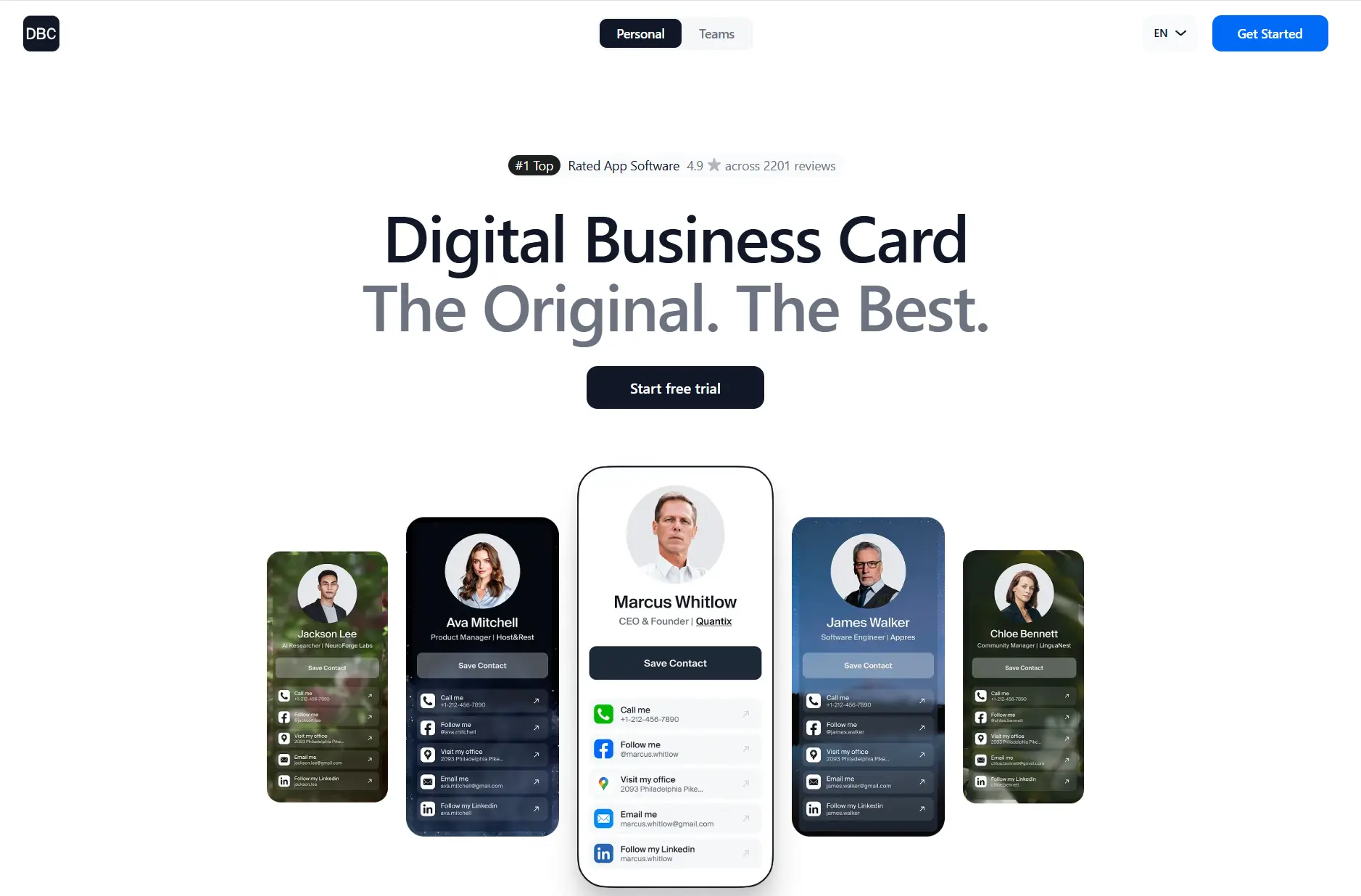
Over time, we grew and expanded to serve companies by adding crucial B2B features, including CRM integrations, branding consistency, permissions management, and scalable administration. I see DBC as a modern alternative to CamCard because it offers many B2B features that improve your team's productivity and let you send cards to others instantly, rather than scanning paper cards and hoping for positive results.
Pros:
- 30+ design templates
- Strong branding control
- Two-way lead capture
- Analytics: views, clicks, saves
- Team admin dashboard
- AI business card scanner
- No app needed to view
Cons:
- No NFC hardware
- CRM integrations are still growing
- Enterprise pricing is custom
Product Comparison: CamCard VS DBC: Digital Business Card
Area | DBC | CamCard |
|---|---|---|
Core workflow | Sharing and lead exchange | Card scanning and contact storage |
Lead capture | Two-way contact exchange | One-way contact saving |
Team features | Branding control and admin tools | Limited team controls |
CRM workflow | More automation options | Mostly export and sync |
Analytics | Views clicks saves | Basic usage data |
Design | Template-focused branding | Secondary design focus |
Best For:
DBC is ideal if you want a digital card with a unique design that tracks who views or saves your info. It suits entrepreneurs, consultants, and frequent networkers who value strong branding and a fully digital experience.
Pricing:
- Individual plan: $6.99 per user/month, billed annually. Full access from day one.
- Business plan for teams starts at $4.99 per card per month when billed annually, with a 30-day team trial.
- Enterprise pricing is custom.
Blinq
Blinq is one of the most popular digital business card platforms, built around speed, ease of use, and team management.
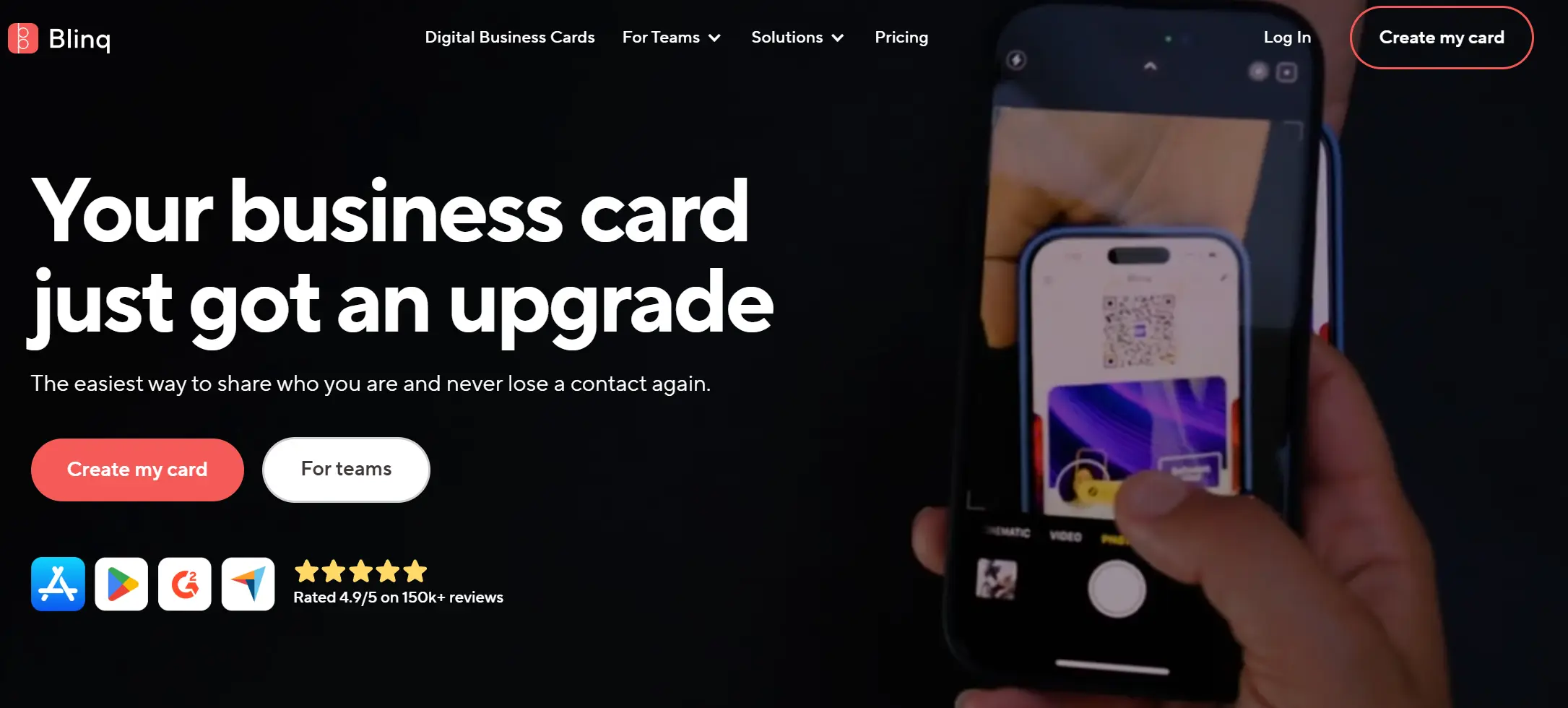
Blinq also has unusually strong user satisfaction on iOS, with a 4.9 out of 5 rating based on a large volume of reviews.
The company shifted its focus to team and enterprise use, positioning Blinq as a scalable solution for organizations seeking centralized control over digital identity.
Blinq competes with CamCard by replacing contact scanning and storage with a controlled digital exchange model that aligns with modern corporate workflows.
Pros:
- Very simple sharing flow
- Strong team admin controls
- Branded templates and field locking
- Many sharing methods, including the NFC option
- Solid security and compliance signals
Cons:
- Limited layout customization
- No built-in OCR focus for paper scanning
- Lead capture is an add-on for teams
Product Comparison: CamCard VS Blinq
Area | Blinq | CamCard |
|---|---|---|
Core workflow | Sharing and lead exchange | Card scanning and contact storage |
Lead capture | Two way exchange via share back and forms | One way contact saving |
Team features | Admin dashboard, templates, field locking | One way contact saving |
CRM workflow | Sync contacts to CRM in Business tier | Mostly export and sync |
Analytics | Views, clicks, saves | Basic usage tracking |
Design | Clean, structured, limited layout control | Secondary design focus |
Best For:
Blinq fits you if you want fast sharing that feels consistent across a team. It also makes sense if your company needs admin control, basic governance over fields and templates, and security to meet corporate requirements.
Pricing:
- Free plan: $0
- Premium: $7.33 per month billed annually, or $9.99 billed monthly
- Business: $4.99 per card per month billed annually, minimum 5 cards, or $6.99 billed monthly
- Enterprise: custom pricing
- Lead Capture add-on: from $199 per month, billed annually
- Admin-controlled email signatures add-on: $0.99 per user per month
Check the detailed breakdown of Blinq pricing, including plans, limits, and pricing for a 25-member team.
Popl
Popl is one of the earliest and most visible players in the digital business card market. The company built its name around NFC networking, combining physical tap products with a software platform focused on lead capture and event use.
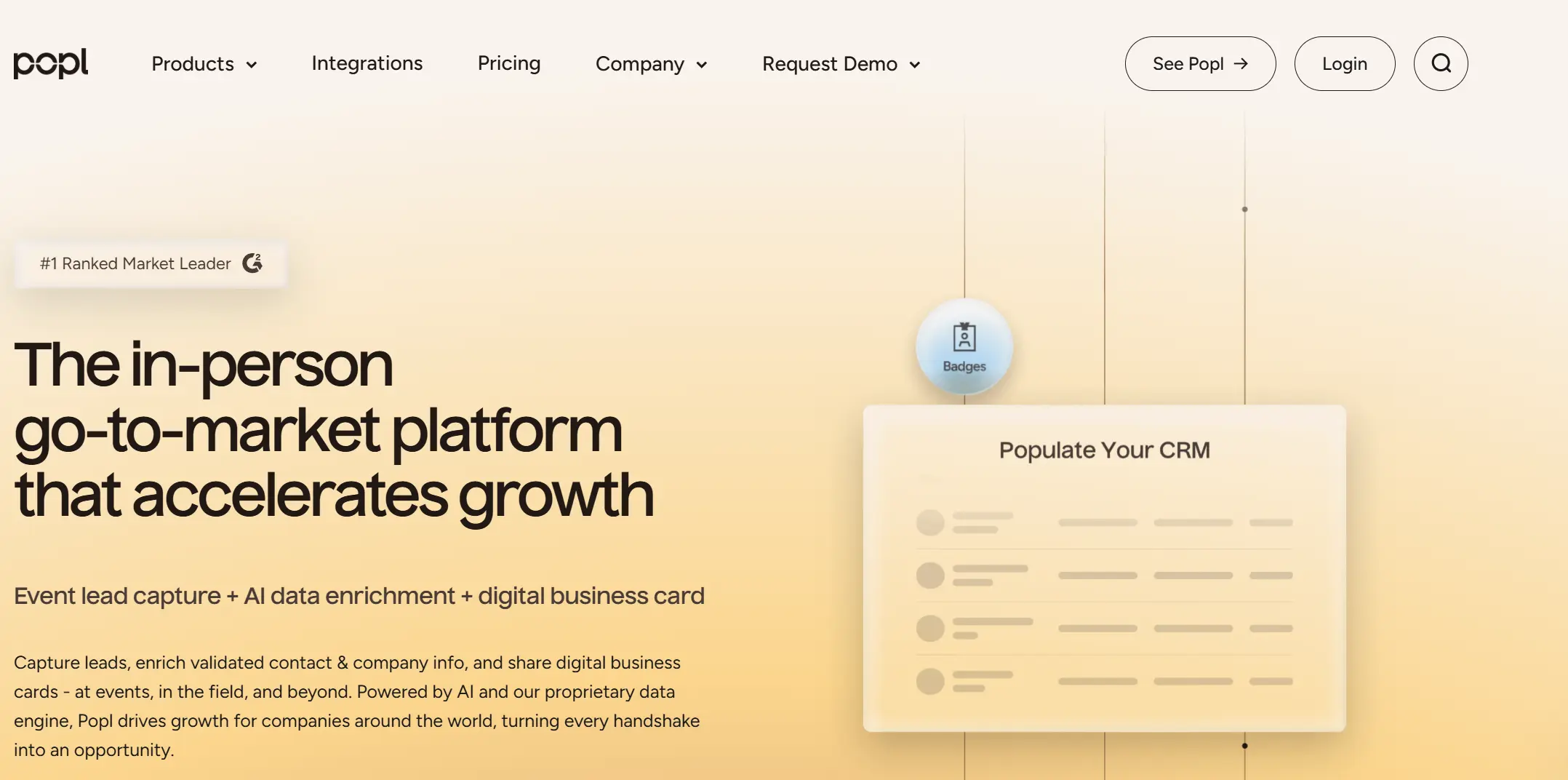
Over time, Popl positioned itself less as a simple digital card and more as an all-in-one networking and lead collection system, especially for sales teams and conference attenders.
A notable insight is that Popl is great for generating leads and offers many integrations, but real users frequently caution that its user experience can feel heavy or confusing for recipients.
In other words, if you want to choose Popl over CamCard, keep in mind that it offers a lot of functionality, but sometimes at the cost of simplicity.
Pros:
- Strong brand recognition at events
- Physical NFC cards and tags are available
- Advanced lead capture and badge scanning
- Many CRM and automation integrations
Cons:
- Recipient flow can feel complex
- UX feels heavy for simple use cases
- Many features are locked behind paid plans
- Team setup can be inconsistent
Product Comparison: CamCard vs Popl
Area | Popl | CamCard |
|---|---|---|
Core workflow | Sharing and lead exchange | Card scanning and contact storage |
Lead capture | Forms and badge scanning | One way contact saving |
Team features | Admin dashboard and team analytics | Limited team controls |
CRM workflow | Direct integrations and automation | Mostly export and sync |
Analytics | Views, clicks, lead stats | Basic usage data |
Design | Functional, feature-focused | Secondary design focus |
Best For:
Popl fits you if your company attends conferences, trade shows, or runs outbound sales where lead capture matters more than simplicity. It works well for teams that want NFC hardware and CRM workflows in one system.
Pricing:
- Free plan: $0 (basic profile, limited analytics)
- Pro plan: about $7–$10 per month
- NFC products: $20+ one-time, depending on the card type
- Team and Enterprise plans: custom pricing
- Software subscription required even if you buy NFC hardware
Check out our breakdown of Popl Pricing to understand the key differences between the plans and get the exact costs for different team sizes.
NFC Networking Tools
These tools focus on in-person networking by combining physical NFC cards with digital profiles and engagement tracking.
Mobilo
Mobilo is a smart business card company built around physical NFC cards paired with a digital management platform. The company positions itself strongly in the B2B space, especially for sales teams that still value handing over a real card but want full digital tracking.
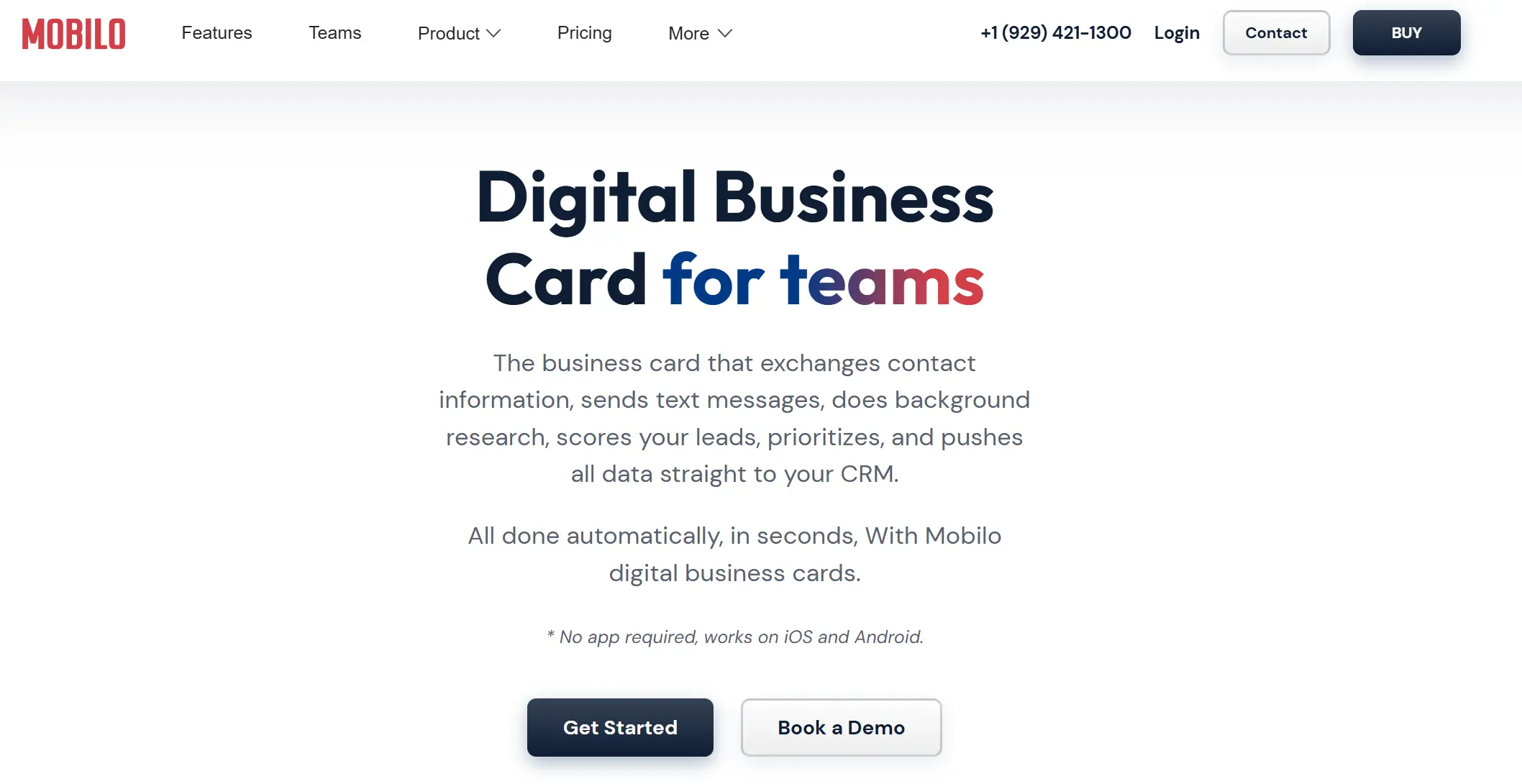
Mobilo’s key differentiator is its hardware model combined with centralized team management, analytics, and optional subscriptions.
Mobilo competes with CamCard by replacing the scan and store workflow with a proactive exchange model. Instead of collecting stacks of paper cards, teams use a single durable NFC card that stays up to date and logs every interaction.
Pros:
- High-quality NFC cards with a premium build
- One-time card purchase, no required subscription
- Strong analytics on views and engagement
- Centralized team management and updates
- Multiple card modes for different use cases
Cons:
- Upfront cost for physical cards
- Physical cards matter less for remote networking
- Some advanced features require a paid plan
Product Comparison: CamCard vs Mobilo
Area | Mobilo | CamCard |
|---|---|---|
Core workflow | Tap-based sharing and lead exchange | Card scanning and contact storage |
Lead capture | Built-in lead capture modes | One-way contact saving |
Team features | Central admin dashboard and templates | Limited team controls |
CRM workflow | Automation via integrations and Zapier | Mostly export and sync |
Analytics | Views, taps, clicks, engagement | Basic usage data |
Design | Physical card-focused branding | Secondary design focus |
Best For:
Mobilo is a good fit if your company focuses on in-person networking and still wants to hand out a physical card. It works especially well for sales teams, real estate, consulting, and business development roles where face-to-face meetings are frequent. Mobilo also makes sense if you want strong analytics and team oversight without committing to a mandatory monthly subscription.
Pricing:
- NFC cards: about $7–$20 per card in bulk, premium metal cards $39+
- Basic software: $0 with card purchase
- Smart plan: about $5 per user per month
- Enterprise plan: custom pricing
Wave
Wave is a digital business card company built around simplicity, accessibility, and pricing transparency. The platform targets individuals and small teams that want a digital card experience without hardware lock-in or heavy setup.
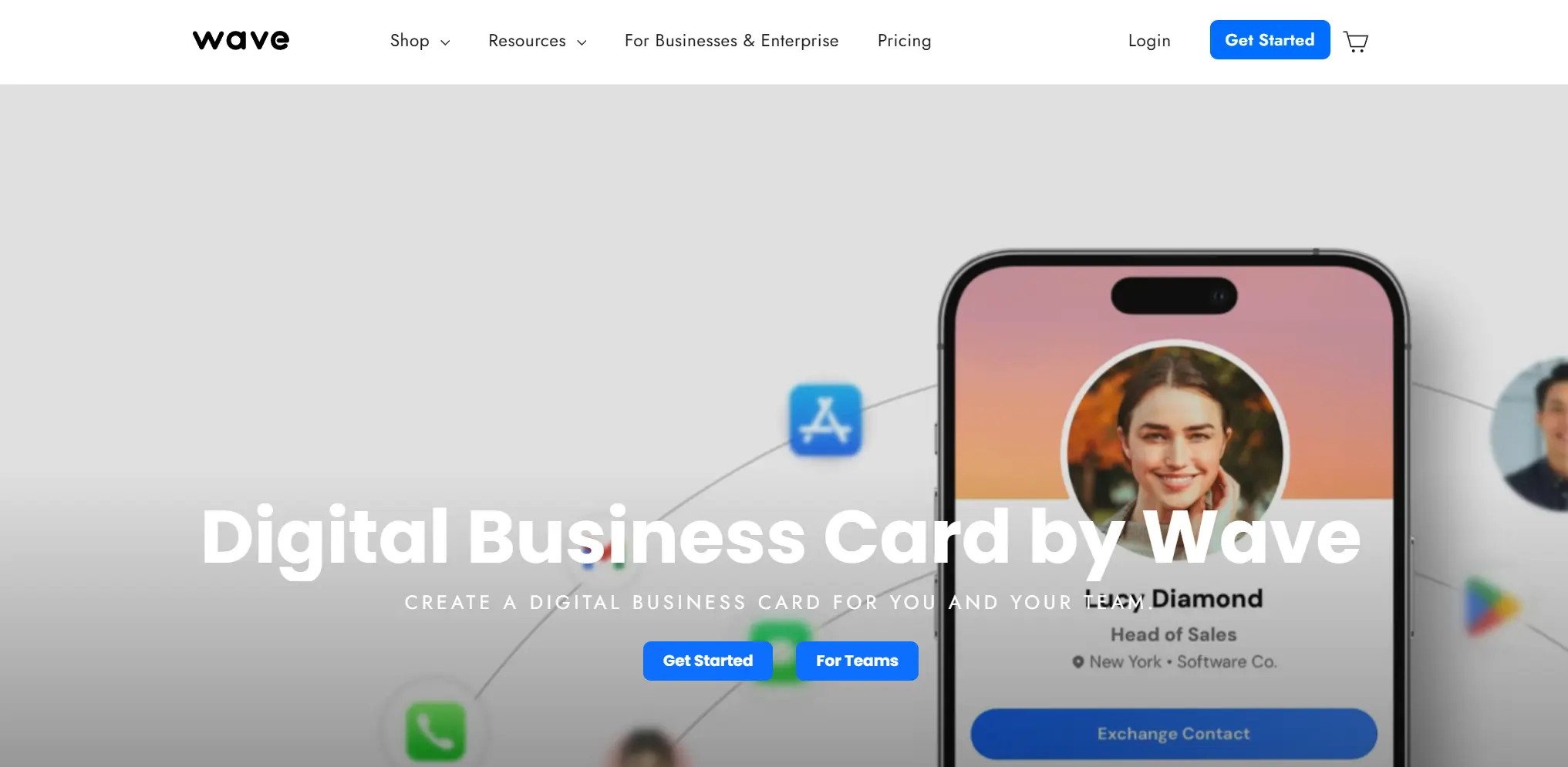
The company invests in an intuitive interface, a generous free plan, and straightforward integrations, which is why many users switch to Wave after finding other platforms too complex or expensive.
Wave competes with CamCard by replacing delayed scanning workflows with immediate contact exchange and automated follow-ups.
Pros:
- Very easy to use interface
- Strong free plan with real value
- Built-in lead capture and follow-ups
- Direct CRM integrations
- Multiple sharing methods
Cons:
- Limited visual customization
- Analytics is less detailed than enterprise tools
- NFC tap experience depends on third-party tags
Product Comparison: CamCard vs Wave
Area | Wave | CamCard |
|---|---|---|
Core workflow | Sharing and lead exchange | Card scanning and contact storage |
Lead capture | Two-way contact exchange | One-way contact saving |
Team features | Basic admin and templates | Limited team controls |
CRM workflow | Direct integrations and automation | Mostly export and sync |
Analytics | Views, scans, basic engagement | Basic usage data |
Design | Clean templates, limited control | Secondary design focus |
Best For:
Wave fits you if you want a lightweight, affordable digital card that works well on mobile and does not require hardware. It suits freelancers, consultants, small teams, and startups that attend events and want fast follow-ups without a complex setup. Wave also makes sense if you want CRM syncing and lead capture on a budget.
Pricing:
- Free plan: $0
- Pro plan: $6 per month (lower with annual billing)
- Team plans: discounted per-user pricing
- NFC cards: optional, third-party compatible
Tapt
Tapt is a digital business card company known for its premium NFC business cards with custom branding. The company originally entered the market as a hardware-focused solution, helping professionals replace paper cards with well-designed tap cards that reflect their personal or company brand.
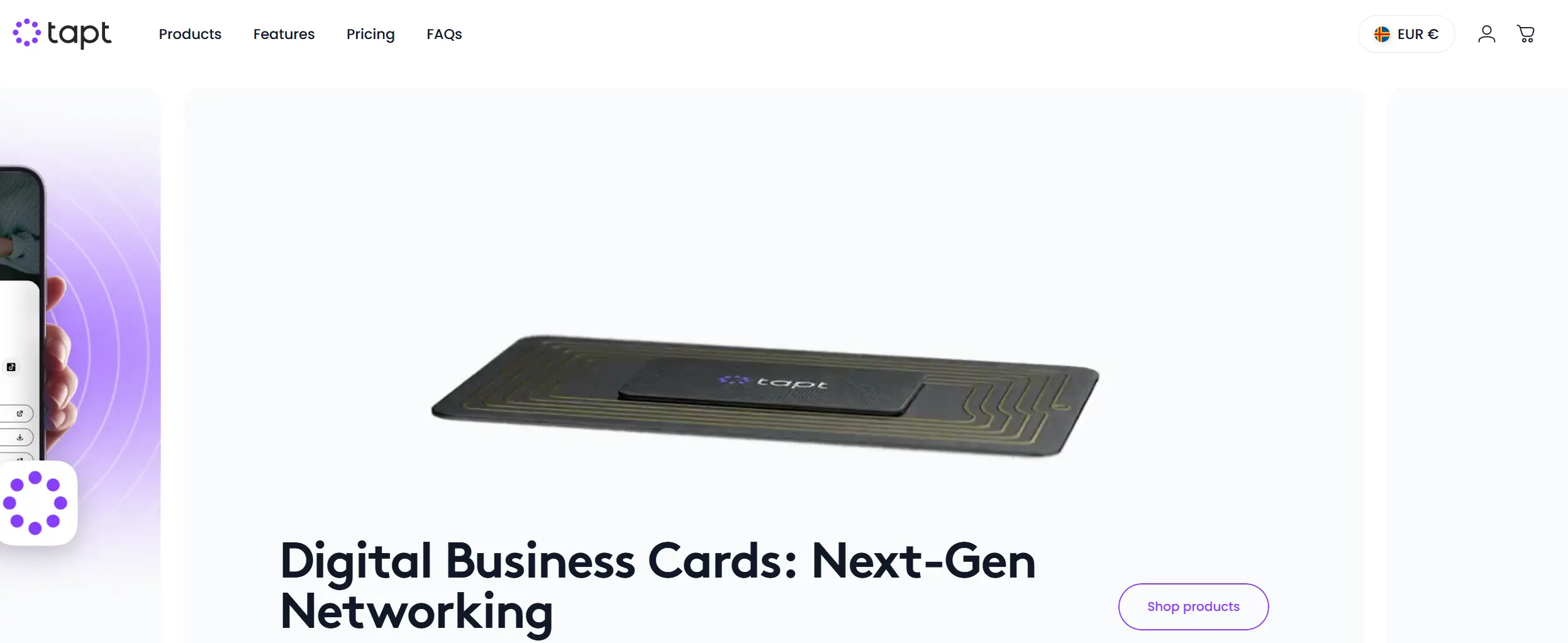
Over time, Tapt added a lightweight digital platform that lets users manage their profile, update details, and share their card through NFC or QR without reprinting.
Tapt positions itself as a CamCard alternative that focuses on first impressions rather than contact storage. Instead of scanning business cards after meetings, Tapt encourages you to share your own digital card in the moment.
Pros:
- Premium custom NFC business cards
- Strong focus on branding and presentation
- Simple app with a low learning curve
- One-time card purchase model
- Helpful profile optimization guidance
Cons:
- Relies heavily on having the physical card
- Limited admin and team analytics
- Few native CRM integrations
- Not designed for large-scale deployments
Product Comparison: CamCard vs Tapt
Core workflow | Tap-based sharing of your card | Card scanning and contact storage |
|---|---|---|
Lead capture | Manual or informal exchange | One-way contact saving |
Team features | Basic team use, limited controls | Limited team controls |
CRM workflow | Mostly manual follow-up | Mostly export and sync |
Analytics | Basic views and activity | Basic usage data |
Design | Strong focus on branded NFC cards | Secondary design focus |
Best For:
Tapt works well for entrepreneurs, consultants, real estate agents, and small teams who want a premium digital business card that feels tangible and memorable. If you prefer a one-time purchase and do not need advanced analytics or CRM automation, Tapt is a solid CamCard alternative.
Pricing:
- NFC cards: about $20–$40 per card, depending on material
- Basic software access: $0
- Optional Pro features: limited and not required
- Team pricing: custom for larger orders
Lightweight & Mobile Alternatives
These tools are designed for quick setup, minimal friction, and everyday mobile networking without complex configuration.
HeyDrop
HeyDrop is a newer digital business card company built around a mobile and Apple-first approach. The product is designed primarily for iPhone users and integrates directly with Apple Wallet, allowing professionals to access and share their digital card without opening a separate app.
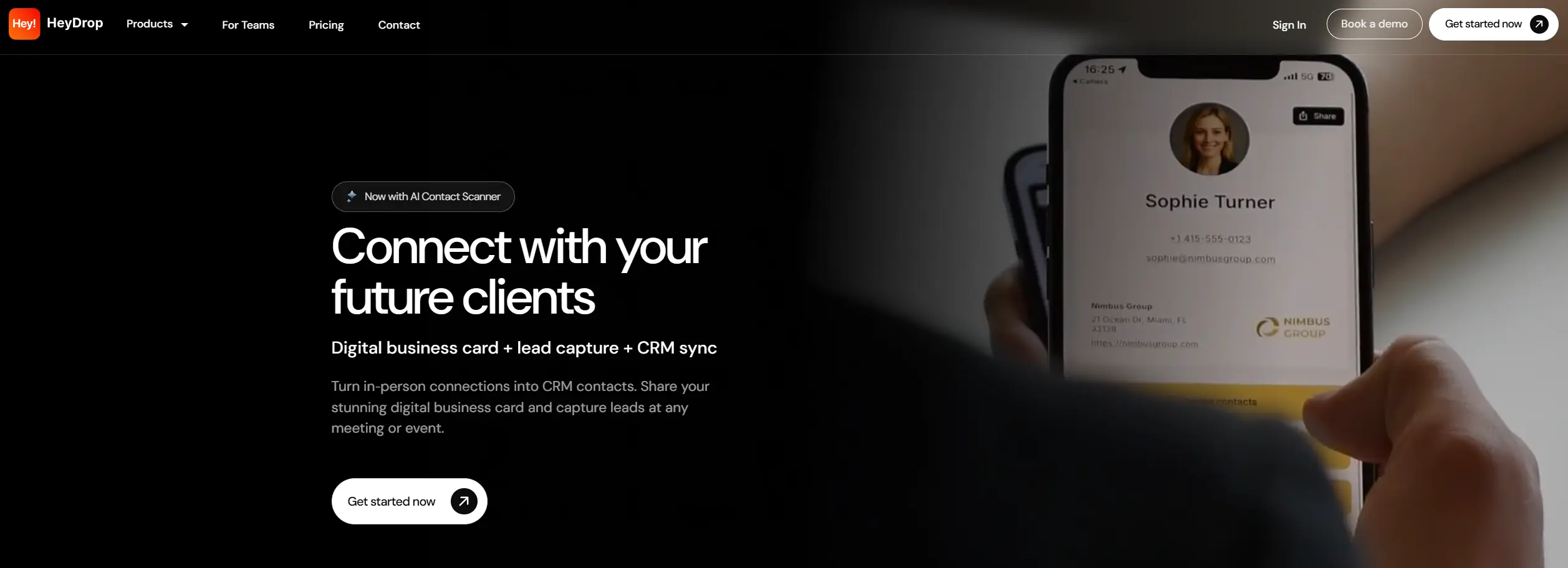
From a company standpoint, HeyDrop positions itself as an affordable alternative for individuals and small teams who want to move away from paper cards without committing to hardware or enterprise software.
Unlike CamCard, which focuses on scanning and storing contacts, HeyDrop combines digital sharing with AI-powered scanning in a single lightweight app. Its strategy centers on reducing friction by using familiar iPhone features.
Pros:
- Apple Wallet integration for fast access
- Built-in AI scanner for cards and badges
- No hardware required
- No app needed for recipients
- Free and low-cost entry
Cons:
- iOS only, no Android app
- Limited analytics and reporting
- Basic team and admin features
- Limited design customization
Product Comparison: CamCard vs HeyDrop
Area | HeyDrop | CamCard |
|---|---|---|
Core workflow | Digital sharing with optional scanning | Card scanning and contact storage |
Lead capture | Basic two-way exchange | One-way contact saving |
Team features | Early-stage team support | Limited team controls |
CRM workflow | Manual export and sync | Mostly export and sync |
Analytics | Minimal engagement data | Basic usage data |
Design | Apple Wallet layout | Secondary design focus |
Best For:
HeyDrop is a good fit if you use an iPhone and want a budget-friendly digital business card with built-in scanning. It works well for individuals, freelancers, founders, and small teams attending events who want to share contacts quickly without buying NFC cards or paying for enterprise tools. If your team includes Android users or you need deeper analytics and admin control, you may outgrow HeyDrop.
Pricing:
- Free plan: $0
- Premium plan: around $5 per month (estimated, billed monthly or annually)
- Hardware: not required
- Team plans: not fully defined
Scanner-First CamCard Competitors
This category includes solution built primarily for scanning and organizing paper business cards.
ABBYY Business Card Reader
ABBYY Business Card Reader is a business card scanning application developed by ABBYY, a company widely known for its OCR and document recognition technology. The product is built specifically for digitizing physical business cards, not for digital card sharing or networking workflows.
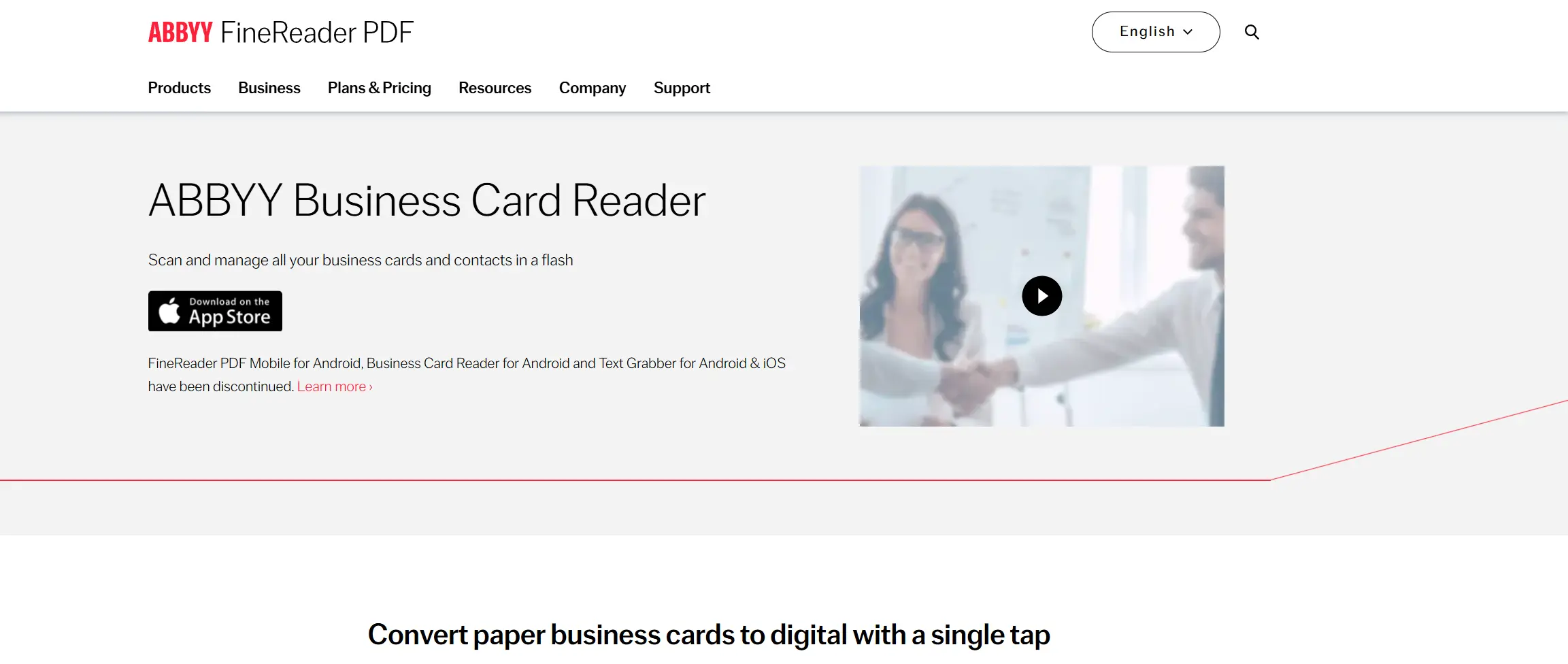
As a result, ABBYY BCR is often compared directly with CamCard rather than with modern digital card platforms.
ABBYY positions Business Card Reader as a high-accuracy, professional scanning tool, especially for users who deal with international contacts or complex card layouts. The product focuses on recognition quality, multi-language support, and export options. In practice, users choose ABBYY when scanning accuracy matters more than how contacts are shared.
Pros:
- Very strong OCR accuracy
- Supports many languages
- Batch scanning and export tools
- Salesforce and Excel export
- Reliable cloud backup options
Cons:
- No digital card sharing focus
- Mostly individual use, no team admin
- Manual correction is still required
- Paid app with a higher upfront cost
Product Comparison: CamCard vs ABBYY Business Card Reader
Area | ABBYY BCR | CamCard |
|---|---|---|
Core workflow | Card scanning and digitization | Card scanning and contact storage |
Lead capture | None, scan only | One way contact saving |
Team features | Individual use only | Limited team controls |
CRM workflow | Manual export to CRM | Mostly export and sync |
Analytics | Not a focus | Basic usage data |
Design | Not applicable | Secondary design focus |
Best For:
ABBYY Business Card Reader is a good fit if your work still involves a large volume of physical business cards and you need them digitized accurately. It works especially well for professionals who collect international cards, handle complex layouts, or need reliable exports to CRM or Excel. If scanning quality is your top priority and you are comfortable paying for a professional tool, ABBYY is a good CamCard alternative.
Pricing:
- Free version: limited scans
- Pro version: about $59.99 one-time on iOS
- Android: subscription or paid version, depending on region
- Enterprise licensing: available for volume use
How to Choose the Right CamCard Replacement
Before choosing a CamCard replacement, just slow down for a moment and be honest about how you actually network. Most people pick a tool based on features, then discover later that it doesn’t fit their habits. These questions help you avoid that.
1. Do I usually collect business cards, or do I mostly give mine out? If your desk still ends up covered with paper cards after events, scanning tools make sense. If you rarely bring cards back home and prefer quick exchanges, digital sharing platforms will feel better.
2. Do I want to capture interest, or just save contact details? Some tools help you build relationships. Others just store names. If networking leads to deals or partnerships, you’ll benefit from platforms that support follow-ups instead of acting like a digital drawer.
3. Am I choosing this for myself, or for a team? What works perfectly for one person often breaks down when ten people use it. If more than one person will rely on the tool, consistency, admin control, and clarity become more important than some features.
4. Does this need to fit into my existing tools, or can it live on its own? If your contacts must end up in a CRM or sales pipeline, integration is crucial. If you’re fine with managing contacts manually, you can keep things simpler and cheaper.
5. How much complexity am I actually willing to deal with? Some platforms offer a lot and expect you to manage them. Others stay minimal and stay out of your way. Be realistic about what you’ll enjoy using in six months.
These questions won’t magically point you to one perfect tool, and they’re not meant to. What they do very well is narrow the field and remove the options that clearly don’t fit how you work. That alone saves you time, money, and a lot of frustration later.
If you want to be fully confident in your choice, you don’t have to figure it out alone. Get in touch with us (press the button in the bottom right corner), tell us how you network, who’s involved, and what matters most to you. We’ll look at your case and help you choose the platform that will take your business connections to the next level.
Final Word
Choosing a CamCard alternative is about deciding how networking fits into your work today and what you expect to happen after a contact is exchanged.
What really separates CamCard alternatives is intent. Some platforms focus on speed and simplicity. Others prioritize lead capture, analytics, and CRM workflows. Enterprise solutions go even further, offering centralized control, branding consistency, and visibility across teams. The right choice depends on whether networking is an occasional task or a core business activity tied to sales, partnerships, or growth.
Many companies move away from CamCard not because it stopped working, but because the pricing no longer aligns with what they get in return. If you’re reassessing costs, this detailed breakdown of CamCard pricing can help you understand where it stands today and why many teams decide to move away.AA
If you’re evaluating digital business cards for teams, you can see how this works in practice on our Digital Business Card for Companies page and enjoy our platform with pleasant pricing that actually makes sense for different niches.
FAQ
How do I know if CamCard is no longer right for my team or me?
Which CamCard alternative is best for business teams?
What mistakes should I avoid when switching from CamCard?
How are modern CamCard alternatives different from scanning apps?
When does it make sense to move away from business card scanning tools?

A content writer with over 8 years of experience creating analytical content for digital products and B2B SaaS companies. His work focuses on practical guides, pricing breakdowns, and comparisons that help teams evaluate costs, features, and differences between tools.
Your first impression decides everything
- Look professional and build trust instantly
- Forget about reprints and lost contacts
- Update your details anytime
 Get Started Today