
Contents
Quick Answer: The Best Blinq Alternatives by Use CaseBlinq Alternatives Overview (Quick Comparison) - TableHow I Selected Alternatives for This Ranking List (Methodology)The Best Blinq Alternatives in 2026 (Detailed Review)Which Blinq Alternative Is Right for You?Final ThoughtsFAQBlinq Alternatives (2026): 6 Best Options Compared
Blinq is undoubtedly one of the most successful digital business card platforms on the market. It’s used by individuals and adopted by companies ranging from startups to Fortune 500 teams. Most choose Blinq for its simple app, smooth sharing experience, and reliable foundation for digital networking.
But sometimes, companies need something that Blinq can’t cover — tighter CRM workflows, easier lead capture, better branding control, or a smoother experience for non-technical users. By the way, some companies just hope to get a better price tag, or need better contact management after events.
In this article, I will help your team confidently choose the right Blinq alternative based on what matters most for your business.
Read on for a full breakdown of each competitor’s strengths and limitations, along with all the reasons enterprises and professionals choose each alternative to Blinq.
Quick Answer: The Best Blinq Alternatives by Use Case
Below, I grouped the strongest Blinq alternatives by use case so you can quickly see which platform aligns with your team’s priorities without having to scan the full article.
1. Best Overall Alternative for B2B Teams
DBC: Digital Business Card – a balanced platform covering design, analytics, team features, and scalability. It combines professional branding control with lead-capture and admin tools, making it a great all-around choice for growing companies.
Also consider:- Popl - Robust enterprise features for large orgs.
- Mobilo - Hybrid physical-digital cards with full admin control.
2. Best for Internal Team Rollouts
HiHello – Smooth onboarding, intuitive UI, and support for email signature cards and internal directories. Great for rolling out digital cards across departments.
Also consider:- DBC: Digital Business Card - Centralized team setup, brand consistency, and minimal training required.
- Mobilo - Reusable cards linked to company profiles for easy internal management.
3. Best for Sales and Lead Collecting Teams
DBC: Digital Business Card – Optimized for outreach, enabling two-way contact exchange so your team collects leads. Plus, it integrates with CRMs and automates follow-ups effectively.
Also consider:- Mobilo - NFC cards with a “Lead Gen Mode” that feeds new contacts into your CRM.
- Popl - Built-in lead capture forms and badge scanning for reps on the move.
4. Best for Event Networking Teams
Popl – The event networking specialist with badge scanners, lead forms, and AI-powered enrichment. Built to turn foot traffic into a qualified pipeline.
Also consider:- DBC: Digital Business Card - QR and wallet-pass sharing with analytics to measure booth engagement.
- V1CE - Premium NFC cards that draw attention and start conversations.
5. Best for Branding and Customization
DBC: Digital Business Card – Extensive design options with 30+ templates, brand fonts, custom colors, and layout controls. Cards always look on-brand, whether shared digitally or embedded in email signatures.
Also consider:- V1CE - Luxury cards in metal or wood for high-touch, in-person branding.
- Popl - Centralized brand control across all digital assets.
6. Best for Scalable Team Pricing
Wave – a solid choice for small teams with tight budgets, thanks to its generous free tier and setup.
Also consider:- DBC: Digital Business Card - flat pricing per user, no contact limits.
- Mobilo - one-time card purchase plus optional team tools.
Each of these tools solves specific problems. But as you’ll see below, DBC: Digital Business Card stands out for covering multiple use cases effectively, making it the most reliable Blinq alternative when your team is growing or your needs are evolving.
Blinq Alternatives Overview (Quick Comparison) - Table
Platform | Pricing | Core Features | Best For (Reality-Based) |
|---|---|---|---|
DBC: Digital Business Card | Individual: $6.99 per user/month (billed annually) Business: $4.99 per card/month (annual billing), 30-day team trial Enterprise: Custom pricing | 1. 30+ customizable design templates 2. Advanced card design & layout control 3. Team admin dashboard 4. Two-way contact exchange (lead capture) 5. Built-in analytics (views, clicks, saves) 6. AI business card scanner 7. Brand consistency across teams | Startups building a professional brand fast Mid-sized companies scaling teams and roles Enterprises needing consistency and control Sales & field teams exchanging contacts daily Realtors & consultants relying on first impressions |
Blinq | Free: Limited individual use Premium: $5.89–$7.99 per user/month Business: From $6.99 per user/month (annual) | 1. Digital business cards 2. QR and link sharing 3. Basic customization 4. Team directories 5. Contact sharing | Freelancers & individuals Small teams wanting a simple setup Users prioritizing ease of use over depth |
HiHello | Free: Basic cardsTeam: $6 per user/month (annual) Enterprise: Custom pricing | 1. Digital cards and profiles 2. Email signature cards 3. Team workspaces 4. Contact exchange forms 5. Basic usage insights | Corporate staff and internal teams Consulting firms and office-based roles Companies focused on email signatures |
Popl | Free: Limited profile Pro: $6.49 per month Pro+: $11.99 per month | 1. NFC and QR cards 2. Lead capture forms 3. Badge scanning for events 4. CRM integrations 5. Team dashboards | Enterprise sales teams Event marketing teams Organizations running conferences and trade shows |
Mobilo | Hardware: One-time NFC card purchase Team software: $4 per user/month | 1. NFC business cards 2. Company card management 3. Lead Gen Mode 4. Central admin panel 5. CRM triggers via integrations | Real estate agencies Insurance & finance sales teams Companies needing card ownership control |
Wave | Free: Individual cards Pro: $7 per month Teams: $5 per user/month (annual) | 1. Digital and NFC cards 2. QR and link sharing 3. Simple contact exchange 4. Shared templates 5. Basic analytics | Small startups Freelancers Budget-focused teams |
V1CE | Free: Basic profile Plus: $13.49 per user/month Unlimited: $202.53 per month (flat) | 1. Premium NFC cards 2. Media-rich digital profiles 3. Contact forms 4. Advanced analytics dashboard 5. Team plans for brands | Executives & founders• Luxury brands Client-facing roles focused on visual impact |
How I Selected Alternatives for This Ranking List (Methodology)
To build this list, I explored Blinq and tested its features to understand what it does well and where companies may hit limits. I also reviewed a wide range of user feedback across sources like G2, Trustpilot, and reviews on the App Store and Google Play to identify recurring themes around sharing experience, adoption inside teams, and pricing value.
From there, I evaluated each alternative specifically through a B2B team lens. I did not try to rank tools by marketing claims or feature count.
Instead, I compared platforms to Blinq on the factors that actually change outcomes for companies:
- How easy is the platform to roll out across a team
- Level of admin control over employee cards
- Branding consistency across all profiles
- Reliability of lead capture after sharing
- How contacts are managed after meetings
- Support for CRM workflows
- Usefulness of analytics for teams
- Performance in events, sales, and recruiting
Each alternative on this list earns its place by solving a specific limitation that B2B teams commonly experience with Blinq.
Next, we’ll break down each competitor in detail so you can see exactly where it’s stronger than Blinq, where it falls short, and which type of team it fits best.
The Best Blinq Alternatives in 2026 (Detailed Review)
Below is a detailed review of the best Blinq alternatives in 2026
DBC (Digital Business Card) — Best Overall Alternative for Teams
DBC: Digital Business Card is a modern digital business card platform designed for individual professionals and companies that need a structured way to manage networking.
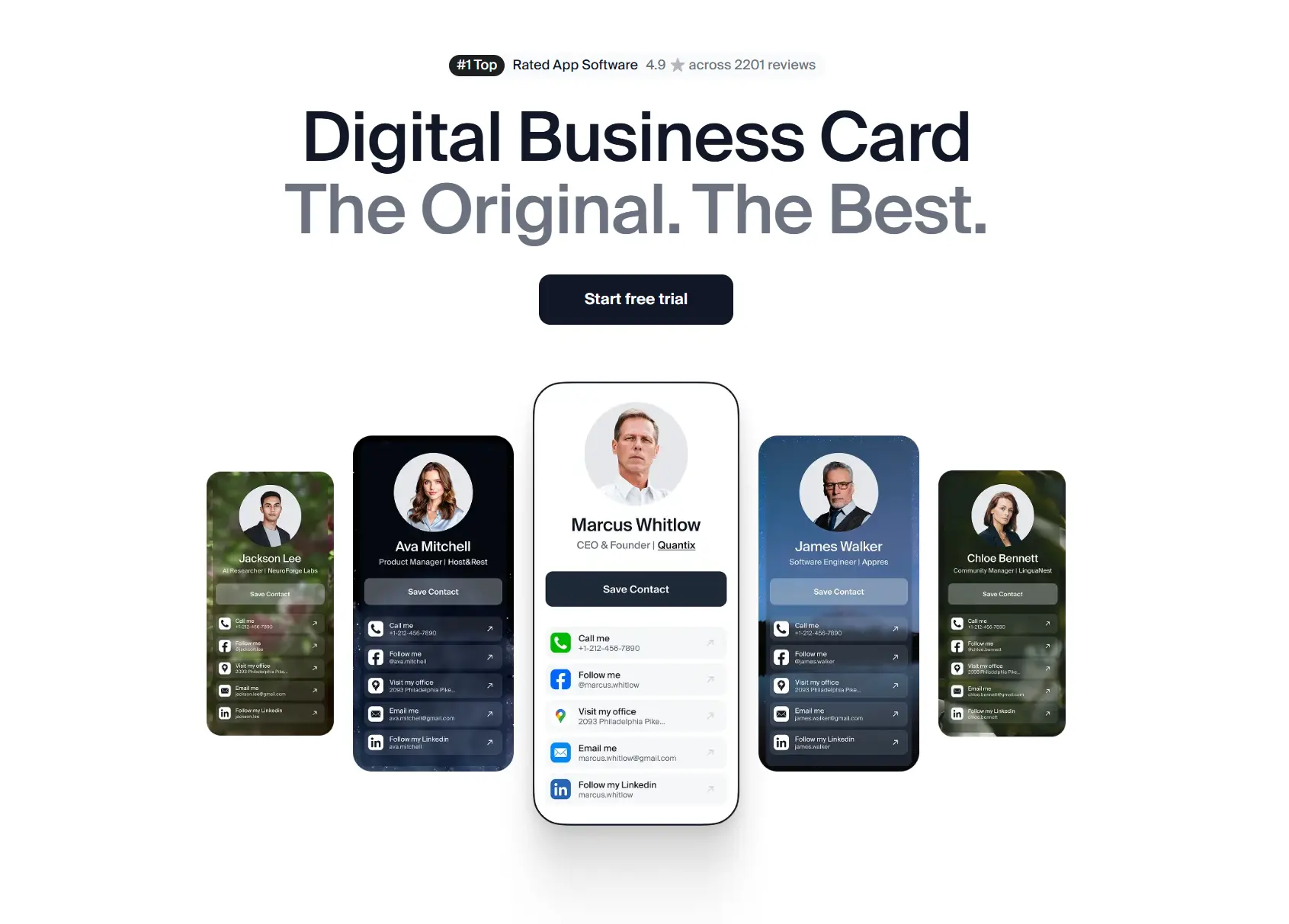
At its core, DBC focuses on three things that many alternatives struggle to balance: visual presentation, ease of use, and structured team control. DBC offers over 30 customizable design templates, covering different styles and use cases. Teams can adapt layouts, colors, backgrounds, and content blocks to match their brand identity, keeping cards consistent across the company.
Also, our platform includes practical features such as an AI-powered business card scanner, built-in interaction analytics, and two-way contact exchange.
✅ Pros | ❌ Cons |
|---|---|
✅ 30+ customizable design templates | ❌ No NFC hardware |
✅ Strong control over layout and branding | ❌ Native CRM integrations are still evolving |
✅ Two-way contact exchange (lead capture) | ❌ Enterprise pricing requires a custom quote |
✅ Built-in analytics (views, clicks, saves) | ❌ More features than a “simple card” app |
✅ AI-powered business card scanner | |
✅ Centralized team admin dashboard | |
✅ No app required for recipients |
Pricing
DBC uses simple flat pricing: individual plans are paid from day one, and teams get a 30-day trial.
Individuals- Individual plan: $6.99 per user/month (billed annually)
- Full access from day one — analytics, AI scanner, unlimited cards
- 30-day free trial for teams
- Business plan starts at $4.99 per card/month (billed annually)
- Custom pricing based on company size and requirements
There are no mandatory hardware costs, which keeps pricing predictable as teams scale.
Why Individuals Choose DBC Over Blinq
- DBC offers more design options
You can try different card designs and pick the one that fits your job or style. You are not stuck with one basic layout.
With Blinq, cards are more uniform, leaving you with fewer ways to stand out visually.
- DBC is easy to use every day
The app is simple. You can create, update, and share your card quickly without learning anything complicated.
- DBC shows how people interact with your card
DBC shows when someone opens your card and which links they click. This helps you understand if people are interested. With Blinq, insights are more limited and easier to miss for individual users.
- DBC helps save contacts after meetings
When someone interacts with a DBC card, their details can be saved and collected. This makes follow-ups easier. With Blinq, sharing often ends with sending your info and hoping the other person saves it.
DBC helps individuals use digital business cards as networking tools, not just as digital replacements for paper cards.
Why Teams Choose DBC Over Blinq
- DBC lets teams start immediately
With DBC, teams can create and share cards right away without a complex rollout. Blinq supports teams as well, but DBC keeps the onboarding simpler and faster.
- DBC shows results for each team member
DBC allows managers to see how every employee’s card performs during meetings, events, and campaigns. This makes engagement visible at an individual level.
- DBC keeps one brand across the whole team
DBC applies consistent design and structure to all cards. Branding updates are made once and reflected everywhere. Blinq offers branding options, but DBC places stronger emphasis on visual consistency.
- DBC gives admins clear control
With DBC, companies decide which fields employees can edit and which stay locked. This helps keep profiles accurate and on-brand. Blinq’s team controls are more limited.
- DBC makes performance easier to compare
DBC focuses on measurable actions, such as views and clicks, helping teams understand what works and how their members perform.
- DBC supports CRM workflows
Contacts collected through DBC can be exported or sent to CRM systems, reducing manual follow-up work.
For teams, DBC provides an organized way to manage digital business cards, maintain branding consistency, and understand what actually works in networking.
DBC is best suited for teams that care about how their brand looks, want control over employee profiles, and need visibility into what actually happens after a card is shared.
Compared to Blinq, DBC focuses more on unique design, performance tracking for team members, and structured management.
If Blinq feels too lightweight for how your team networks and you want a platform that mixes design, analytics, and team control in one place, DBC is a perfect Blinq alternative for growing teams.
Popl — Best for Event-Based Lead Capture
Popl stands out as a leading name in digital business cards, known for bringing NFC technology into mainstream business networking. What started as a simple smart card has grown into a robust platform designed for capturing leads and powering event experiences.
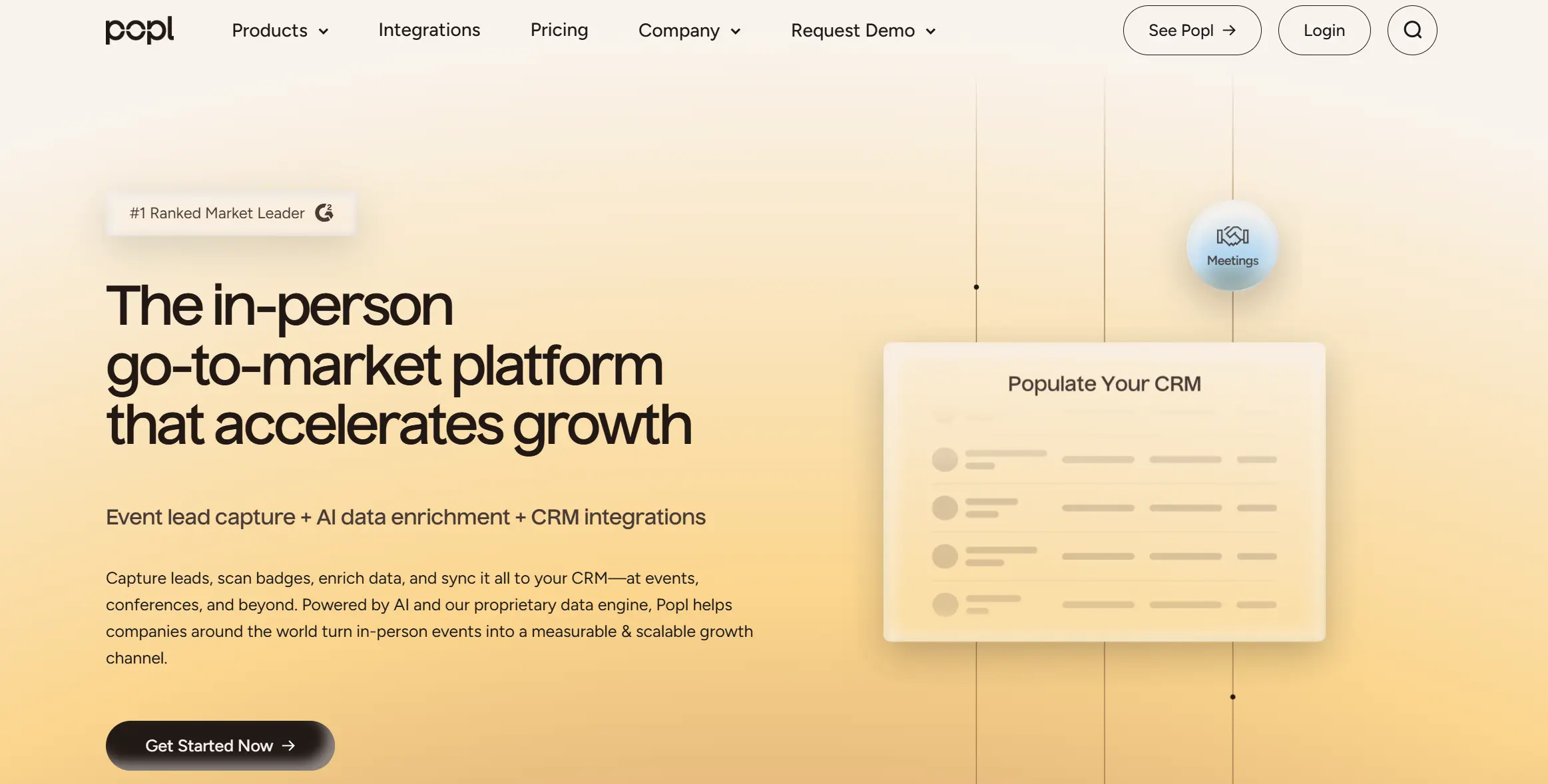
Popl is built primarily for active lead generation. It is widely used at conferences, trade shows, field sales meetings, and partner events where capturing, qualifying, and syncing leads matters more than visual customization.
Using Popl is a lot like having a digital business card and a simple CRM in your pocket. You can share your card by tapping, scanning a QR code, or sending a link. Teams can scan badges, add notes, enrich contact details, and send new leads straight into their sales tools.
✅ Pros | ❌ Cons |
|---|---|
✅ Strong focus on lead capture and event workflows | ❌ Can feel complex for simple daily networking |
✅ NFC cards, phone tags, stickers, and badges | ❌ Less design flexibility than in other tools |
✅ Badge scanning and contact enrichment | ❌ Higher cost for teams and enterprises |
✅ Native CRM integrations (Salesforce, HubSpot, etc.) | |
✅ Centralized admin dashboard for teams | |
✅ Event analytics and ROI tracking | |
✅ Many hardware form factors available |
Pricing
Popl uses a tiered pricing model for individuals and businesses, with a strong focus on premium B2B features.
Free- Basic digital card creation
- QR and link sharing
- $6.49 per month (billed annually)
- Advanced individual features and customization
- $11.99 per month (billed annually)
- Additional lead capture and engagement tools
- Custom pricing
- Designed for large teams, events, and CRM-driven workflows
Hardware (cards, tags, badges) is typically purchased separately.
Check our Popl Pricing article, where you will find a full breakdown of each plan and discover all pitfalls for B2B teams.
Why Individuals Choose Popl Over Blinq
- Popl is easier to recognize and explain
Many people already know Popl from events, social media, or conferences. When an individual shows a Popl card, others usually recognize it right away. With Blinq, users often need to explain what the app does before sharing their details.
- Popl feels more complete for everyday use
Popl’s app is designed so you can start using it immediately. Creating a card, adding links, and sharing feels natural from the first minute. Blinq is simpler, but also more limited, which becomes noticeable when users want to do more than basic contact sharing.
- Popl lets individuals show more information
Popl allows people to add many types of links and content, so the card feels like a small personal page. Blinq focuses more on basic contact details and offers fewer options for presenting additional information.
- Popl is easy to try before buying anything
Individuals can use Popl with a QR code or link without purchasing NFC cards or tags. This makes it easy to test the platform first. Blinq is also digital, but Popl makes the free starting experience feel more flexible, especially for users who might later want physical sharing options.
- Popl fits more sharing situations
Popl works well in email signatures, online meetings, and in-person events. Blinq mainly focuses on sharing a digital card, while Popl adapts better to everyday scenarios.
Why Teams Choose Popl Over Blinq
- Popl helps teams collect leads
With Blinq, a team mostly shares contact info and hopes the other person saves it.
With Popl, teams can actively capture the other person’s data by scanning badges, QR codes, or cards, so leads don’t get lost.
- Popl connects better with CRM systems
Blinq can save contacts, but Popl is built to push leads directly into CRM systems like Salesforce or HubSpot, often in real time.
- Popl is designed for events and trade shows
For conferences and trade shows, Popl provides badge scanning, lead tagging, enrichment, and performance tracking. This turns every meeting into measurable engagement data. Blinq doesn’t offer event capture or detailed ROI dashboards, making it less suitable for teams whose networking happens in live environments.
- Managers see real team performance
In Blinq, team insights are limited.
In Popl, managers can see leads per rep, notes, tags, and event results, which helps measure ROI from events.
Popl is best suited for individuals and teams whose networking happens mainly at events, conferences, and in-person meetings, where lead capture matters more than design customization. It shines when the goal is to actively collect, qualify, and route leads into sales systems.
Compared to Blinq, Popl offers stronger lead capture tools, deeper CRM integrations, and clearer visibility into event ROI, but at the cost of simplicity and design flexibility.
If Blinq feels too passive for your event workflows, Popl is a strong alternative built specifically for in-person networking.
HiHello — Best for Internal Teams and Email Signatures
HiHello is a digital business card and professional presence platform designed for individuals and teams who want an easy, consistent way to share contact information across everyday work channels. Instead of focusing on NFC hardware or aggressive lead generation, HiHello underlines simplicity, internal adoption, and visibility in daily communication.
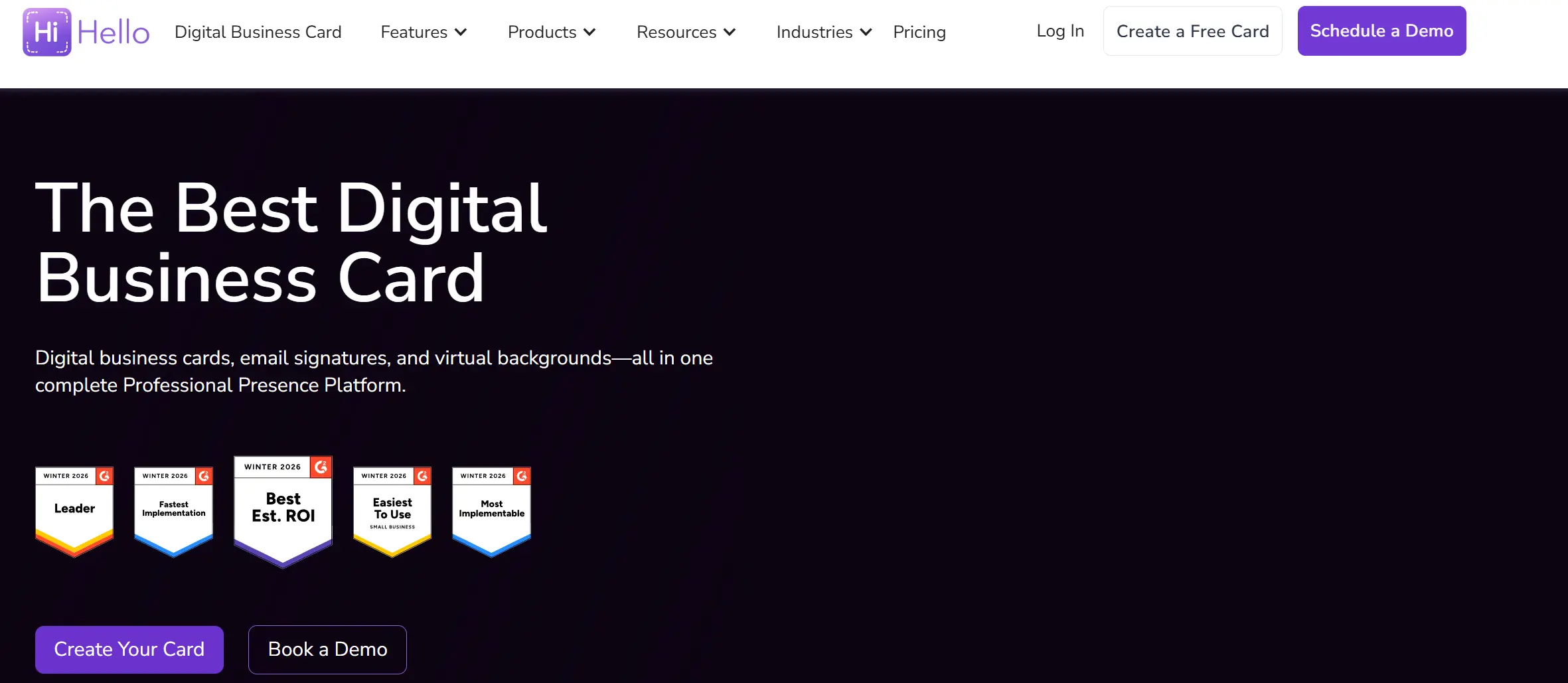
The platform is widely used by professionals and small to mid-sized teams that share contacts through email, video calls, and regular meetings. HiHello positions itself as more than a single digital card, combining contact sharing with email signatures, virtual meeting assets, and lightweight contact organization.
Pros | ❌ Cons |
|---|---|
✅ Very easy setup and everyday use | ❌ Limited lead capture and analytics |
✅ Many sharing options (QR, email, text, widgets) | ❌ Not designed for event sales teams |
✅ Strong email signature management | ❌ CRM integrations beyond HubSpot are limited |
✅ Virtual backgrounds for video calls | ❌ Less suitable for lead generation |
✅ Team branding and templates | ❌ No proprietary NFC hardware |
✅ Employee directory built from cards | ❌ Feature depth is lighter than enterprise tools |
Pricing
HiHello offers clear, publicly listed pricing for individuals and teams.
Free- Basic digital business card
- Core sharing features
- $6 per month (billed annually) or $8 per month (billed monthly)
- Advanced customization and individual features
- $5 per user/month (billed annually) or $6 per user/month (billed monthly)
- Team branding, templates, and admin controls
- Custom pricing
- Designed for large organizations with advanced security and integration needs
HiHello does not require any hardware purchases. QR codes can be printed or used digitally if needed.
Check our HiHello Pricing breakdown and learn which plan makes the most sense based on how you network and scale.
Why Individuals Choose HiHello Over Blinq
- HiHello fits everyday communication better
HiHello is designed for use in emails, messages, and video calls. People share their cards not only in meetings, but also passively through email signatures and virtual backgrounds. Blinq focuses more on direct card sharing and less on daily communication channels.
- HiHello keeps contact details consistent in email signatures
With HiHello, your email signature is linked to your digital card. When you update your info, the signature updates automatically. Blinq does not offer the same built-in signature management for individuals.
- HiHello works better for remote and hybrid networking
HiHello offers virtual backgrounds with a QR code on your card, turning video calls into networking moments. Blinq does not provide native tools for video meeting visibility.
- HiHello is easier for recipients
When someone opens a HiHello card, they see the information immediately in the browser, without app download prompts. Blinq can feel less clear for recipients, especially in free plans.
Why Teams Choose HiHello Over Blinq
- HiHello gives teams centralized email signature control
HiHello helps teams manage email signatures for all employees from one place, with support for Google Workspace and Outlook. Blinq focuses on digital cards, not wide signature management.
- HiHello is easier to roll out internally
HiHello’s interface is simple and friendly, which helps non-technical employees get started quickly. Blinq can feel more card-centric and less flexible for internal adoption.
- HiHello provides an internal employee directory
HiHello builds a searchable company directory from employee cards. This helps with onboarding and internal communication. Blinq does not emphasize this internal use case.
- HiHello focuses on branding without heavy sales tooling
HiHello lets teams apply logos, colors, and templates across cards without complex setup. Blinq is more sales-oriented and less focused on everyday internal branding needs.
HiHello is best suited for internal teams and professionals who value ease of use, consistent branding, and everyday visibility. It is not built for aggressive event lead capture or deep sales analytics, but it excels at making digital business cards part of daily work through email, video calls, and simple sharing.
For teams that like Blinq’s concept but want something more flexible for internal communication and less focused on sales operations, HiHello is a practical alternative.
Mobilo — Best for Company-Owned Identity
Mobilo is a digital business card platform widely used by sales teams, recruiters, and organizations that want every employee to share contact details consistently.
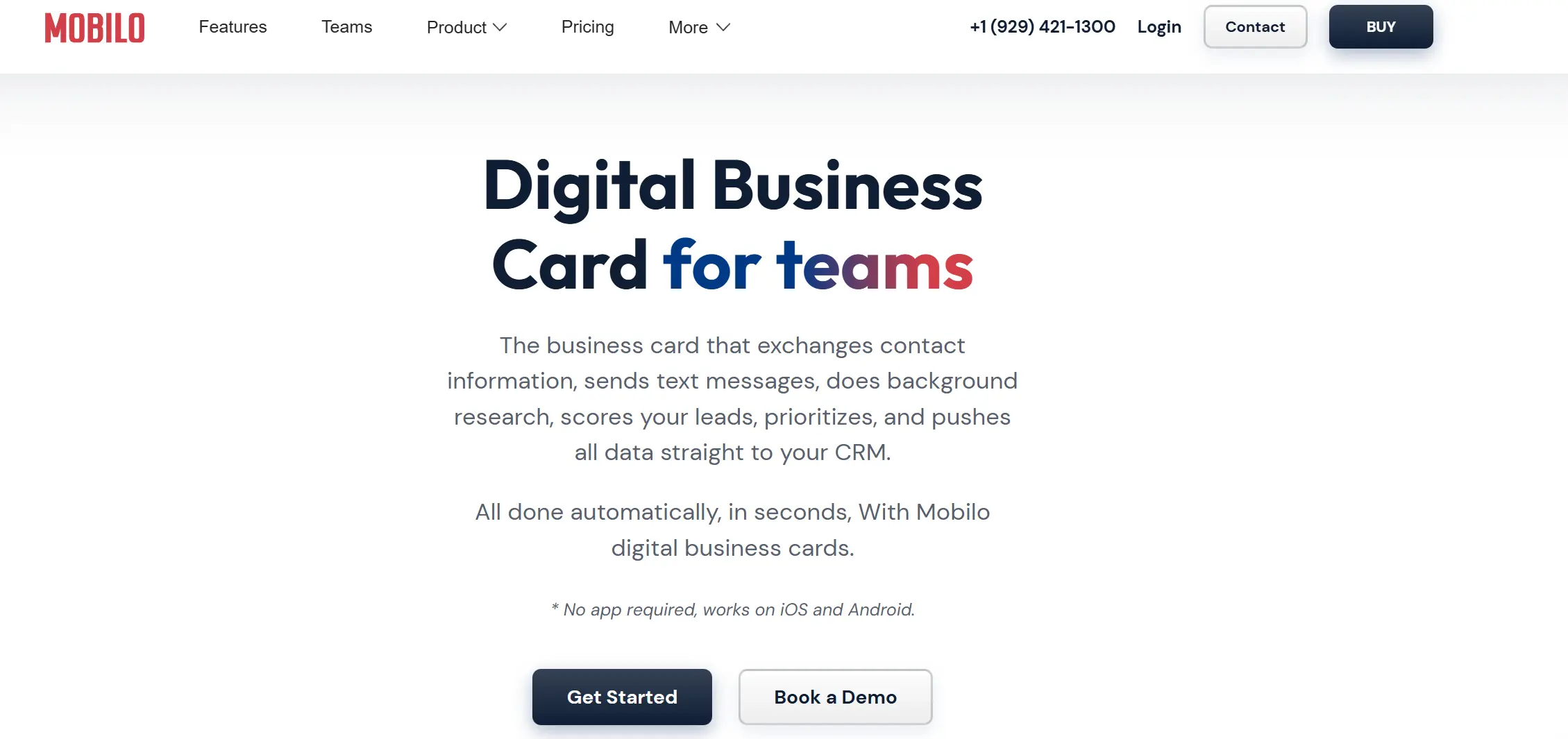
Unlike tools that focus on personal profiles or app sharing, Mobilo is designed for centralized management. Employee cards are tied to corporate domains, managed from a single admin dashboard, and often paired with physical NFC cards that stay with the company. This makes Mobilo especially popular among organizations that value data ownership, security, and contact management.
Pros | Cons |
|---|---|
✅ Company profiles and contacts | ❌ Requires physical card management |
✅ Strong admin controls (field locking, roles) | ❌ Upfront hardware costs |
✅ Built-in lead capture modes | ❌ Less flexible for personal customization |
✅ Works without any app for recipients | ❌ Analytics are solid but not deep |
✅ Physical NFC cards, key fobs, buttons | ❌ Learning curve around card “modes” |
✅ CRM connectors and webhooks | |
✅ SSO, audit logs, security features |
Pricing
Mobilo combines software subscriptions with optional physical cards.
Free- Basic digital card
- $4.99 per user/month
- $2.99 per user/month (billed annually)
- Admin dashboard, team controls, lead capture
- Custom pricing
- Advanced security, SSO, audit logs, integrations
Physical NFC cards and accessories are purchased separately. Cards can be reassigned when employees change roles or leave, reducing reprint costs over time.
Why Individuals Choose Mobilo Over Blinq
- Mobilo is easier to use when you meet someone in real life
Mobilo uses a physical NFC card. You hold the card, tap it on the other person’s phone, and your information opens right away. It feels like giving someone a normal business card, just without leaving it behind.
With Blinq, you usually need to open an app on your phone, show a QR code, and sometimes explain what the other person should do. For many people, especially those who are not very technical, Mobilo feels simpler and more natural.
- Mobilo helps you actually get the other person’s contact details
Mobilo can ask the other person to enter their name, email, or phone number right after the tap. This means you leave the meeting with their contact saved.
With Blinq, you mostly send your own details and then hope the other person saves them or sends their contact back later. That often does not happen.
- Mobilo keeps working even when your role or details change
With Mobilo, your profile is updated from a dashboard. If your job title, links, or contact details change, the same physical card continues to work and always displays the new information.
With Blinq, everything is more connected to your personal app profile, which feels less permanent when things change over time.
Why Teams Choose Mobilo Over Blinq
- Mobilo belongs to the company, not to each employee
With Mobilo, the company owns the cards and the contacts. If someone leaves the company, their card can be reassigned, and the contacts stay with the business.
With Blinq, even when teams use it, cards and contacts feel more personal and closer to the employee than to the company.
- Mobilo gives companies clear control and security
Mobilo lets companies decide which employees can edit and which remain locked. Admins can control access, permissions, and security settings like SSO and audit logs.
Blinq has team features, but they are lighter and focused more on sharing than on company-level control.
- Mobilo sends contacts straight into company systems
When someone shares their details through Mobilo, that information can be sent directly into the company’s CRM or internal systems.
With Blinq, teams usually collect contacts first and then manually move them into their systems later.
- Mobilo works better when people join or leave the company
Mobilo is built for companies where people change roles or leave. Cards can be reused, profiles can be reassigned, and no contact data is lost.
Blinq does not focus much on this situation and works better for stable, individual usage.
Mobilo is best suited for sales teams, recruiters, and organizations where employee turnover, role changes, and security requirements are part of everyday operations.
Compared to Blinq, Mobilo puts much stronger focus on control, data ownership, and physical presence. Cards belong to the company, contacts flow into company systems, and profiles can be reassigned without losing data.
In general, Mobilo is a practical and scalable Blinq alternative built for long-term company use.
Wave — Best Option for Individuals
Wave (Wave Connect) is a digital business card platform built around one idea: make sharing your contact details fast, simple, and easy to repeat every day. It works as a digital card (link + QR code) and also offers optional NFC products for a physical tap option (cards, metal cards, bracelets).
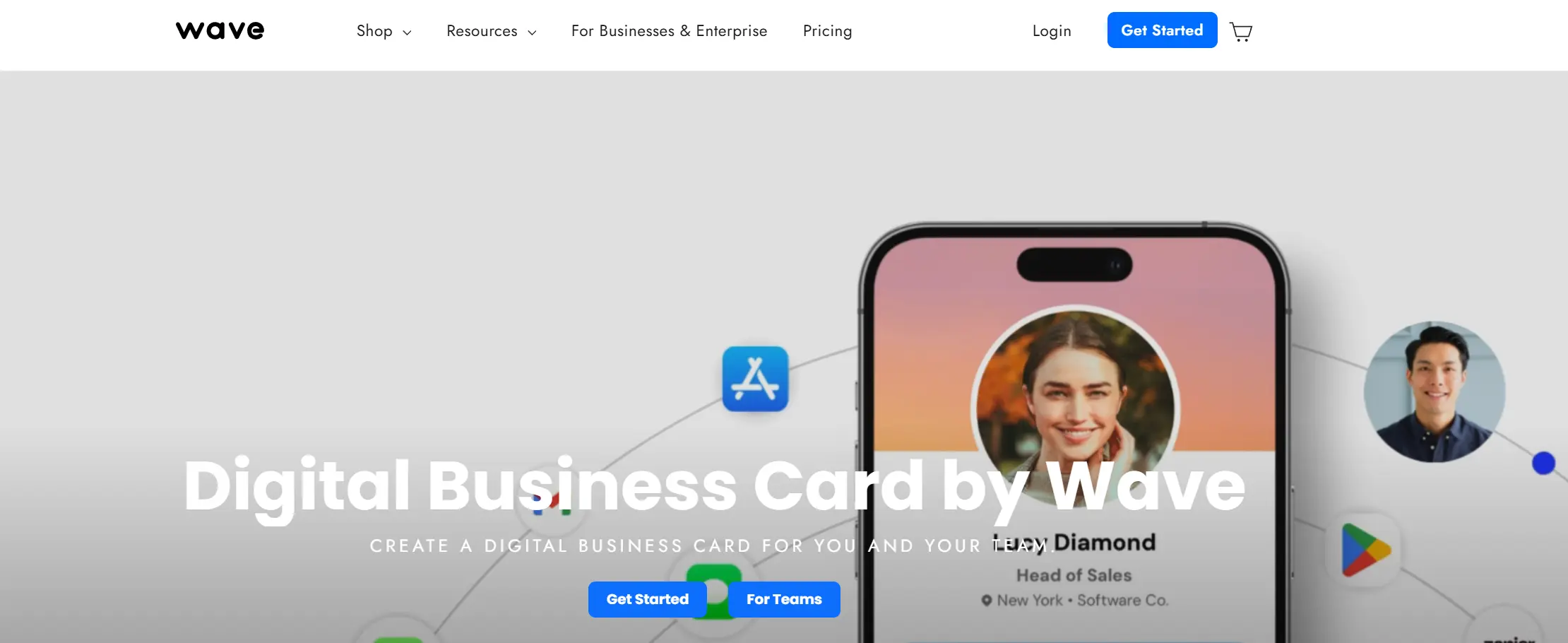
Wave is usually chosen by people and small teams who want something that “just works” without much setup or complex admin rules. You create a profile, share it, and you can see basic performance signals without turning networking into a full-time job.
Pros | ❌ Cons |
|---|---|
✅ Very quick setup and simple sharing | ❌ Less “enterprise-style” depth than heavy B2B platforms |
✅ Optional physical NFC products (cards, metal cards, bracelets) | ❌ Not designed for advanced event lead operations |
✅ Lead capture available even on Free | ❌ Custom hardware adds extra cost if you want premium materials |
✅ Analytics included on Free | ❌ Can feel “basic” if you need deep team reporting |
✅ Easy for recipients |
Pricing
Wave lists its pricing publicly.
Free — $0- Digital business card
- Lead capture form
- Advanced analytics
- $9/month (billed monthly) or $7/month (billed yearly)
- $7/user/month (billed monthly) or $5/user/month (billed yearly)
- Custom pricing
Wave also sells optional NFC products separately.
Why Individuals Choose Wave Over Blinq
- Wave gives you lead capture for Free
With Wave, even the Free plan can collect someone’s details via a lead-capture form. With Blinq, lead capture is positioned as a separate “Lead Capture” add-on.
- Wave includes analytics on Free
Wave says Free includes “advanced analytics,” which means you can get useful feedback without upgrading first. Blinq does have a Free plan, but its Free tier is presented as the basics (card + sharing + unlimited fields), while more advanced controls are available through upgrades.
- Wave offers a “physical-first” option without making it mandatory
If you like the idea of tapping a card (or wearing a bracelet) but still want a simple digital profile behind it, you can start digital, then add hardware later if you actually need it.
Why Teams Choose Wave Over Blinq
- Wave can be cheaper for teams (depending on your Blinq tier)
Wave Teams is priced at $5/user/month billed annually (or $ 7/user/month billed monthly). Blinq’s Business plan is listed at $6.99/month per card billed monthly, with a minimum of 5 cards. If your team is price-sensitive, Wave can land lower on the yearly path.
- Wave keeps the workflow lightweight
Blinq has a lot going on: individual plans, team plans, and separate bundles like Lead Capture. Wave’s offers are more straightforward: a simple team rollout, predictable pricing, and share experience without forcing teams into event-style workflows.
- Wave still gives teams an upgrade path
Wave separates “Teams” and “Enterprise,” so smaller teams can start with a normal admin setup and only move up if they actually hit enterprise requirements. Blinq also has Enterprise, but Wave tends to be picked by teams that want fewer moving parts from day one.
Wave is best suited for individual professionals and small teams who want a digital business card that is easy to set up, share, and understand.
Compared to Blinq, Wave lowers the barrier to entry. Lead capture and analytics are available on the Free plan, sharing works without problems, and optional NFC products can be added later. This makes Wave attractive for people who want practical results without learning a new system or managing multiple add-ons.
If Blinq feels like more structure than you need, and your priority is fast sharing, basic insights, and a clean experience for you and the recipient, Wave is a straightforward Blinq competitor that focuses on simplicity over scale.
V1CE — Best Premium Physical Card Experience
V1CE is a digital business card platform built around physical NFC cards paired with digital profiles. It is best known for premium materials like metal and wood cards and for putting strong emphasis on first impressions during in-person meetings.
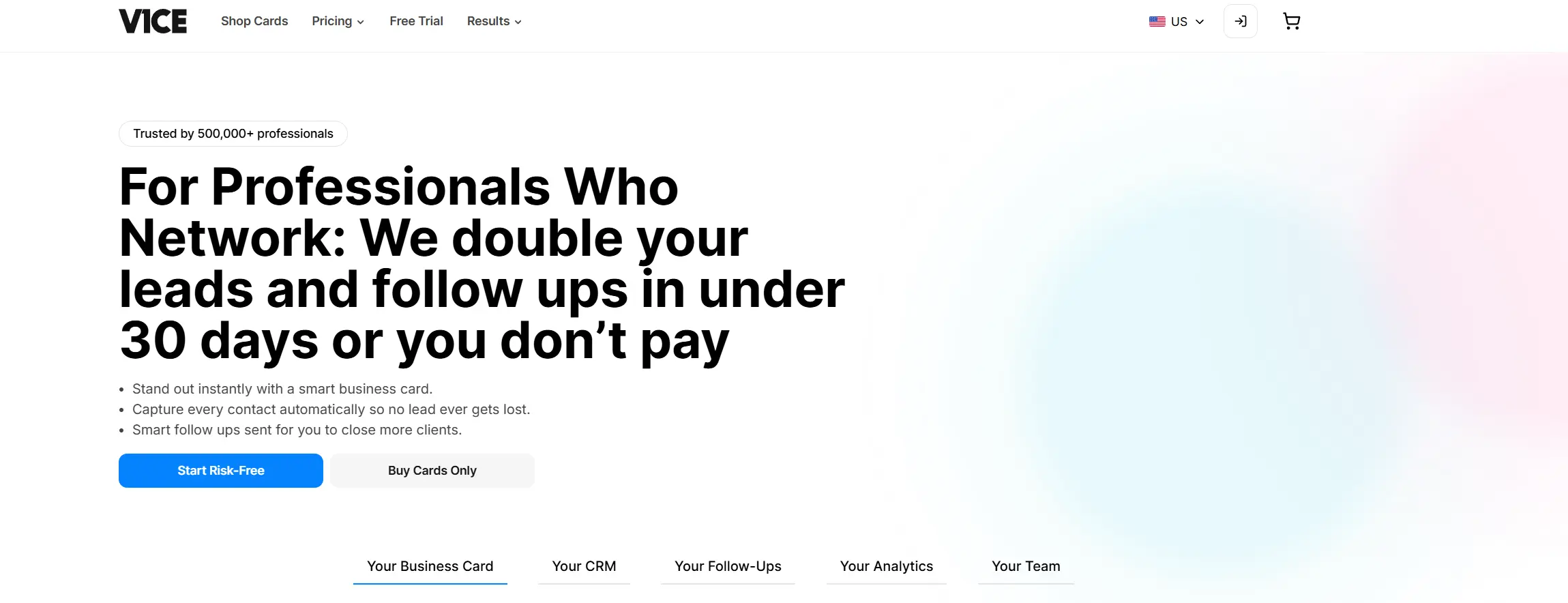
V1CE is mainly used in face-to-face networking: sales meetings, conferences, executive introductions, and high-value client interactions.
They focus heavily on making sharing moments feel premium and memorable, while still supporting basic sales workflows behind the scenes.
Pros | Cons |
|---|---|
✅ Premium physical NFC cards (metal, wood, custom) | ❌ Physical cards are expensive compared to most alternatives |
✅ Strong first impression in in-person meetings | ❌ Overkill if you only need a simple digital card |
✅ Lead capture built into digital profiles | ❌ Hardware logistics (ordering, replacing lost cards) |
✅ Automated follow-ups | ❌ Software is secondary to the hardware experience |
✅ Wallet pass sharing (Apple/Google Wallet) | ❌ Less appealing for mostly remote teams |
✅ Team admin, templates, and shared analytics |
Pricing
V1CE combines digital plans with optional premium hardware.
Free- 1 digital business card
- Lead capture
- Basic analytics
- $13.49 per user/month
- $202.53/month
- Fixed price
- Unlimited users
Physical NFC cards (metal, wood, custom designs) are purchased separately. V1CE positions the cards as long-term assets that you reuse.
Why Individuals Choose V1CE Over Blinq
- V1CE makes a stronger first impression
V1CE focuses on the physical card experience. A heavy metal or custom card immediately stands out and feels premium. Blinq is fully digital, which is practical, but does not create the same visual or tactile impact in person.
- V1CE combines style with lead capture
V1CE does not stop at sharing contact details. Its digital profiles include lead capture forms, so individuals can collect the other person’s details instead of only sending their own. Blinq is more focused on sharing contact information than on the moment of follow-up.
- V1CE supports follow-up automatically
After someone shares their details, V1CE can trigger an automatic email or SMS follow-up. Blinq does not position automated follow-ups as a core feature.
Why Teams Choose V1CE Over Blinq
- V1CE offers a flat plan for large teams
V1CE markets a fixed-price team plan with unlimited users. This can be attractive for companies that scale headcount quickly. Blinq typically prices per card or per user.
- V1CE unifies physical and digital branding
Teams using V1CE get standardized physical cards, digital profiles, wallet passes, email signatures, and virtual backgrounds as one system. Blinq focuses mainly on digital cards and sharing.
- V1CE supports lead capture and CRM workflows
V1CE includes lead capture, shared analytics, and CRM integrations, so teams can move contacts into sales systems instead of leaving them on individual devices. This makes it more suitable for event-driven sales teams than Blinq.
- V1CE is built for high-value interactions
V1CE is designed for teams where image, presentation, and memorability matter. Blinq works well for everyday digital sharing, but it does not target premium or luxury positioning in the same way.
V1CE is a strong choice for professionals and teams who care about first impressions and want digital follow-up without losing the prestige of a physical card. It is not the simplest or cheapest option, but it excels when first impressions, brand image, and face-to-face networking are critical.
Which Blinq Alternative Is Right for You?
Choosing a Blinq alternative usually comes down to one main question:
What problem are you actually trying to solve with digital business cards?Below are the most common situations people run into — find the one that sounds closest to you.
If you want one tool that works for almost any situation
Choose DBC: Digital Business Card.
DBC is the most balanced option in this list. It works well for individuals, small teams, and growing companies without forcing you into a narrow use case. You get design flexibility, analytics, lead capture, and team management in one place.
If you don’t want to rethink your setup again in six months, DBC is usually the safest starting point.
If your networking happens mostly at events and trade shows
Choose Popl or DBC as a lighter alternative.
Popl is built for live events, badge scanning, and fast lead capture at scale. If your success depends on turning conferences into CRM data, Popl makes sense.
DBC works better if you attend events, but also care about everyday meetings and follow-up analytics per team member.
If first impression and physical presence matter the most
Choose V1CE or DBC.
V1CE is about premium physical cards and visual impact. It’s ideal when meetings are high-value, and how you present yourself matters as much as what you say.
DBC is a better fit if you want a unique design and an outstanding first impression.
If you need company cards and strict control
Choose Mobilo.
Mobilo is designed for companies that want profiles, cards, and contacts to belong to the business. It works well when people join and leave often, and data ownership is critical.
DBC is a better fit when you want structured team management without relying on physical cards.
If your focus is on internal communication and daily visibility
Choose HiHello.
HiHello works best when digital cards are part of email signatures, video calls, and internal directories. It’s strong for internal adoption and branding consistency in everyday workflows.
DBC is a better choice if you also want deeper analytics and lead capture.
If you just want something simple and low-cost
Choose Wave.
Wave is easy to get started, easy to explain, and works well for individuals or very small teams who want a digital card without complexity.
Final Thoughts
Choosing a Blinq alternative is less about comparing features line by line and more about understanding how networking actually fits into your day-to-day work.
If you only share contact details once in a while, ease of use and simple sharing matter most. But if networking is part of sales, partnerships, hiring, or events, the focus naturally shifts toward lead capture, visibility, and follow-up.
For teams and companies, the question goes even deeper. It’s about ownership and structure:
- Who owns the contacts?
- How consistent is the branding across the team?
- Can managers see what happens after cards are shared?
- And does the tool scale as the company grows?
A digital business card should do more than replace paper cards or NFC taps. The real value comes when each interaction becomes measurable, organized, and aligned with how your team works.
If you’re comparing Blinq alternatives for team or company use, it’s worth looking at how platforms handle administration, analytics, and branding at scale. You can see how this works in practice on our dedicated page for businesses.
Explore Digital Business Cards for Companies to see how team management, analytics, and brand control work together to build better business connections. Also, check out our Blinq Pricing breakdown, which provides a detailed analysis of Blinq digital business card pricing plans, with a focus on B2B teams and enterprise buyers.
FAQ
What are the best Blinq alternatives in 2026?
What should I look for when comparing Blinq alternatives?
Which Blinq alternative is best for B2B teams?
Which Blinq alternative is best for event networking teams?
What mistakes should I avoid when choosing a Blinq alternative?
What should I test before switching from Blinq to another platform?

A content writer with over 8 years of experience creating analytical content for digital products and B2B SaaS companies. His work focuses on practical guides, pricing breakdowns, and comparisons that help teams evaluate costs, features, and differences between tools.
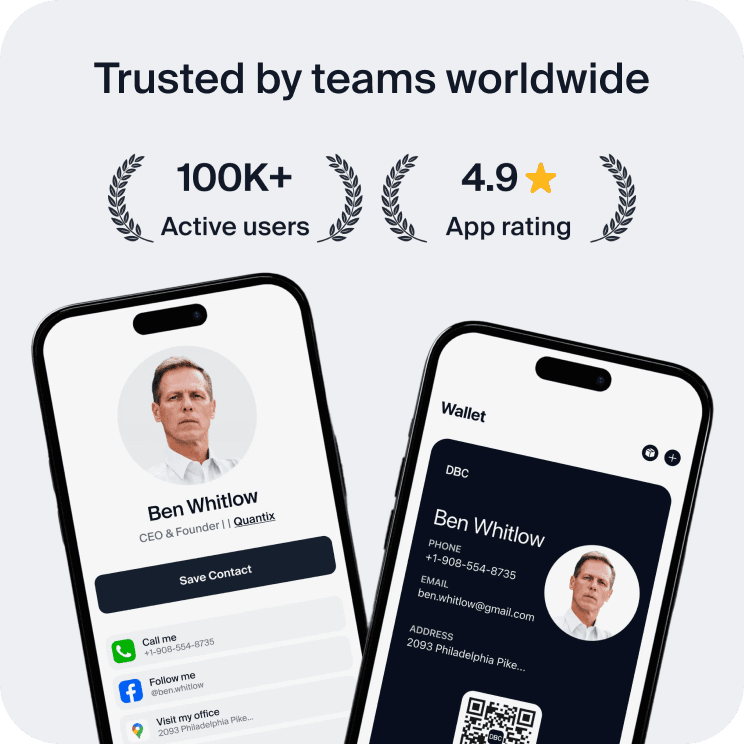
Your first impression decides everything
- Look professional and build trust instantly
- Forget about reprints and lost contacts
- Update your details anytime
 Get Started Today