
Contents
Overview of Popl, HiHello, and DBCPopl vs HiHello vs DBC: Key Features and Capabilities ComparisonPricing: Popl vs HiHello vs DBCWhen to Use PoplWhen to Use HiHelloWhen to Use DBCConclusionFAQPopl vs HiHello vs DBC: Which Is Best for Companies in 2026
Popl and HiHello are two of the most popular digital business card platforms used by companies and solo professionals for modern networking. The reason is that they offer a complete set of tools, including lead capture, virtual backgrounds, CRM integrations, and email signatures.
But if you are looking for content that compares them, you already know that the number of features alone isn't the crucial factor in choosing a product for your business. What matters most is the maximum value you get for your money. To maximize profit, you need to understand where the platforms outperform each other, their strengths and weaknesses, and whether there is a better solution for your daily networking.
I learned the details of Popl and HiHello, compared their B2B features, and determined which option is more affordable. Moreover, I added an honest comparison with DBC: Digital Business Card across different cases to help you choose the most high-value digital business card platform.
Make your bets and let’s see who will win this fight!
Overview of Popl, HiHello, and DBC
Before we invite our fighters into the ring, let’s put them on the table and take a quick look at each platform’s target user base, readiness for team deployment, admin and branding controls, integration capabilities, pricing transparency, and ideal use case.
Feature / B2B Capability | Popl | HiHello | DBC |
|---|---|---|---|
Target Audience | Individuals, small teams | Individuals, teams | Companies, growing teams, individuals, sales |
Free Trial / Entry | ✔️ Free tier | ✔️ Free tier | No free tier, no solo trial — 30-day team trial |
Team Pricing | $7.99/user (monthly), billed annually | $6/user (monthly), billed annually | $4.99/user (annual) |
Lead Capture (Built-in Forms) | ✔️ Included | ✔️ Included | ✔️ Included |
Email Signature Management | ❌ Not available | ✔️ Included | ✔️ Included |
Virtual Backgrounds | ✔️ | ✔️ | ✔️ |
CRM Integrations | ⚠️ Basic (Zapier, Salesforce on Enterprise only) | ✔️ HubSpot, Salesforce, Zoho | ✔️ Native Salesforce & HubSpot + API |
AI Card/Badge Scanner | ✔️ | ✔️ | ✔️ |
Sharing Lead Result Flow | ⚠️ Manual export | ⚠️ Basic workflows | ✔️ Full workflow with lead routing |
Campaign/Event Tracking | ❌ | ⚠️ CRM-dependent | ✔️ Built-in campaign tracking |
Team Analytics | ⚠️ Basic usage stats | ⚠️ Basic dashboards | ✔️ People, leads & campaign analytics |
Centralized Brand Control | ⚠️ Manual setup | ✔️ Admin-controlled | ✔️ Flexible templates + strict brand guardrails |
Enterprise Compliance (SOC 2, SSO) | ✔️ SSO only on Enterprise | ✔️ SOC 2, SSO (Pro/Enterprise) | ✔️ SOC 2, SSO, Audit Logs |
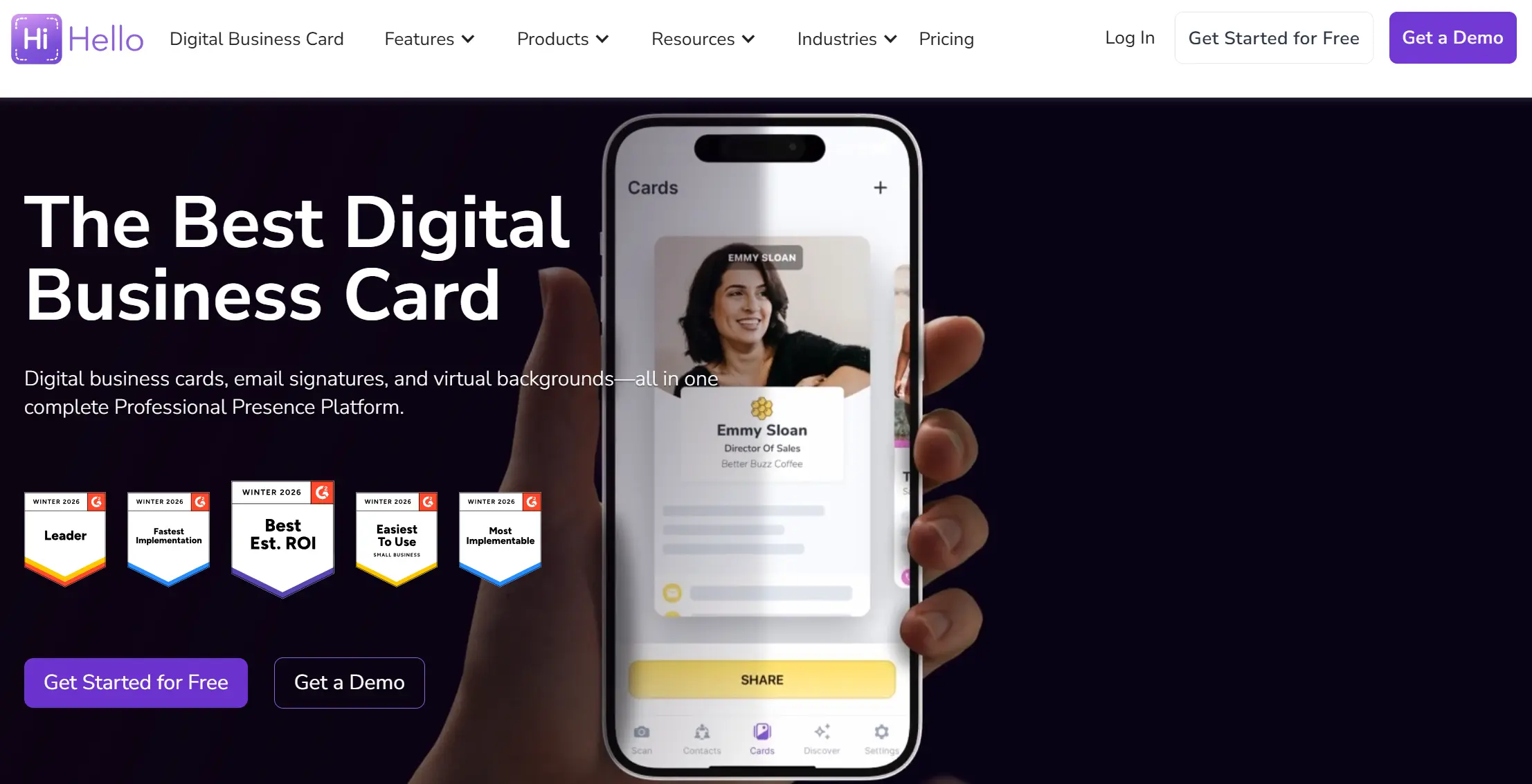
HiHello offers a solid feature set for growing teams, especially in CRM integrations and email signatures. It fits well for companies that want reliable admin control and don't mind configuring workflows around the product's structure.
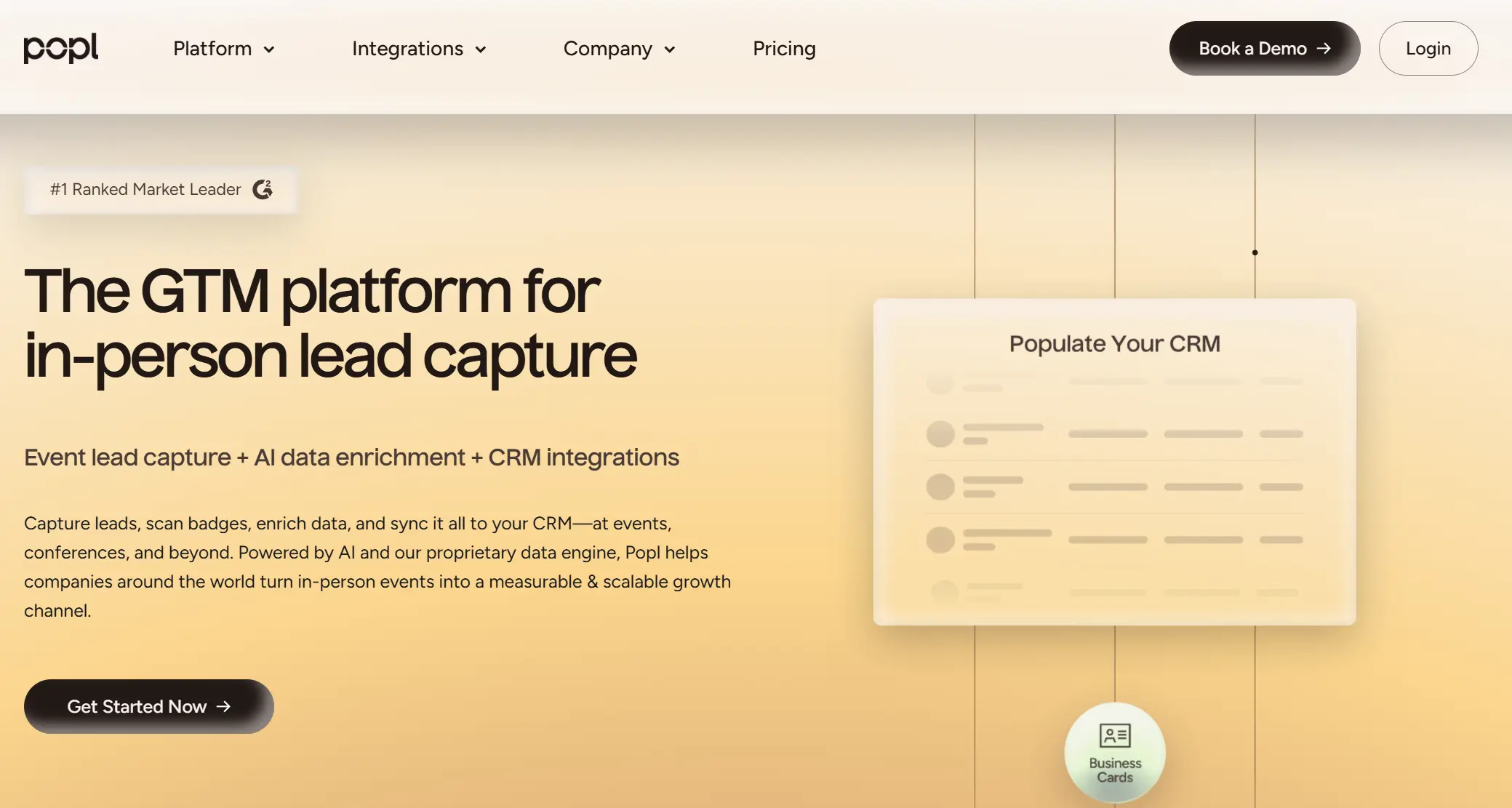
Popl's advantages are quick lead capture and ease of setup. But in team settings, it offers an overloaded UX, viewer account requirements, limited brand control, and paywalls for core features. It works best for small groups, prioritizing speed over depth.
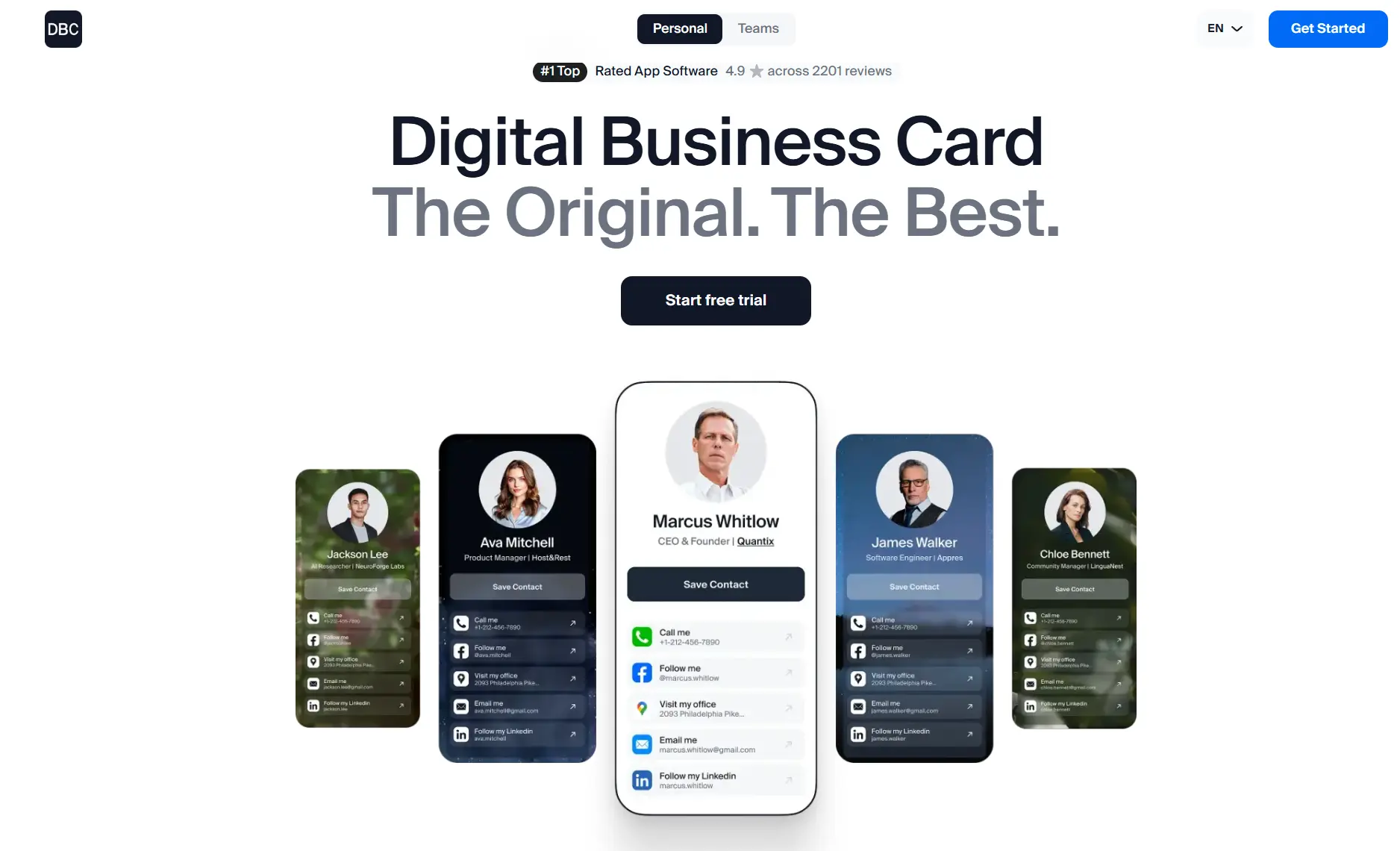
DBC: Digital Business Card offers a comprehensive system designed for teams attending events and conferences. It combines lead capture, CRM integrations, email signatures, brand control, and campaign tracking to deliver measurable ROI for team members.
To compare these platforms fairly, I analyzed each feature in the context of daily use, long-term team deployment, and cost control. You’ll find the breakdowns below.
Popl vs HiHello vs DBC: Key Features and Capabilities Comparison
In this section, I overview of specific features and capabilities that matter to businesses. For each category, I’ll explain why it’s important for a company, then outline how Popl, HiHello, and DBC each handle it.
1. Card Creation and Personalization
Popl, HiHello, and DBC approach card creation differently, and those differences start to matter fast when you want employees to personalize their profiles with their photo, contact info, QR code, or video, all while maintaining consistent branding with the right logos, colors, and design elements. Here’s how each platform approaches this:
Popl
For teams, Popl offers digital card templates and full white-labeling on its enterprise tier. That means an admin can enforce a company template (logo, brand colors) and use a custom URL domain for the cards.
Overall, Popl’s card creation is fast and uniform, but some users wish for more creative flexibility.
Additional considerations for teams:
- No multi-template system — all team members use the same card layout, regardless of department or role
- Design updates require manual coordination on lower tiers and only sync automatically on the Enterprise plan
- No drag-and-drop interface or advanced layout editing
- Cards feel more like structured contact forms than visual professional profiles
Popl works well when speed and consistency matter most, but its interface may feel too overloaded for creative teams.
HiHello
HiHello focuses heavily on design flexibility and branded presentation. Even on the free tier, individual users can create multiple visually polished cards using their own logos, colors, and links. But its strength becomes much more noticeable at the team level.
On Business and Enterprise plans, admins can:
- Create and assign branded templates with custom fonts, color schemes, and layouts
- Design multiple templates for different roles or departments
- Push updates without manual intervention
- Allow rich media embeds like profile videos, PDFs, LinkedIn badges, or scheduling links
- Support unlimited cards per user for different use cases
HiHello is a strong fit for teams that want to project a branded image without giving up flexibility.
DBC: Digital Business Card
DBC: Digital Business Card was designed around the philosophy that a company’s digital business cards should be created quickly, easily, and without specialized technical knowledge. Onboarding new hires takes minutes.
Cards can be updated at any time by admins or users, with changes syncing instantly across all share links.
On Business and Enterprise plans, DBC supports:
- Centralized design management
- Defined content zones where users can add optional fields (taglines, CTA links, booking widgets)
- Flexible layout options without losing structure
- Professional and consistent cards
For enterprise customers, DBC offers advanced customization with:
- Unique layouts, animations, or interaction flows
- Custom fonts, iconography, and branded visual elements
- Cards that behave like micro-sites, giving prospects the feeling of “opening the door to the company.”
DBC gives you structure without sacrificing creativity when you need brand presence, fast deployment, and cards that actually stand out in sales or hiring conversations.
2. Lead Capture
In a business context, a digital business card platform must be a handy tool that helps you capture leads and save them in one place.
Effective lead capture features can include contact forms that recipients fill out, the ability to scan others’ business cards or badges at events, and automatic syncing of new contacts into your CRM. This is crucial for the sales and marketing team, so here’s how each platform tackles lead capture:
Popl
Lead capture is where Popl shines. Originally built as a tap-and-share NFC tool, Popl has evolved into a full lead capture system optimized for speed and accuracy.
Popl allows teams to:
- Add lead capture forms that appear before someone views the card
- Scan physical business cards or badges with a built-in AI scanner
- Automatically enrich contacts using AI
- Sync leads directly to CRMs like Salesforce and HubSpot
- Trigger auto follow-ups (texts or emails) after a scan
The platform works especially well for in-person events. Teams can scan hundreds of badges or cards and have enriched contacts flowing into the CRM within minutes. One tradeoff is that requiring someone to fill out a form before viewing your card can slow things down in casual situations. Some people may skip it entirely, but this applies to all products.
HiHello
HiHello also supports lead capture, but its focus is on structured workflows and user experience. The platform gives companies more control over the data they collect and how it’s presented.
HiHello allows teams to:- Embed contact forms directly into every shared card
- Configure form fields at the admin level to collect only what matters
- Scan physical business cards or badges using the mobile app
- Generate event QR codes that tag leads by source
HiHello’s lead capture is robust and structured. All captured contacts can be synced with CRMs like Salesforce and HubSpot in real time, so your sales team doesn’t have to do double entry.
Some users report that the flow takes an extra click compared to Popl, but in return, you get more structured data and a stronger brand presence at every point.
DBC: Digital Business Card
DBC treats lead capture as a core part of the B2B workflow. The platform was designed to turn every shared card into a two-way exchange that generates measurable results.
DBC allows teams to:- Add optional or required contact forms before showing the full card
- Customize form fields to fit the sales or hiring funnel
- Tag each lead by campaign, event, or employee
- Scan business cards and badges using AI tools
- Capture leads offline with automatic syncing when the internet returns
- Push all captured data into your CRM in real time
This setup helps track the number of qualified leads each team member brings in from events, compare campaigns, and analyze lead quality across channels. It also makes the business analyst's job easier, giving better process visibility and tighter collaboration with sales.
If your company takes conferences and live networking seriously, DBC makes sure those conversations don’t go to waste.
3. Email Signature
Undoubtedly, email remains one of the most important B2B communication channels. That’s why many digital business card platforms include an email signature integration. This turns every employee’s email footer into a branded, interactive card preview. For companies, it helps maintain a consistent visual branding and makes it easier for recipients to access up-to-date contact details.
Here is how each platform handles this feature.
Popl
Popl offers basic email signature functionality on all plans, including the free tier. Each user can generate a personal signature block with:
- Name, title, and profile photo
- Company logo and card link
- Optional QR code
Users build the signature in the Popl dashboard and then manually paste it into their email client. Admins can provide templates, but there is no automatic company rollout. Signatures remain linked to the user’s digital card, so updates to contact info are reflected automatically.
This works well for small teams that want something fast and functional. However, without centralized deployment, managing updates across larger teams becomes a manual process.
HiHello
HiHello has a strong reputation for email signature management and offers one of the strongest email signature systems in this category. This is a big selling point for HiHello in B2B. On Business and Enterprise plans, admins can:
- Create branded, interactive signatures for the entire company
- Include clickable icons, buttons, or QR codes on the digital card
- Deploy signatures through integrations with Google Workspace or Microsoft 365
- Update info centrally, pushing changes across the organization instantly
Teams can set it and forget it. Every email sent includes a brand signature automatically. Interactive elements, such as “View My Card” links, help drive passive lead generation through ongoing email conversations.
For companies with strict brand standards and large headcounts, HiHello delivers a full solution.
DBC: Digital Business Card
DBC includes email signature tools that help every team member turn emails into a branded letter. Each user can generate a signature block that includes:
- A link to their digital card
- Optional CTA text or icon
- Colors and layout that match the company’s style guide
For companies that care about branding and want a simple, scalable way to tie digital cards to email, DBC offers strong value with minimal effort. Some clients even report inbound interest after recipients noticed the digital card link in the signature. It works, and it’s included by default on Business and Enterprise plans.
4. Virtual Background
Video meetings are a core part of modern B2B workflows, which help reinforce your company identity in every Zoom, Teams, or Meet call. A good virtual background feature should give your team assets that look professional, align with your brand, and require minimal setup. Let’s see how each platform supports it.
Popl
Popl provides a small library of editable virtual background templates. Each team member can generate a background with their:
- Name and job title
- QR code linked to their Popl card
- Company logo and color accents
Templates are static images and must be uploaded manually to your video conferencing platform. There’s no dynamic generation or centralized distribution. It works, but you’ll need someone on the team to manage asset quality and updates.
For smaller teams, it may be enough. Large companies will likely need to supplement it with custom assets built elsewhere.
HiHello
HiHello includes branded virtual backgrounds on its paid plans. Admins can:
- Generate backgrounds with employee name, title, and card QR code
- Apply company branding like logos, fonts, and colors
- Distribute backgrounds to the team via download links or integrations
HiHello focuses on keeping things visually sharp. The design quality of the default templates is high, and many companies use these for internal and client meetings. However, just like Popl, it’s a static asset. There’s no automatic sync between the card and the background, so updates require re-exporting.
HiHello is a good fit for teams that value polished presentations and want to standardize how employees appear on video.
DBC: Digital Business Card
DBC treats virtual backgrounds as part of the brand system. On Business and Enterprise plans, you can:
- Choose from professional templates sorted by category
- Auto-fill employee info, card link, and QR code
- Apply the same design across the team in one click
- Update templates at any time
Admins control branding across departments and can assign different templates to different groups.
If you care about how your team presents in calls and want to avoid asset sprawl, DBC offers the most practical workflow.
5. CRM Integrations
Integration with CRM systems is a big deal for any business that captures leads, shares contacts, and wants to flow them into Salesforce, HubSpot, or other CRMs without manual data entry. Companies should consider how easily each platform integrates with their CRM, which CRMs are supported natively, and whether the integration is one-way or two-way. Also, consider if there’s support for other integrations through Zapier or APIs to fit into your broader sales/marketing stack. Here’s the rundown:
Popl
Popl offers native integrations with Salesforce and HubSpot, along with a Zapier connection for broader use. Key features include:
- Auto-sync of captured leads to connected CRMs
- Tagging based on events or individual team members
- Lead enrichment using AI
- Trigger-based follow-ups via SMS or email
Popl’s integrations focus on speed. It’s effective at moving contact data into your system right after events. Setup usually happens on a team-by-team basis, and admins manage tokens or API access manually.
HiHello
HiHello integrates with Salesforce, HubSpot, and several other CRMs through Zapier. Features include:
- Admin control over CRM connections
- Custom field mapping from lead forms to CRM fields
- Sync of both inbound leads and scanned contacts
HiHello is ideal when you care about data quality and structured imports. It handles the transfer smoothly, but requires a bit more setup than Popl’s plug-and-play style.
DBC: Digital Business Card
DBC treats CRM integration as a core layer of the product. It connects directly to tools like Salesforce, HubSpot, and Pipedrive, with deep customization options. Companies using DBC can:
- Auto-push every captured lead into the correct CRM
- Apply tags by campaign, team member, or custom logic
- Sync contact fields and UTM parameters
- Track lead source and conversion path from QR/code scans
- Enable fallback logic
Admins manage all integrations centrally. Analysts can easily segment data to see what channels or events generate qualified leads.
DBC’s strength is automation and accuracy. Your reps never worry about manual data entry, and your CRM stays current without effort.
6. Analytics & Performance Tracking
When you roll out digital business cards across a team, you want to know what’s working. Analytics help you see who’s sharing, what’s converting, and where your networking strategy needs adjustment. This is how managers and marketers make informed decisions and connect card usage to impact.
Popl
Popl gives you a snapshot of team activity. Admins can view:
- Number of card views per team member
- Lead capture counts
- Share method breakdowns (QR, NFC, link)
- Event-based performance summaries
Popl focuses on in-person performance. It tracks how many leads came from a specific event or how many QR scans happened from a LinkedIn bio. CRM integrations allow you to map this data to revenue if configured correctly.
However, the dashboard updates are web-only — you won’t find deep analytics in the mobile app. Popl works best for event teams who need to prove ROI from conferences and quickly measure top performers.
HiHello
HiHello offers visibility into usage and sharing habits. Admins get:
- View counts and click data
- Team activity summaries
- User leaderboards based on shares or engagement
- Insights into most-used contact methods
HiHello leans toward adoption metrics. You can track how often cards are viewed and which links are popular, but the platform doesn’t go deep on conversion or revenue tracking. To see the full ROI, you’ll need to export the data or pair it with your CRM.
The analytics are lightweight but easy to use. It’s enough to monitor team adoption, but less helpful if your priority is connecting outreach to sales results.
DBC: Digital Business Card
DBC approaches analytics like a performance system for your sales and marketing teams. The platform tracks:
- Views, clicks, and captured leads per employee
- Full campaign tracking with performance breakdowns
- Link-level engagement metrics
- Funnel analytics tied to CRM conversion outcomes
Managers can compare team members, see which events brought in qualified leads, and drill into which campaigns delivered the most ROI. All analytics sync with your CRM, making it easy to tie card activity to revenue.
Campaign tagging and offline tracking are included by default. If your team wants to treat card sharing like a measurable channel, DBC gives you the control and clarity to do it right.
7. Team Management
A digital business card platform only works if it scales across your team without turning into an admin nightmare. Whether you’re onboarding 5 people or 500, you need tools to manage users, edit cards centrally, and maintain control over branding. Here's how each platform handles it:
Popl
Popl’s team dashboard gives admins full visibility and control. On enterprise plans, you can:
- Add users via email, CSV, or sync with HR tools like Google Workspace, Azure AD, and Workday
- Group users by team or department
- Lock fields like logos or links to ensure consistent branding
- Automate provisioning and offboarding through identity integrations
- Reassign licenses without added cost
Popl makes it easy to roll out cards fast. You can spin up 100+ users in a day, and everything stays in sync with your existing employee directory. If someone leaves, just remove their seat and assign it to the next hire. The admin console also supports onboarding sessions with Popl’s CS team, helping speed adoption for large companies.
HiHello
HiHello takes a full enterprise approach to admin. On Business and Enterprise tiers, you can:
- Provision and deprovision users automatically via SCIM
- Enforce SSO login with Okta, Azure, or Google
- Create department templates and assign them by role
- Maintain an internal contact directory for employees
- Lock branding fields while letting users fill in their own info
- Bulk upload users via CSV or HR system
Admins can monitor usage, access audit logs, and manage every employee card from a single console. HiHello is ideal for companies with complex org structures or compliance needs. Their admin controls are built to scale and integrate seamlessly with existing IT systems.
DBC: Digital Business Card
DBC offers the easiest, fastest onboarding and management, whether your team is 10 or 2000. Admins can:
- Invite users via email or share a team signup link
- Create and push branded templates that auto-fill for new users
- Organize members by tags for easier control
- Edit links or info centrally across all cards
- Deactivate a user instantly and reuse their card for someone new
- Enable SSO login via Google or SAML systems
Teams using DBC won’t waste hours setting things up. One admin can manage an entire department without IT support. DBC is designed so that managing your digital cards doesn’t become a job in itself.
8. Onboarding
Onboarding is crucial when working with a digital business card platform. It should allow you to create cards for new team members in minutes and remove them when someone leaves. Let’s see how Popl, HiHello, and DBC handle onboarding:
Popl
Popl is designed for fast adoption, especially in field teams. When invited, users follow a simple setup flow and can start sharing their card in minutes.
- Invite users with a link or email
- Step-by-step setup guides new users through adding info
- Mobile app supports QR, NFC, and offline sharing
- Admins can preload templates to save time
- 24/7 support and onboarding materials available
- Compatible with all devices, no special training needed
Popl’s approach makes it easy to get new users on board quickly. In most teams, everyone is fully active within the first 24–48 hours after rollout.
HiHello
HiHello provides a polished onboarding experience with a feature-rich interface that helps teams look professional from day one.
- Admins can pre-provision user cards with template data
- Drag-and-drop editor with real-time preview
- SSO login gets employees into the platform instantly
- Detailed in-app guides and live training sessions are available
- Leaderboards and usage stats encourage team engagement
HiHello has more tools to explore than Popl, so onboarding may take slightly longer. But the experience is intuitive, and employees see immediate value once their cards go live.
DBC: Digital Business Card
DBC was built to make onboarding as fast and painless as possible.
- Invite new users by email or with a team signup link
- Admins create templates that auto-fill with user data
- Users complete their profile in minutes and start sharing
- The central dashboard shows card status and adoption in real-time
- SSO login keeps things secure and easy to access
- Built-in prompts and preview help users feel confident fast
Teams using DBC routinely hit 100% adoption within days. The flow is designed to eliminate wasted time and give every employee a ready-to-use card they can share immediately. It’s the fastest way to roll out a branded, consistent presence across your company without needing IT to hold your hand.
9. Brand Control
If your cards don’t follow brand guidelines, you risk looking unprofessional. A digital business card platform should give marketing teams control over branding while still letting employees personalize where appropriate. Here’s how each platform manages that balance:
Popl
Popl helps enforce brand consistency, especially on its enterprise tier. Admins can:
- Create branded templates with company logo, colors, fonts, and layouts
- Lock design elements like backgrounds, logos, and CTA links
- Use white-labeling to remove Popl branding and host cards on a custom domain
- Generate branded QR codes with embedded logos
- Control what fields users can edit to avoid off-brand content
Most companies roll out one or two template styles and restrict customization. This ensures every card aligns with the company identity, but limits creative flexibility.
HiHello
HiHello gives marketing and brand teams robust controls. On Professional and Enterprise plans, you can:
- Create multiple card templates for different departments or roles
- Lock specific fields, fonts, background images, and colors
- Upload brand assets to enforce visual identity
- Push updates to templates that reflect across all users instantly
- Extend brand control to email signatures and Zoom backgrounds
- Add “Verified” badges to show cards are officially issued
HiHello is perfect for companies with strict brand standards. Its card designs are visually polished, and admins can control exactly how much personalization employees get.
DBC: Digital Business Card
DBC strikes the ideal balance between brand consistency and individual personalization. With DBC, admins can:
- Set up a Company Brand Kit with logos, colors, and default design settings
- Push branded templates to all users with locked fields as needed
- Create role templates with tailored CTAs
- Let employees customize areas like bios, videos, or CTA blocks if allowed
- Instantly update the card company when branding changes
- Use custom domains and remove DBC branding for a fully white experience
DBC cards feel premium and consistent. Each card looks like it belongs to your company and to the employee using it. If your brand team wants tight control without sacrificing quality or flexibility, DBC delivers exactly that.
10. Enterprise Security
If you’re working in finance, healthcare, or any regulated space, your digital business card platform must meet strict security standards. Encryption, compliance certifications, and identity management integrations are a must. Here’s how Popl, HiHello, and DBC compare:
Popl
Popl is enterprise-certified and designed for data teams. They offer:
- SOC 2 Type II compliance with ongoing audits
- Full GDPR and CCPA privacy compliance
- Data encryption at rest and in transit
- SSO support
- Admin access controls and permission management
- No risky app permissions required on mobile
Popl’s infrastructure and privacy setup pass Fortune 500 vendor reviews. They emphasize direct CRM syncing and avoid risky CSV exports, which helps eliminate data leaks at events.
HiHello
HiHello meets and exceeds most enterprise security expectations. On the enterprise plan, you get:
- SOC 2 Type II and likely ISO 27001 compliance
- Full GDPR, CCPA, and FINRA alignment
- SSO and SCIM provisioning for secure, automated access
- Role-based access controls and audit logs
- MFA enforcement via identity provider
- Secure data export and account deletion controls
HiHello works well for security orgs. It’s trusted by financial institutions and large enterprises thanks to its robust documentation and compliance posture.
DBC: Digital Business Card
DBC was built with enterprise security in mind from day one. The platform meets the key requirements that IT and compliance teams care about:
- Data encryption in transit (SSL/TLS) and at rest
- SSO support for Google, Okta, Azure, and other identity providers
- GDPR data handling with full export and deletion controls
- Secure, scalable cloud infrastructure
- Regular data backups and structured access policies
- Role access controls for admins and teams
DBC also supports enterprise agreements with custom data protection clauses. The platform ensures that your team’s data stays protected at every stage. For companies in regulated sectors, DBC provides the confidence and control needed to pass internal security reviews.
Pricing: Popl vs HiHello vs DBC
For growing B2B teams, pricing clarity and scalability make a huge difference. Here’s how each platform structures its costs, what you can expect to pay at different team sizes, and how easy it is to plan your budget.
Popl
- Free Plan: Yes (individuals)
- Pro Plans: $7.99/mo or $6.49/mo billed annually
- Team Pricing: Not publicly listed – quote-based
- Event Costs: Extra fee per badge scan ($0.50/scan)
- Cost Model: Per-user + usage-based (event activity drives variability)
- Enterprise Required: Immediately, once team features are needed (even at 10 users)
What to know:
- Popl pricing becomes unpredictable as event usage rises
- Budget planning is difficult unless you forecast scan volume
💰 Check our Popl Pricing breakdown for more detailed information about plans, limits, hidden fees, and how to plan your budget effectively.
HiHello
- Free Plan: Yes (1 user)
- Pro Plan: $6/user/month (annual), for individuals
- Business Plan: $5/user/month (annual), 5–100 users
- Enterprise Plan: Custom quote (101+ users)
- Cost Model: Pure per-user pricing, all features included (no usage fees)
What to know:
- Predictable costs for teams up to 100
- After 101 users, pricing requires a sales contact.
- No scan-based fees – cost scales with headcount only
💵 We also have a HiHello Pricing breakdown on the blog. Make sure to check it out to see where HiHello isn't the best value for money.
DBC: Digital Business Card
- Free Plan: none — solo users pay from day one; teams get a 30-day trial
- Flat Team Plan: $4.99/user/month (annual)
- Enterprise: Optional only for very large orgs (>500)
- Cost Model: Flat per-user, all features included, no extra fees
What to know:
- 100% predictable pricing, even with heavy usage
- No add-ons, scanning fees, or surprise enterprise upgrades
- Easy for finance and ops teams to plan and forecast
Annual Cost for 50 and 200 Users
Platform | 50 Users | 200 Users | Notes |
|---|---|---|---|
Popl | $3,500 (incl. scan fees) | $10k+ (with event usage) | Cost varies by usage and negotiated rate |
HiHello | $3,000 | $9,600 (assumed $4/user if discounted) | Predictable up to 100, then custom quote |
DBC | $2,994 | $11,976 | Flat rate, no add-ons, linear cost |
Quick Comparison Table
Platform | Entry Price | Team Plan Pricing | Enterprise Threshold | Cost Predictability |
|---|---|---|---|---|
Popl | Free / $6.49+ | Quote-only | Any multi-user setup | 🔴 Low |
HiHello | Free / $6 | $5/user (5–100 users) | 101+ users | 🟡 Medium |
DBC | $6.99/user/mo (annual) | $4.99/card/mo (any size) | >500 (optional) | 🟢 High |
If your team wants to grow fast without renegotiating contracts or estimating badge scans, DBC gives you the cleanest path forward. HiHello stays transparent until you hit 100 users. Popl can work well if you focus on events, but it’s harder to forecast.
When to Use Popl
Use Popl if your team attends many events and needs to collect contacts quickly.
- Great for trade shows, expos, conferences
- Handy if you like NFC cards, stickers, or tapping phones
- Works well for sales teams meeting lots of people every day
- Good tools for badge scanning and tracking event leads
If your main goal is to capture as many leads as possible at in-person events, Popl is a solid choice.
When to Use HiHello
Go with HiHello if you're a big company and care about control, security, and branding.
- Ideal for banks, hospitals, legal, or government clients
- Let's you manage all cards, email signatures, and backgrounds in one place
- Works well for remote or global teams
- Keeps everything professional and on-brand
If IT and compliance are crucial, and you want everything to look polished across the company, HiHello is a strong choice.
When to Use DBC
DBC: Digital Business Card is the best solution for B2B teams and enterprises that care about performance and want to track results from every card shared.
- Built for sales and marketing teams focused on pipeline and ROI
- Tracks every lead, every share, and shows what turns into meetings
- Transparent pricing without extra costs for more usage
- Works across events, Zoom calls, and email outreach
If you want digital business cards that will create a symbiosis with your company, DBC: Digital Business Card is the right choice.
Conclusion
Choosing the right digital business card platform in 2026 comes down to understanding your company’s priorities and how each solution aligns with them. All our fighters solve the core problem of replacing paper cards and modernizing networking for teams and individuals, but there are differences in how they fit your goals, culture, and scale plans.
My main advice is to test the platforms yourself first and run a short pilot with your sales, marketing, or partnership team, which will quickly show which product best fits your workflows and mindset.
If you are not sure where to start, begin with the DBC: Digital Business Card for Companies page. We stand out as a platform focused on lead capture, analytics, events, and follow-ups, offering a practical starting point for teams that care about outcomes.
And remember, whichever platform you choose, it should align with your goals and be something your team will enjoy. Good luck with your networking, and thank you for reading.
FAQ
What is the main difference in Popl vs HiHello and DBC for enterprise teams?
What hidden costs should I watch for when choosing a digital business card platform?
How do digital business cards help generate measurable ROI for my company?
Why should I choose DBC: Digital Business Card instead of Popl or HiHello?

A content writer with over 8 years of experience creating analytical content for digital products and B2B SaaS companies. His work focuses on practical guides, pricing breakdowns, and comparisons that help teams evaluate costs, features, and differences between tools.
Your first impression decides everything
- Look professional and build trust instantly
- Forget about reprints and lost contacts
- Update your details anytime
 Get Started Today