
Contents
What an Ideal Enterprise + Digital Business Card Setup Looks LikeThe 5 Best Digital Business Cards for Enterprises:1. DBC: Digital Business Card — Best Digital Business Card Platform for Enterprises2. Blinq – Best for Fast Enterprise SaaS Rollout3. Popl – Best for Event Enterprise Teams4. HiHello – Best for Enterprises Digital Cards at Scale5. Mobilo – Best for Hybrid ExperienceThe First Weeks of Enterprise and Digital Business Card Platform CollaborationThe Biggest Mistakes Enterprises Make with Digital Business CardsHow to Know If Your Company Is Ready for Digital Business CardsFinal WordFAQTop 5 Digital Business Cards for Enterprises in 2026 (Complete Guide)
When a large company with 1,000+ employees decides to move away from paper business cards, it needs a partner that understands how things work inside large organizations and will not go out of business in the near future.
And if you choose the wrong digital business card platform or don’t fully understand how an ideal enterprise partnership should be set up, this decision can quickly turn positive expectations into an ongoing operational headache.
To avoid this, I introduce the best enterprise digital business card solutions that are ready to work with large organizations at scale. These are not just tools for sharing a card via a link, but complete systems with automated processes designed for enterprise environments.
The insights in this guide are based on our experience with enterprise onboarding scenarios and working with companies transitioning from paper cards to digital systems for the first time.
Below, we address key questions around data flow and security, outline what to look for when choosing a digital business card for enterprises, and highlight the most common mistakes large companies make when working with digital business card platforms.
What an Ideal Enterprise + Digital Business Card Setup Looks Like
A strong enterprise and digital business card setup is defined by how smoothly the system fits into hiring, team management, security, branding, and reporting. Below is a list of benefits your company will gain if it collaborates with the right partner, and everything will work without disruption.
1. Automated Onboarding and OffboardingNew employees receive their digital business cards immediately when they join the company without manual invites. When someone leaves the company, their card access is revoked immediately. It’s crucial that these processes run automatically and don't steal your time.
2. Structured Team ManagementThe system allows companies to group employees by department, region, or role, assign admins, and manage access levels. Managing thousands of users becomes easier and more organized, without chaos.
3. Professional Look and Feel that Strengthens the Company ImageDigital business cards reflect the brand behind them. Every employee interaction becomes a consistent, professional brand touchpoint that creates a stronger first impression and elevates the company's external perception.
4. Full Technical Control and Enterprise SecurityThe company understands where its data lives and who controls access. For organizations with strict requirements, the digital business card system can operate in accordance with their security standards, including hosted deployments when needed.
5. Visibility Into Employee Activity and PerformanceUnlike paper cards, digital systems provide insight into how employees perform at events and business meetings. Teams have a clear picture of who is effective, who may need support, and where engagement happens.
When all of these elements are in place, digital business cards become another operational component of the company’s machine, helping reduce costs, improve visibility, and support other internal systems.
This is also why evaluating digital business card platforms at the enterprise level requires looking beyond surface features. What matters most is how well the system handles data, integrations, and ownership inside a large organization.
In the next section, we take a closer look at how data should move within an enterprise and the options the company must offer you.
How Data Should Move Inside an Enterprise
For enterprise companies, data flow is one of the most important and most underestimated parts of using digital business cards.
In a healthy enterprise setup, digital business cards are connected to the company’s existing infrastructure. Employee data comes from HR systems. New contacts flow into CRM. Nothing lives in isolation, and nothing needs to be copied by hand. If data gets stuck inside a separate dashboard, the system creates extra work instead of removing it.
In practice, there are two main ways enterprise platforms work with data.
Option 1: SaaS model (data lives with the vendor)This is the most common approach. The digital business card platform hosts the system and stores all employee and contact data on its own servers. For some companies, this is enough. Setup is usually faster, and the vendor handles maintenance.
However, this approach comes with risks:
- You depend on the vendor’s security practices
- You have limited control over where data is stored
- Compliance and internal security teams may raise concerns
- Migrating away later can be difficult
For large enterprises, these risks should be clearly understood before rollout.
Option 2: Enterprise deployment (data lives with you)In this model, the company hosts the system and data storage. The digital business card solution is deployed on the company’s own infrastructure or in accordance with its security standards.
This approach gives:
- Full control over data location and access
- Better alignment with internal security policies
- More confidence for IT and compliance teams
The important thing to know: very few digital business card providers offer this option. That is why it should be discussed early.
The key question to ask early
No matter which approach you prefer, one question should always be asked during the first contact:
Where will our data be stored, and can the full deployment be transferred to our infrastructure if needed?
If a platform cannot clearly answer this, it is a warning sign for enterprise use.
When data flows correctly, digital business cards become a natural part of the enterprise ecosystem.
Now that you know how things should work, it's time to move on to the rankings and see which digital business card platforms could be a good partner for an enterprise company.
The 5 Best Digital Business Cards for Enterprises:
- DBC: Digital Business Card – Best Digital Business Card Platform for Enterprises
- Blinq – Best for Fast Enterprise SaaS Rollout
- Popl – Best for Event Enterprise Teams
- HiHello – Best for Enterprises Digital Cards at Scale
- Mobilo – Best for Hybrid Experience
Platform | Deployment Flexibility | HR / CRM Integration Depth | Enterprise Admin Controls | Event & Lead Analytics | Best Fit |
|---|---|---|---|---|---|
DBC: Digital Business Card | SaaS + Enterprise Hosted | Advanced | Advanced | Structured & Searchable | Large enterprises (1,000+) |
Blinq | SaaS Only | Moderate | Good | Basic | Mid-large SaaS teams |
Popl | SaaS Only | Moderate | Limited | Strong event capture | Sales & event orgs |
HiHello | SaaS Only | Basic | Limited | Surface-level | Companies testing digital rollout |
Mobilo | SaaS + NFC Hardware | Basic | Basic | Limited | Hybrid physical-first teams |
1. DBC: Digital Business Card — Best Digital Business Card Platform for Enterprises
When a 1,000+ employee company comes to DBC: Digital Business Card, we start by understanding how your company already works, because the rollout will only succeed if our platform fits into your infrastructure and daily workflows.
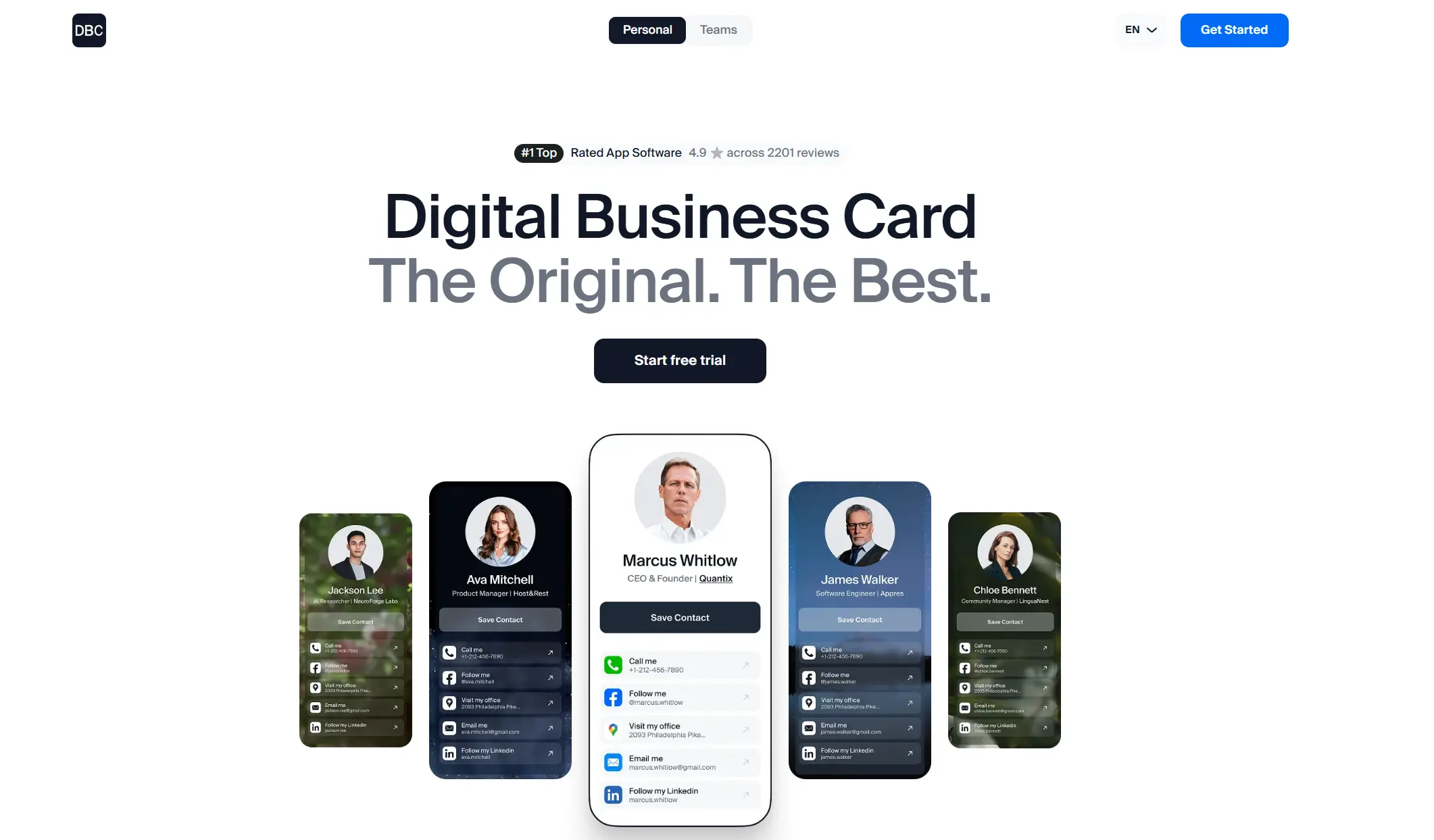
We look at what CRM you use, how your sales teams capture leads today, and what HR system you use to manage members' data. In most enterprises, these processes are already automated, so our goal is to connect to what you already have. This discovery step also shows us where employee info comes from, where new contacts should go, and what should happen automatically from day one.
Second, we clarify your global goals.Some companies want to fully replace paper cards and reduce costs. Some focus on modernizing the company image and creating a better first impression through every employee interaction. The goal matters because it changes what success looks like and how we design the rollout.
Third, we define scope.Do you want this for the entire company from the start, or would you like to start with one department, region, or team? Enterprise rollouts often work best when the scope is clear and measurable, because it keeps onboarding and governance predictable.
Finally, we align on the delivery model and security.Some enterprise teams are comfortable with their data being stored and managed by us. Others require full ownership, with all data and the entire system hosted on their side. DBC supports both approaches. This decision is defined upfront, so there are no surprises later around security, compliance, or data access.
In the first 1–2 weeks, the core work is onboarding: your team is invited, added to the system in bulk, and structured to match how your organization is built.
5 Enterprise Sectors Where DBC Outperforms Competitors
This section is not for hype. I added it to show what exactly we created for enterprises and how we designed our system to make it effective and easy to use for you.
1. We Provide Fast OnboardingDBC offers one of the fastest onboarding flows in the digital business card space. For enterprise teams, this matters more than any feature.
Your managers or HR do not need to chase, remind, or manually invite employees individually. You create cards and assign cards in bulk, automatically give new hires access, and scale without turning onboarding into a long internal project.
DBC lets you assign people, group them by departments or teams, and manage access without creating chaos.

Many platforms treat large teams like a flat list of users. DBC adapts to your org structure instead of forcing you to adapt to the tool. As a result, scaling from hundreds to thousands of employees stays predictable and controlled.
3. We Focus on Professional Look, Feel, and Brand ExperienceDBC invests a lot of money and effort in professional design and feeling as part of the company’s image.
Most of our competitors have just static templates with limited flexibility, and I do not just talk for the sake of talking. We are the only platform that creates visuals, animations, and layouts that make you feel like you are opening the company's doors and stepping inside. This approach creates a professional impression and a sense of immersion that enterprise brands value so much.
4. We Build Interfaces That Make Hard Things Look EasyWe build an interface to make life easier for large companies, and we constantly think about how to do so even more effectively. One recent example is a large set of filters that helps admins quickly find the right employees by different criteria instead of digging through long lists.
We are trying to make our platform easy to use for all types of users, and that is what most of our enterprise clients love about us.
5. We Help Track Team Performance at EventsEvent performance is one of the first core features we developed for large teams. We created a unique method to connect contacts for each employee and context, so managers see who shares cards, who generates leads, and where engagement happens.
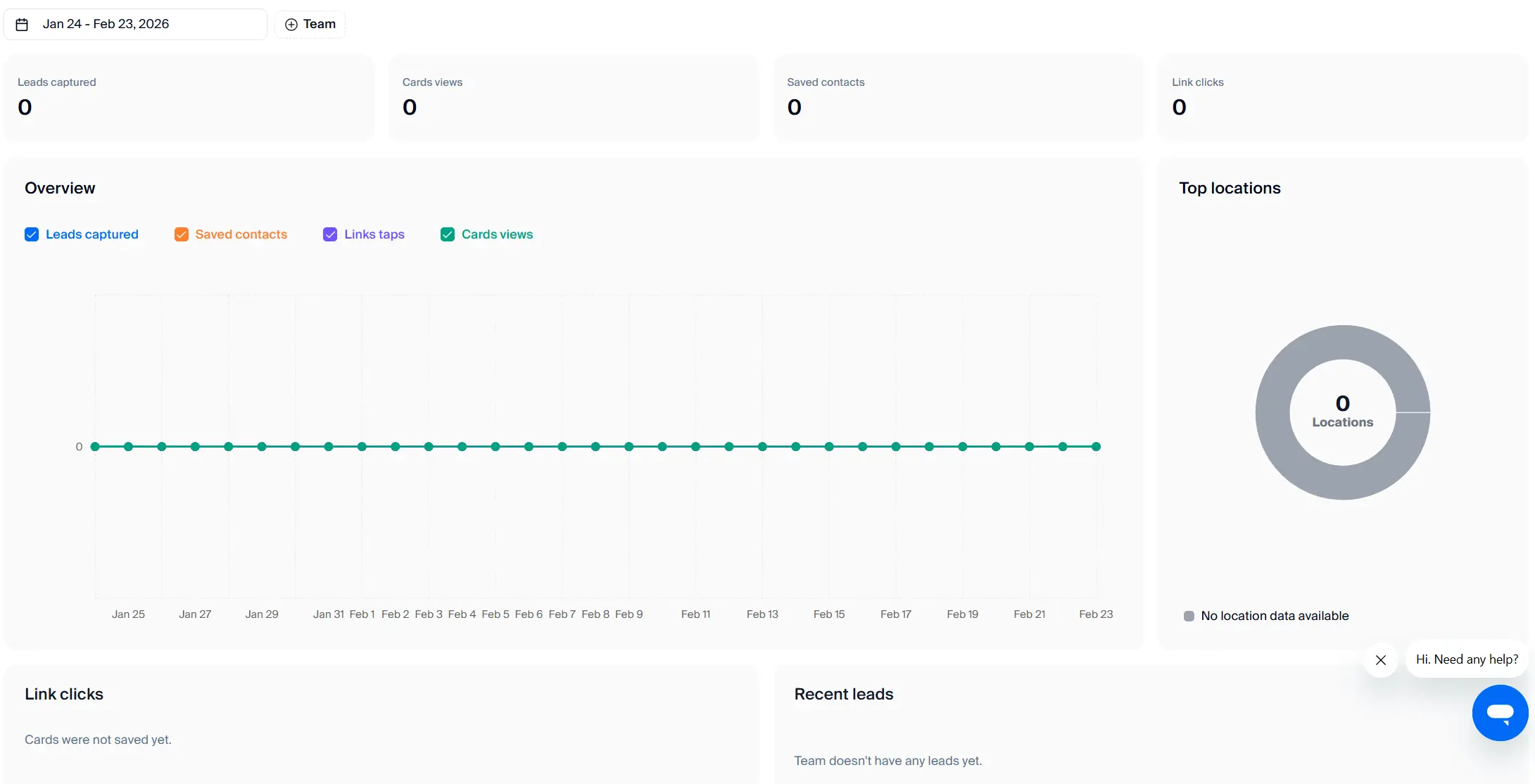
Most competitors either limit analytics to basic counters or scatter data across dashboards that are hard to use at scale. DBC keeps performance data structured, searchable, and easy to review, which helps teams understand results faster and improve how they work at future events.
Pricing
DBC: Digital Business Card uses custom pricing for enterprise teams. It depends on what your company actually needs and how you plan to use the platform.
The final cost is shaped by factors such as team size, deployment model, security requirements, integrations, branding depth, and the level of support or customization. This approach allows us to stay flexible and build a personal setup for your organization.
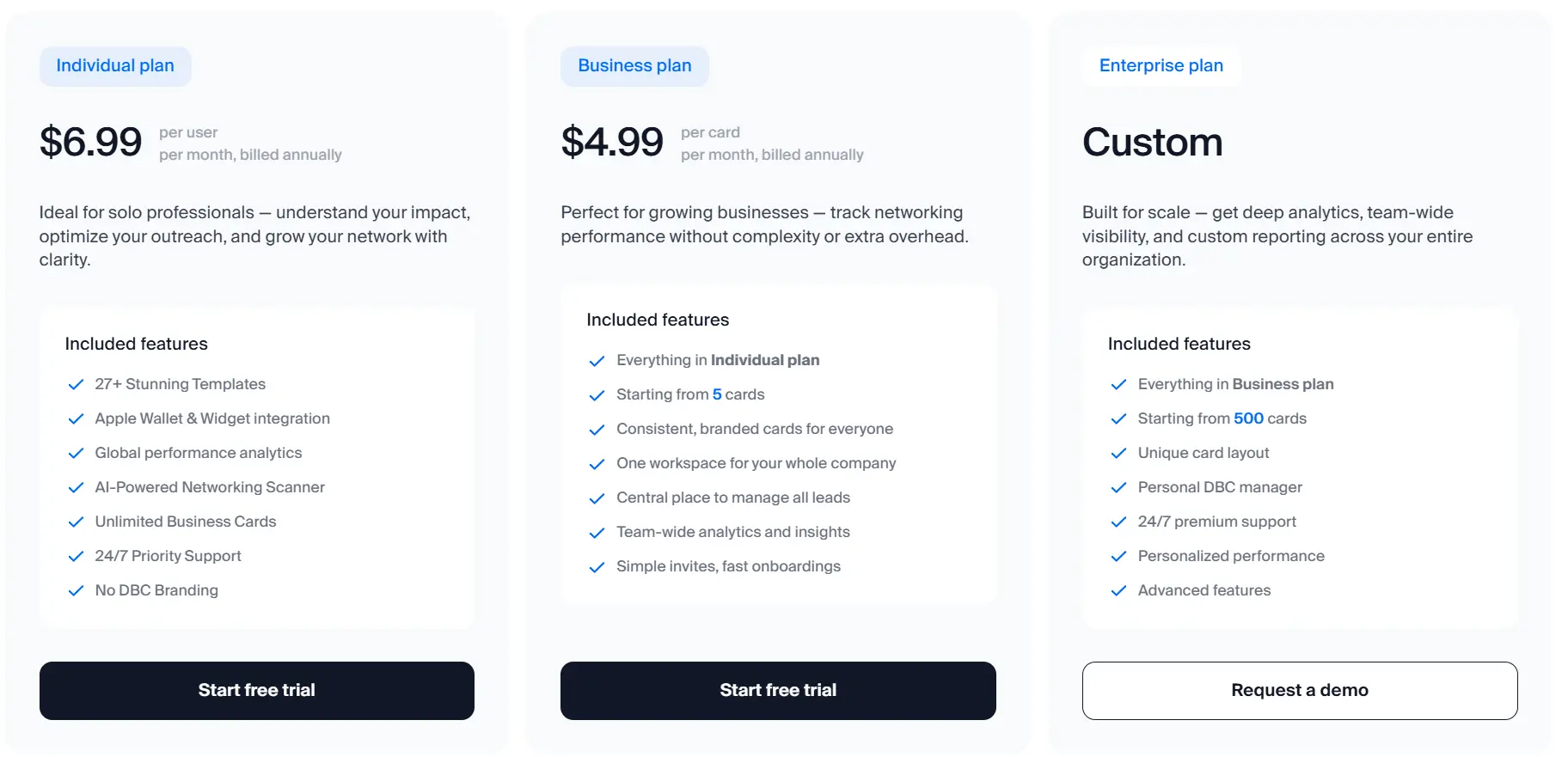
If you want a precise price and a clear understanding of what makes sense for your team, book a FREE demo. We’ll talk through your requirements and propose the best possible setup for your needs.
2. Blinq – Best for Fast Enterprise SaaS Rollout
I added Blinq to this list because it is a good partner for enterprise companies that focus on fast rollout, ease of use, and centralized management.
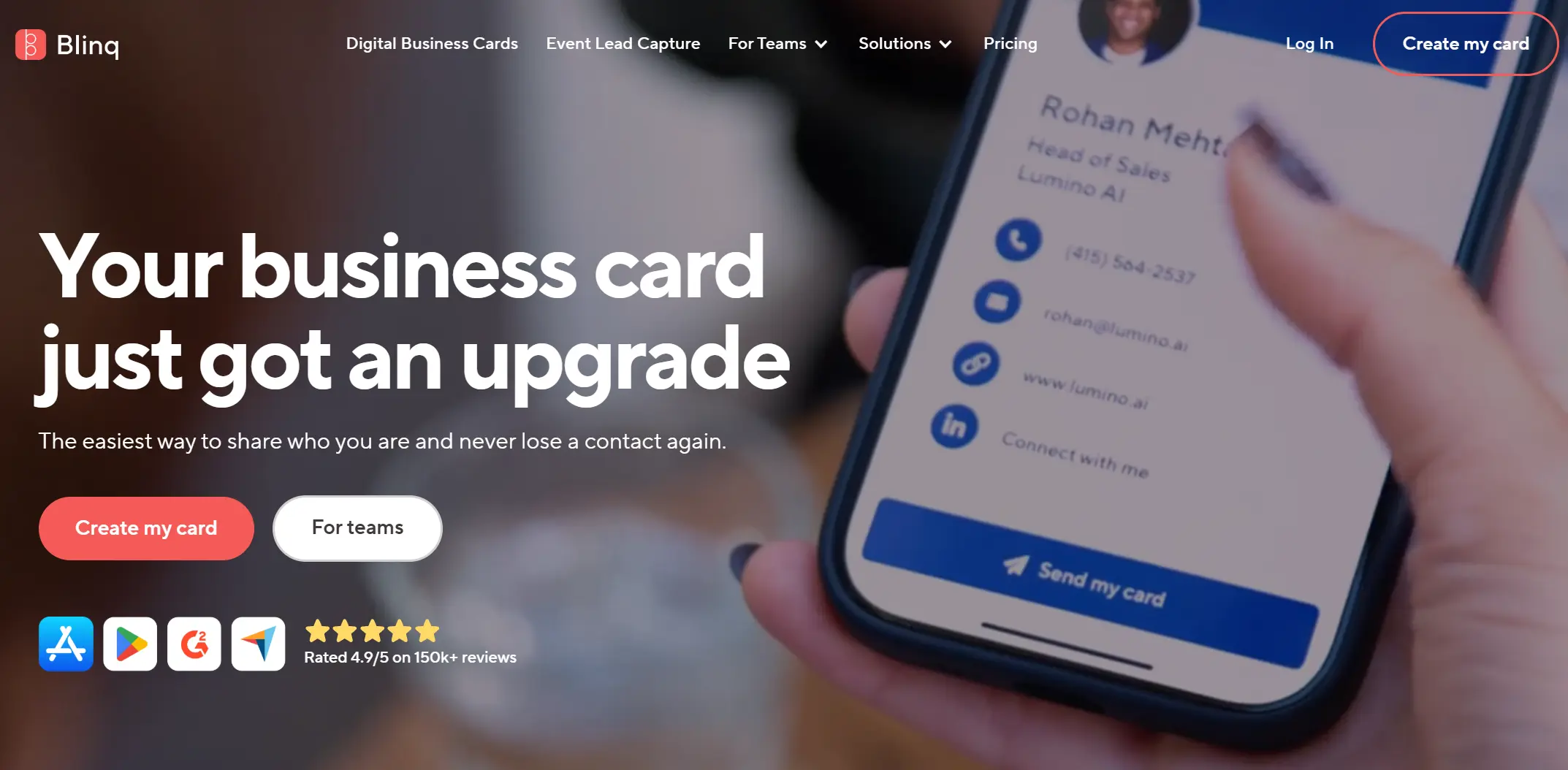
On the market, businesses appreciate Blinq’s digital business card platform as a practical SaaS solution for replacing paper cards without unnecessary complexity.
Blinq is especially popular among HR and operations teams that want a predictable way to manage digital business cards across the company.
What Users Say about Blinq for Enterprises
Enterprise users often describe Blinq as a solid and easy-to-deploy solution for large teams.
What enterprises like (Pros):- Centralized control over templates and signatures across teams
- A very user-friendly interface that employees adopt quickly
- Virtual backgrounds and branding elements that work well for corporate use
- Easy rollout for large teams without heavy training
- Limited CRM integration depth for sales organizations
- Blinq does not allow full transfer of deployment under the company’s control
- No built-in scanner, which weakens event and offline lead capture
- Mobile app functionality feels limited for advanced enterprise use
- Customization options feel limited for companies with strong brand standards
- Finding and managing contacts after events can become inefficient at scale
These gaps usually do not block smaller teams, but they matter more for enterprises with complex workflows, strict IT policies, or high branding expectations.
What Enterprise Teams Should Ask Before Choosing Blinq
Before rolling out Blinq across a large organization, enterprise teams need to understand how the platform manages employee data, where it stores contact information, and how it connects to existing HR and CRM systems.
During the first call, you need to ask the following questions to clarify these points:- Where does the platform store employee and contact data, and who controls access to it?
- How does Blinq connect to our existing HR and CRM systems, and what processes run automatically from day one?
- How does onboarding and offboarding work at scale, especially during bulk hiring or organizational changes?
- What options do we have if our security, compliance, or data ownership requirements change over time?
These questions help you assess whether the platform truly fits your organization, because product demos rarely cover the operational and data-ownership details that matter most at enterprise scale.
Pricing
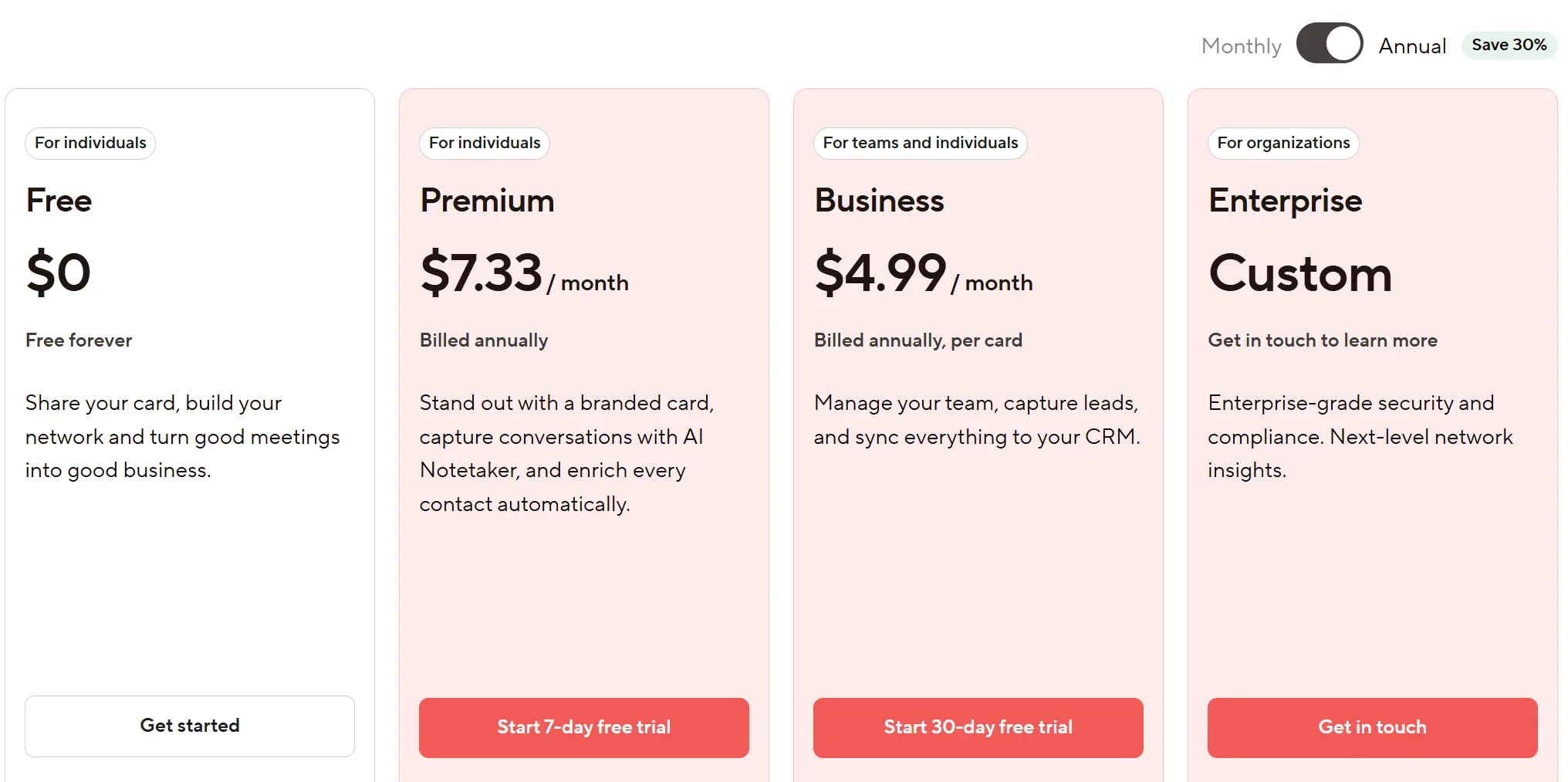
Blinq uses custom pricing for enterprise teams. The final cost depends on the number of employees, required admin controls, security features, and the level of support the company expects. Enterprise pricing is discussed directly with the sales team and adjusted to the organization's scale and operational needs.
3. Popl – Best for Event Enterprise Teams
I added Popl to this list because it is one of the most recognizable digital business card brands on the market, known for its NFC products and quick contact sharing experience.
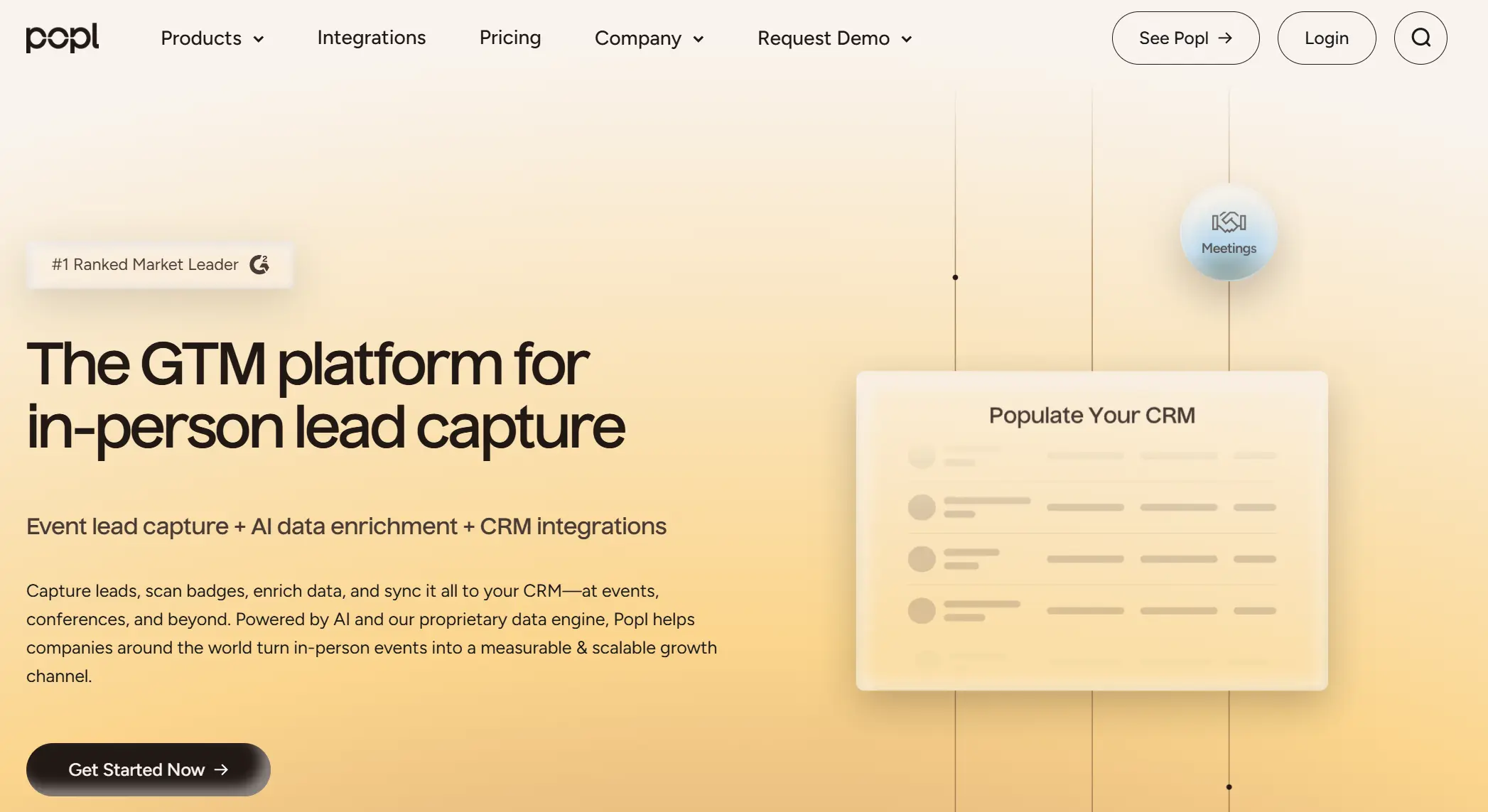
Enterprises often choose Popl for its robust lead-sharing at events, a wide range of NFC cards and tags, and the ability to exchange contact details via QR and NFC with minimal setup. For enterprise teams, Popl typically enters the conversation when the priorities are fast deployment, event visibility, and a solution that employees already recognize and enjoy using.
Popl is particularly popular among marketing, sales, and event teams that value quick lead capture and physical NFC cards as part of their brand presence.
What Users Say about Popl for Enterprises
Enterprise users often describe Popl as a powerful lead-sharing tool with strong brand recognition.
What enterprises like (Pros):- Strong NFC and QR sharing that works well at events and conferences
- A wide selection of physical NFC cards and tags
- Fast setup and easy first-time adoption by employees
- Good brand recognition that employees already trust
- Solid lead-generation flow for in-person interactions
- Complex and overloaded UX that slows down everyday use
- Too many steps required to save or manage contacts
- Pushy notifications that frustrate users at scale
- Limited role-based access and weak department structuring
- The admin dashboard feels basic for large organizations
- Security and compliance posture feels underdeveloped for enterprise needs
- Some core features sit behind paywalls
When many people use the system every day, these issues start to slow teams down and make basic tasks more difficult than they need to be.
What Enterprise Teams Should Ask Before Choosing Popl
Before rolling out Popl across a large organization, enterprise teams need to understand how the platform handles scale, governance, and day-to-day usability beyond its core sharing features.
During the first call, you should ask the following questions:
- How does Popl handle role-based access, department structure, and admin permissions at enterprise scale?
- How much friction do employees face when saving, managing, and reusing contacts daily?
- What security standards, certifications, and audit controls does Popl offer for large organizations?
- How does Popl prevent UX overload and notification fatigue when used by thousands of employees?
These questions help you evaluate whether Popl can operate as a long-term enterprise system, because product demos usually highlight NFC features and sharing speed.
Pricing
Popl uses custom pricing for enterprise teams. The final cost depends on team size, selected NFC products, required admin features, and access to advanced functionality. Enterprise pricing is discussed directly with the sales team and adjusted based on how your organization will use the platform.
4. HiHello – Best for Enterprises Digital Cards at Scale
HiHello deserves a place on this list because many companies discover it as an easy first step into digital business cards, thanks to its free version and simple setup.
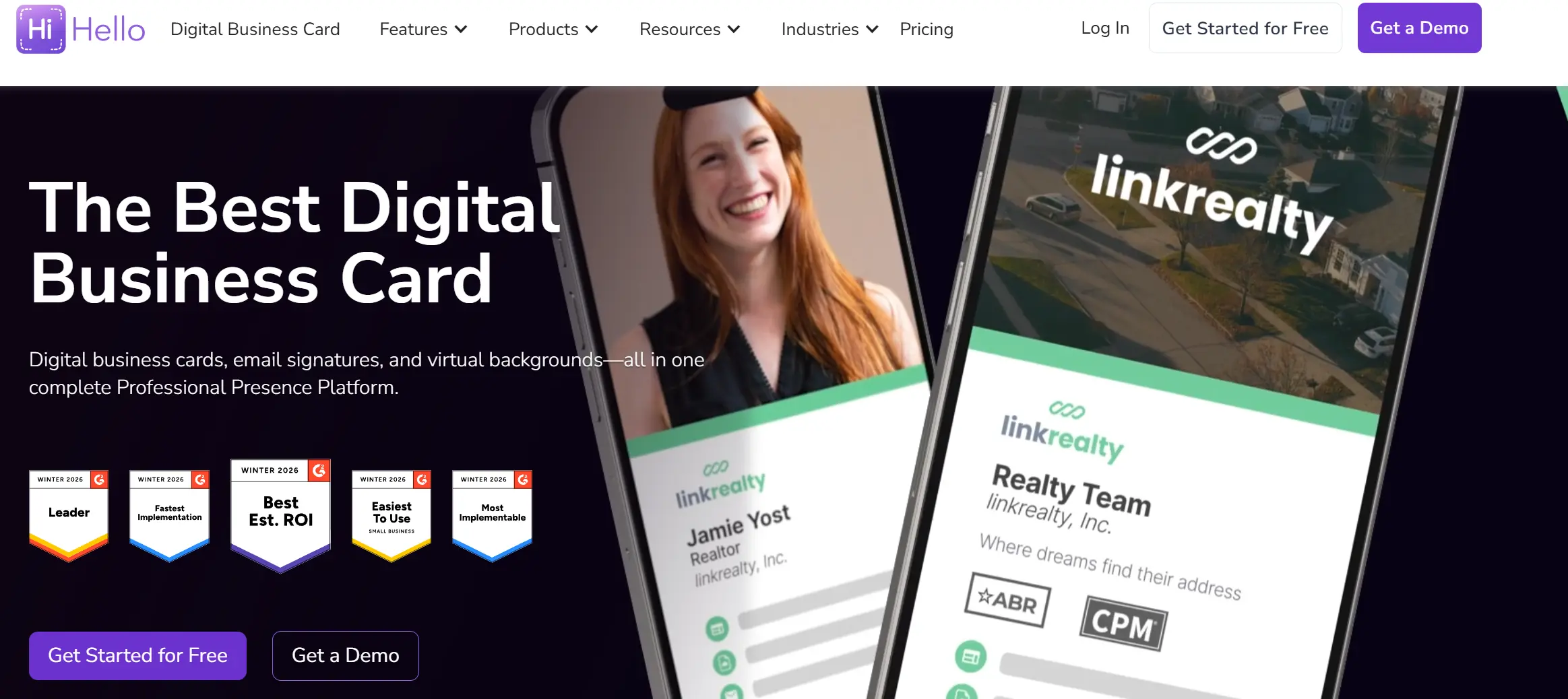
Enterprise teams often choose HiHello for its visual style, quick onboarding, and low barrier to entry. Employees can create and share cards fast, and admins can issue cards in bulk within minutes using a basic brand template. HiHello often becomes part of an enterprise environment when companies want to test digital business cards without running a complex rollout.
What Users Say about HiHello for Enterprises
Enterprise users often describe HiHello as an easy-to-use and visually polished platform.
What enterprises like (Pros):- Very fast setup and onboarding for admins and employees
- Easy-to-use interface that employees understand immediately
- Bulk card invitations using shared brand templates
- Email signatures and virtual backgrounds included in business plans
- CRM integrations with tools like HubSpot and Salesforce for basic contact syncing
- Simple analytics that show shares, saves, and new contacts
- Limited depth in admin controls and governance
- Minimal bulk provisioning and automation for large-scale HR workflows
- No deep HRIS integrations for employee data sync
- Central admin access available only via web
- Security and compliance standards feel unclear for large organizations
- Analytics stay surface-level and lack operational context for large teams
- HiHello does not allow full transfer of deployment under the company’s control
When many people use the system every day, these limits start to slow teams down and create extra manual work.
What Enterprise Teams Should Ask Before Choosing HiHello
Before rolling out HiHello across a large organization, enterprise teams need to understand how much manual work the platform requires once the team grows beyond a few hundred users.
During the first call, you should ask the following questions:
- How much of user provisioning, updates, and offboarding can we automate at scale?
- How does HiHello integrate with our HR systems, and how often do we need to manually update employee data?
- What security standards and compliance practices support enterprise usage?
- How far can analytics go beyond basic activity metrics when teams want operational visibility?
These questions help you understand whether HiHello can support daily enterprise operations, because product walkthroughs usually focus on setup speed and design, not long-term scalability.
Pricing
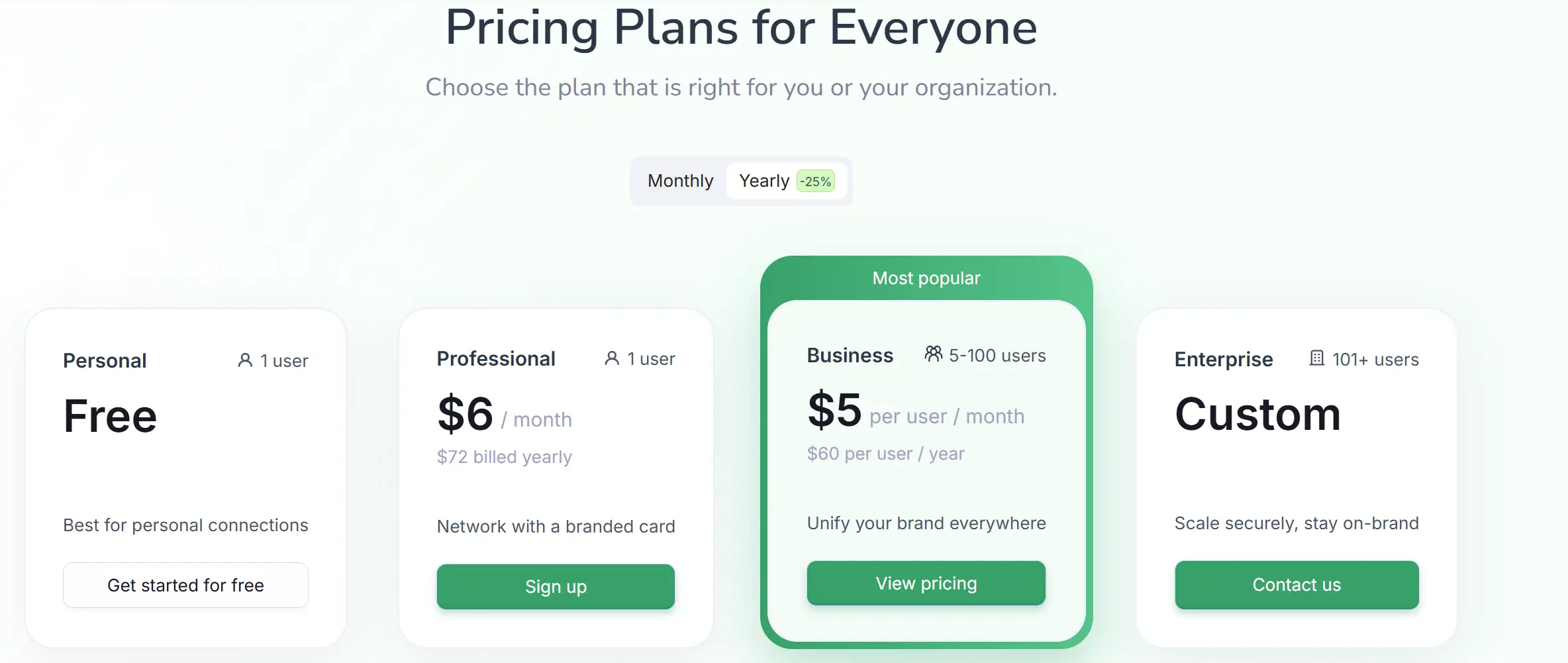
Enterprise pricing begins at 101 users. An enterprise plan unlocks unlimited digital cards, departmental templates, SSO and directory sync, email signature management, custom virtual backgrounds, advanced CRM integrations, SOC-II-level security, reports, and a dedicated success team.
5. Mobilo – Best for Hybrid Experience
I added Mobilo to this list because it blends physical NFC cards with digital business card technology in a way that appeals to teams valuing tactile interaction and modern contact sharing.
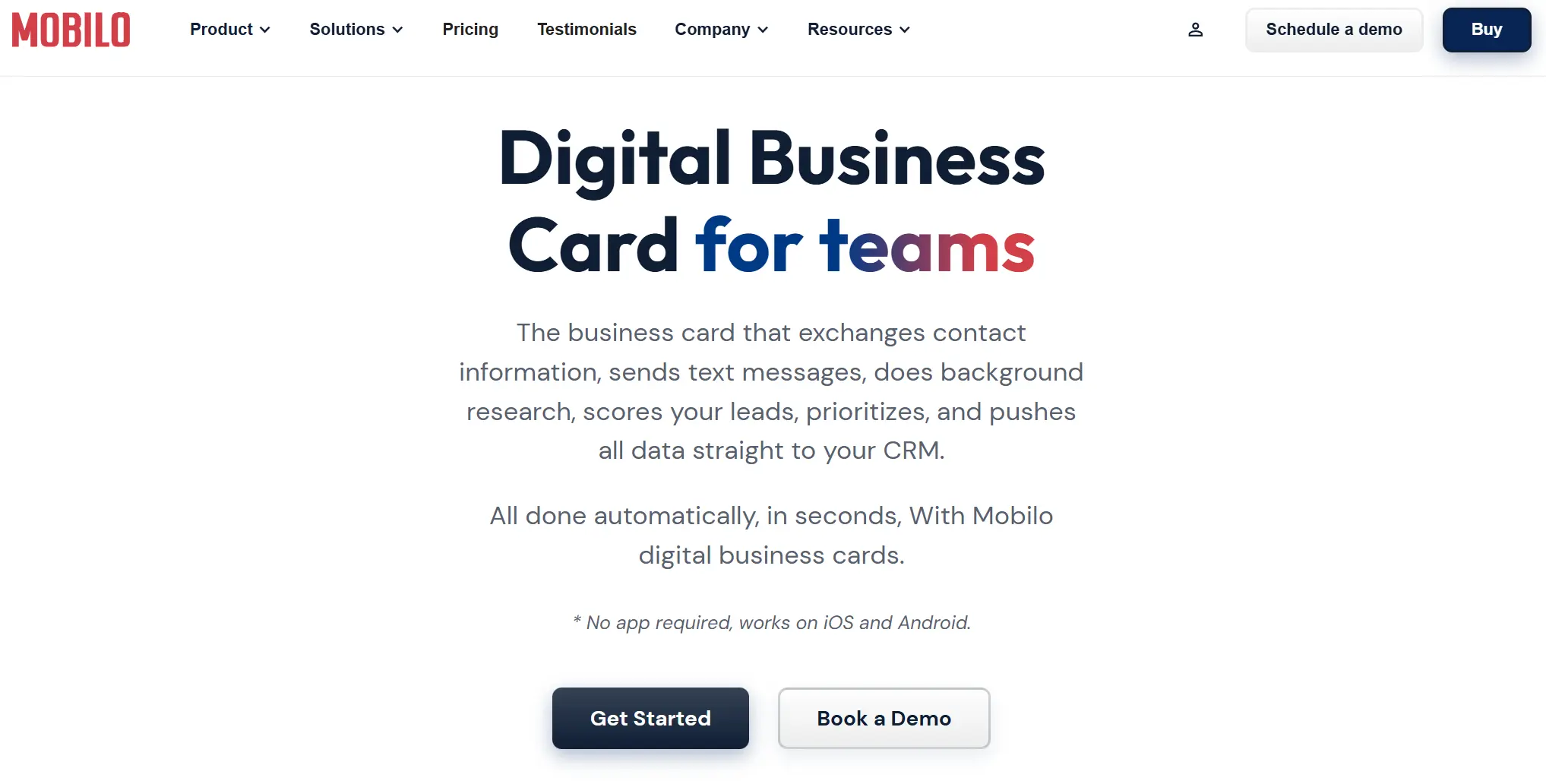
Mobilo fits companies that want a hybrid experience — the professionalism and familiarity of a physical card combined with the benefits of digital networking.
Unfortunately, Mobilo does not deliver the advanced enterprise infrastructure that large organizations usually expect, but it is a nice solution for old-school style companies.
What Users Say About Mobilo for Enterprises
Businesses that use Mobilo often mention it as an effective way to make in-person networking feel modern and memorable. Independent reviews and user feedback reflect a mix of solid physical product experience and limitations around enterprise tooling.
What enterprises like (Pros):- Physical NFC cards that reinforce personal connection and modern branding
- Simple setup and straightforward use for team members
- Lead capture that funnels into basic analytics or CRM exports
- Affordable bulk options compared to boutique NFC card makers
- Good customer service and responsive support in many experiences
- Admin controls remain basic with limited role granularity and governance
- Analytics lack operational depth compared to software-first platforms
- Security certifications and enterprise compliance signals are vague in public materials
- Physical cards add logistics layers (production, shipping) that purely digital solutions avoid
- Some users find the interface and card management less intuitive than alternatives
Business reviews swing between praise for the product’s design and ease of use and caution about UX complexity and limited customization.
What Enterprise Teams Should Ask Before Choosing Mobilo
It seems Mobilo is not on the same level as the other companies on this list, but it is still worth trying to talk with them to find a solution for the team that enjoys the physical card feel.
During the first call, you should ask the following questions:
- How does Mobilo manage card provisioning, updates, and replacements at scale?
- What admin controls exist for role definitions, department hierarchies, and delegated governance?
- What enterprise security standards, certifications, or compliance assurances does Mobilo provide?
- How does the platform integrate NFC tap data into our CRM or contact systems?
These questions help you evaluate whether Mobilo suits your operational model, as demos often highlight the physical card's novelty and basic sharing.
Pricing
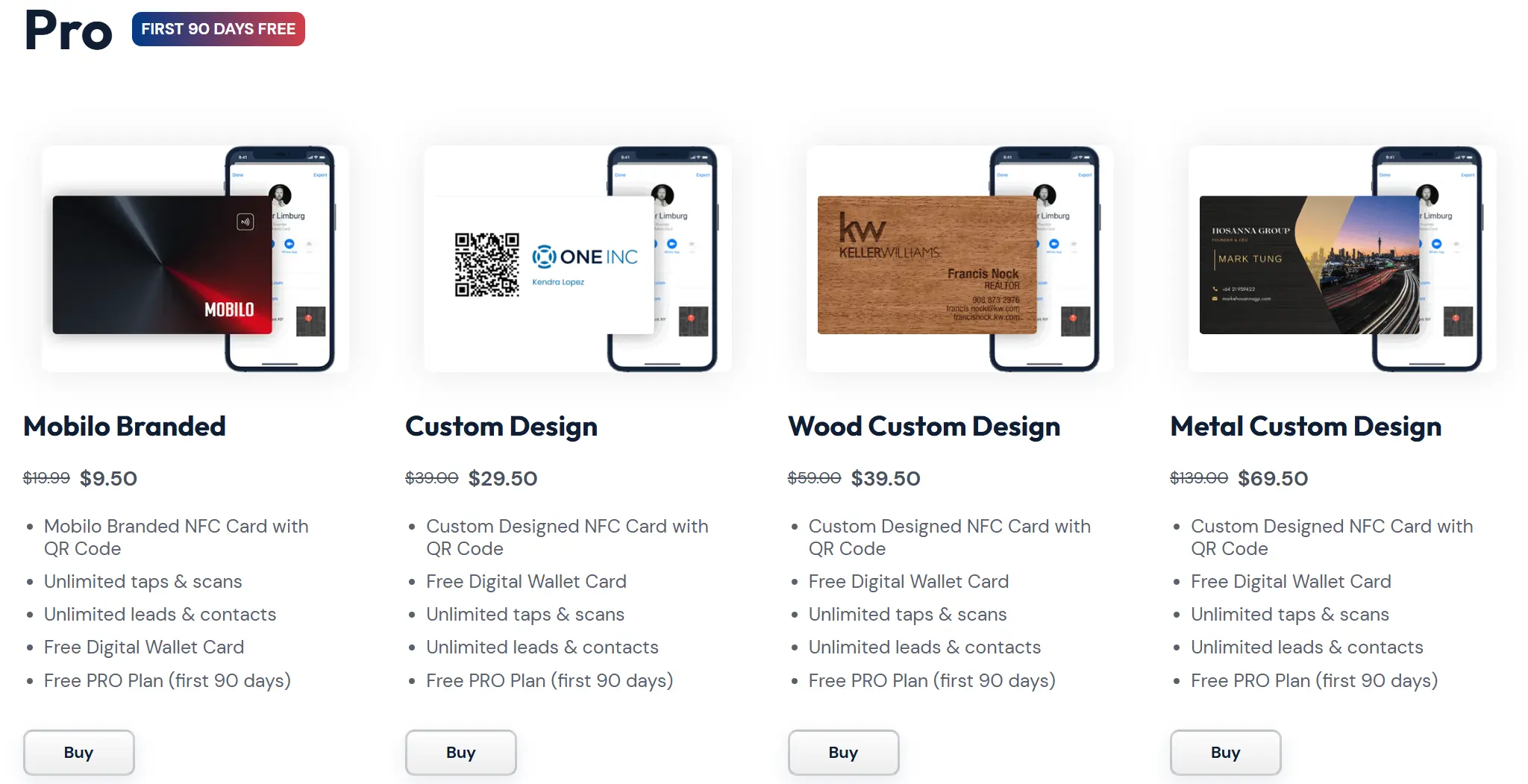
Mobilo offers team pricing that includes bulk purchase options for NFC cards and admin platform access. Enterprise teams discuss volume, card types, and management needs directly with Mobilo to get a tailored quote based on card quantities and organizational requirements.
The First Weeks of Enterprise and Digital Business Card Platform Collaboration
Here is how the ideal scenario should look:
Step 1: Clarify the company’s goal and expectationsA digital business card platform must start by understanding what your company wants to achieve. They must ask about the scale, required features, and whether you need a standard solution or a tailored approach.
Step 2: Define the delivery model and scopeIf your team needs a custom setup, the digital business card company defines the solution in detail, aligns on features, scale, and possible custom additions, and then moves toward deployment.
Step 3: Invite and onboard the full teamDuring the first 1–2 weeks after kickoff, we invite your team and add all employees to the system in bulk, so everyone gets access and can start using their digital business cards without delays.
The Biggest Mistakes Enterprises Make with Digital Business Cards
This section is very important to understand that the partnership between digital business card platforms and the enterprise team is not a one-sided effort. Your company will also need to do a job and avoid these mistakes:
Mistake #1: Expecting zero effort from the company
Many teams assume the platform will magically work on its own from day one. Any enterprise rollout still needs internal involvement, decisions, and ownership. We can automate a lot, but your company still needs motivation and attention. Without that, adoption remains partial, and the results feel disappointing.
Mistake #2: Underestimating time and internal coordination
Enterprise teams often ask how fast everything will work and how little effort it will take. The real question is how prepared your organization feels to align people, approvals, and workflows. Legal, security, and ops teams move in parallel, and this coordination always takes time. When teams plan for this upfront, tension drops significantly.
Mistake #3: Focusing only on security and forgetting daily operations
Security, trust, and vendor stability matter, and enterprise clients always ask about them first. At the same time, many teams forget to ask how easily employees will join the system, how much manual work admins will do, and how the structure will scale. These operational details shape everyday experience far more than certificates alone.
Mistake #4: Choosing a platform that isn’t ready to hold enterprise
From a technical side, this is one of the most common problems we see. Some platforms simply don’t support enterprise workflows at their current stage. Missing HR and CRM integrations, weak role separation, limited admin rights, and poor team filtering make large teams hard to manage. If the solution can’t handle departments, multiple admins, and structured access, scaling becomes painful.
You can trust the companies in this article, as they have already worked with enterprise clients and have proven that their platforms are reliable solutions for large teams.
Mistake #5: Lacking motivation and an internal owner for the rollout
Large solutions don’t implement themselves. Successful enterprise rollouts always have a key person who pushes the initiative, answers questions, and keeps momentum high. We support this process closely, but the high-level motivation from your side is a crucial factor for successful results.
How to Know If Your Company Is Ready for Digital Business Cards
Lastly, I want to share a short checklist that can help you to understand whether you are ready to integrate a digital business card platform into your workflow:
- You already feel pressure to move away from paper cards, often because competitors have done it or internal costs keep growing.
- You can assign an internal owner to drive the rollout and maintain momentum across teams.
- Your HR, sales, and marketing teams already use structured systems such as HRIS and CRM.
- You expect the platform to integrate into your workflow.
- Your team is ready to put in the work and make sure everyone uses the system.
If most of these points sound good, your organization is ready for a rollout.
Final Word
If I could give one piece of advice to a company choosing a digital business card solution for 1,000+ employees, I would say this: a digital business card is an extension of your company’s image in every personal interaction your people have.
It should reflect the same level of quality, ambition, and professionalism that your brand already stands for, or even raise that bar. In a large organization, every employee represents the company in meetings, emails, and events, and the details matter.
If you see yourself as a market leader and care about your presence across every channel, the way each employee represents your brand becomes part of that standard.FAQ
What features should an enterprise digital business card solution include?
What happens to employee cards when someone leaves the company?
Why do some enterprise rollouts fail?
How do digital business cards work for enterprises with 1,000+ employees?
How can enterprises measure ROI after switching to digital business cards?

A content writer with over 8 years of experience creating analytical content for digital products and B2B SaaS companies. His work focuses on practical guides, pricing breakdowns, and comparisons that help teams evaluate costs, features, and differences between tools.
Your first impression decides everything
- Look professional and build trust instantly
- Forget about reprints and lost contacts
- Update your details anytime
 Get Started Today