
Contents
Blinq vs Popl OverviewBlinq vs Popl B2B Feature ComparisonBlinq vs Popl Is Done! Now Meet Their Outstanding Alternative: DBC: Digital Business CardPricing Comparison Table: Blinq vs Popl vs DBCConclusionFAQBlinq vs Popl (2026): A Detailed Comparison of Digital Business Card Platforms
You’re likely here because choosing between Blinq vs Popl for your team feels overwhelming. These two platforms have many good B2B features that can help your team take digital networking to the next level. But which solution is better by the end of the day?
In this detailed comparison, I’ll break down Blinq and Popl head-to-head, focusing on how each supports business goals, aligns with different workflows, and connects with the tools you may already use.
Read on to see exactly which platform fits your use case today, learn their pros, cons, and which one won’t even survive a few rounds.
Make your bets and let’s move into the ring!
Blinq vs Popl Overview
Blinq and Popl are two top-rated digital business card platforms with different approaches.
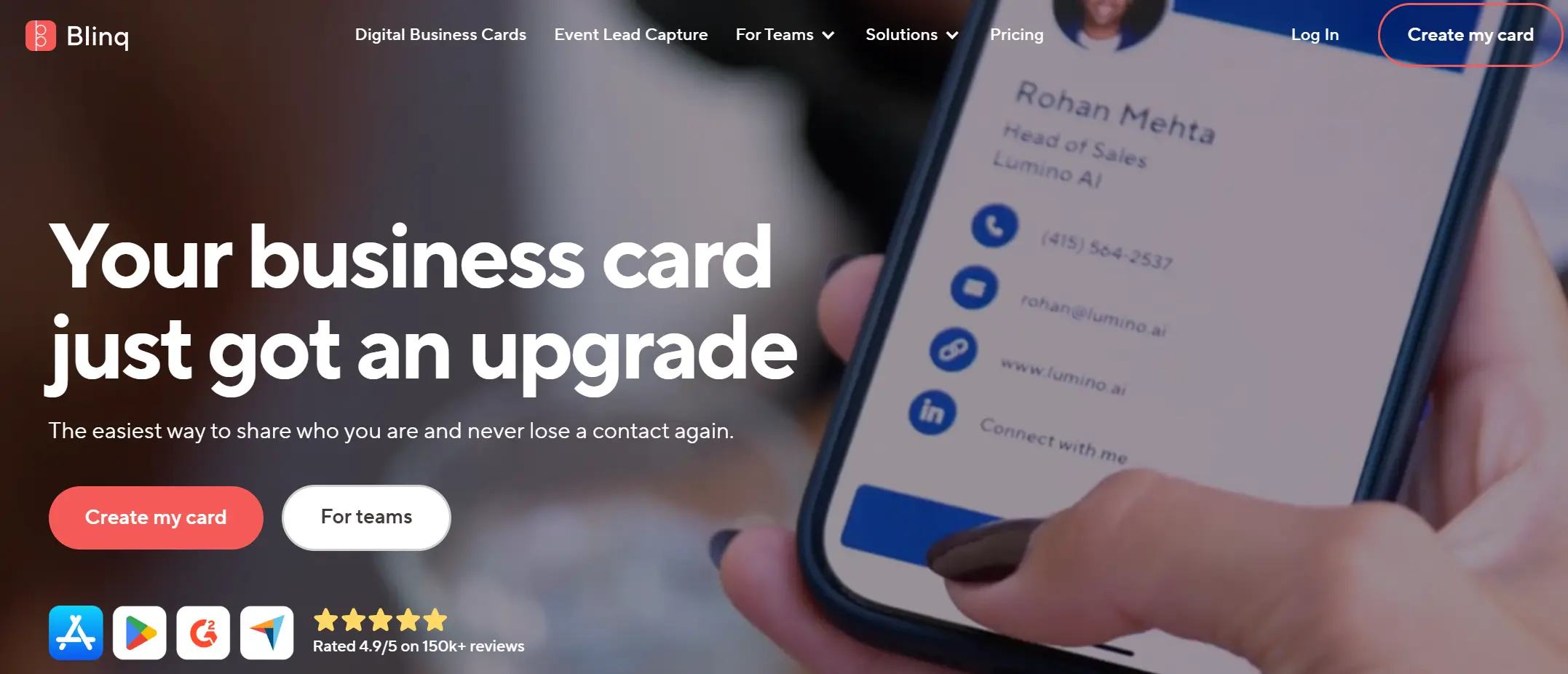
Blinq is known for its easy-to-use digital cards and team-friendly features. It lets individuals and companies share contact details via QR codes, links, and NFC cards, with flexible customization and enterprise security options. As of 2026, it's used by teams at 93% of Fortune 500 companies, with standout adoption in industries such as finance, consulting, and professional services.
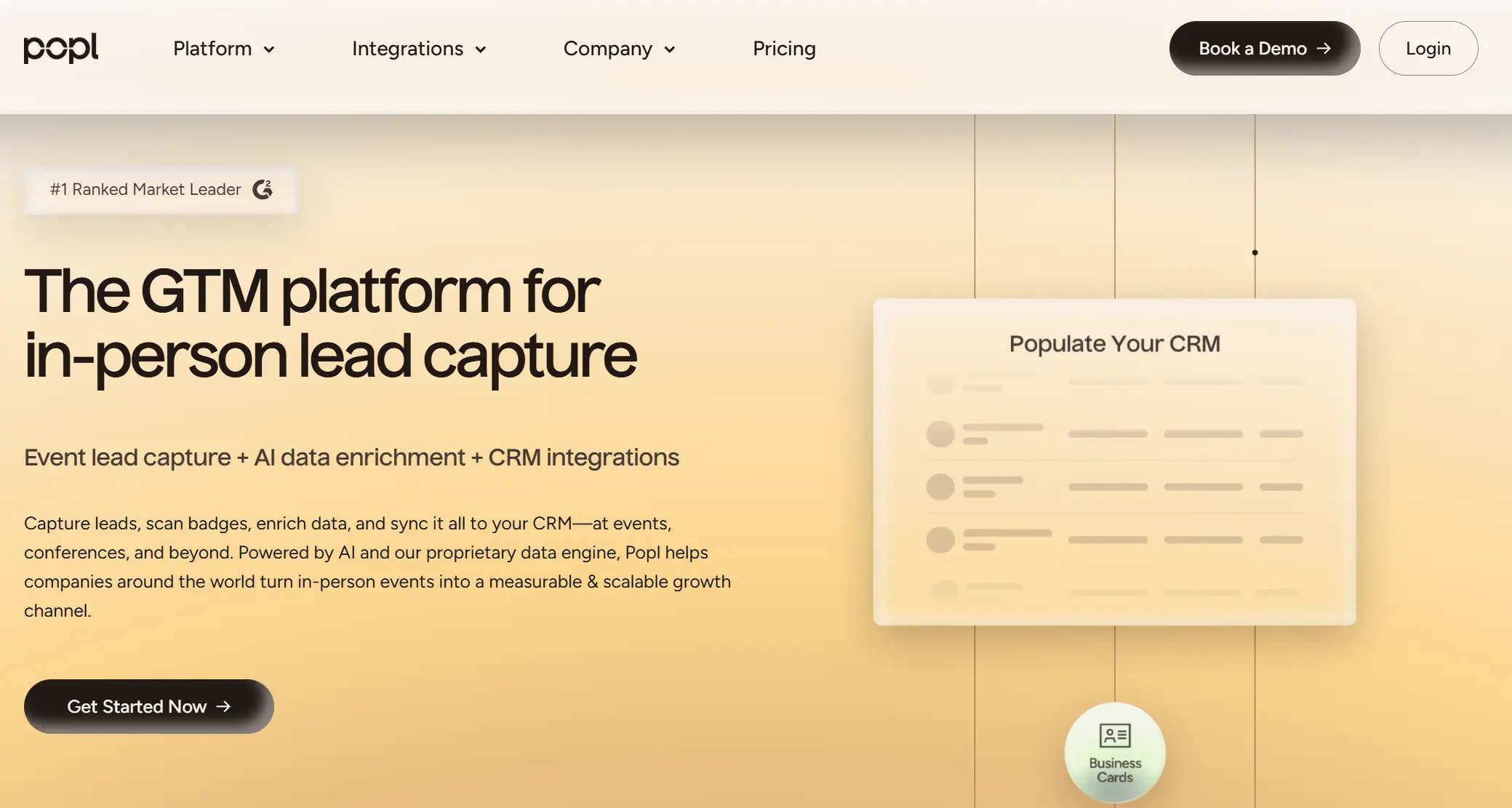
Popl is more focused on an in-person lead capture for revenue teams. It combines digital business cards with event tools like badge scanning, AI contact enrichment, and deep CRM integrations. Popl powers networking for over 30,000 businesses, including teams at Google, Tesla, Salesforce, and Nike, and is widely used by field sales teams to measure event ROI.
Below is a detailed overview of Blinq and Popl, including their pros and cons.
Blinq Overview
Blinq is built to help businesses roll out digital business cards and maintain full control over branding, structure, and data. It also gives admins the control they need to manage cards across departments and geographies.
Best for:- Professional services and consulting firms that need branded business cards across large teams.
- Distributed or hybrid teams that need consistent contact sharing via email, Zoom, mobile, and in-person.
- Mid-sized to large organizations (50–5,000+ employees) that want to manage cards through HR directory sync and apply branding templates globally.
- Companies replacing paper cards, but who don’t need trade show badge scanning, lead scoring, or advanced contact enrichment.
- Extremely easy to use: Users consistently praise Blinq’s clean interface and fast setup. A new hire can get a branded, professional card in minutes.
- Always on-brand: Admins can enforce company logos, color schemes, and field rules through templates. Built-in field locking ensures visual consistency across all cards, even as teams scale.
- Broad sharing options: Each card comes with a permanent QR code, short link, and Wallet pass. Teams can optionally order NFC tap cards. Importantly, recipients don’t need the app to receive or save details.
- CRM integration out of the box: On the Business plan, teams can sync contact data directly to platforms like Salesforce or HubSpot.
- Enterprise security: SOC 2 Type II certified, GDPR compliant, with optional SSO and audit logs at the Enterprise level. Strong fit for regulated industries and IT buyers.
- You need to pay extra for lead capture: Scanning event badges, enriching contacts, or syncing leads to a CRM requires the paid Lead Capture add-on (starts at $199/month).
- No custom lead forms on basic plan: Without the scanner or integrations, there’s no native way to collect a recipient’s contact info via form on the card. Manual sharing is required.
- Limited analytics: The standard Business plan includes only basic engagement metrics. To track individual card performance, conversion, or event ROI, teams need an add-on or the Enterprise plan.
- Enterprise features locked at the top tier: SSO enforcement, audit logs, and some compliance tools are only available through Enterprise pricing and require contact with sales.
Blinq is a perfect solution for companies that want their teams to look professional and cover most everyday networking needs.
However, teams that need deep lead capture, event ROI tracking, or custom form flows will need to invest in the paid add-ons or Enterprise features. For many modern businesses, Blinq offers the right balance of structure and simplicity.
Popl Overview
Popl is a digital business card platform for sales, marketing, and event teams that meet potential leads face-to-face and need to capture their contacts instantly. From scanning trade show badges to syncing enriched contacts directly into your CRM, Popl is designed to turn interactions into trackable revenue opportunities.
Admins get access to robust analytics that measure event ROI, individual performance, and lead conversion trends.
Best for:- Revenue and marketing teams that need fast, structured lead capture and CRM sync from physical interactions.
- Mid-sized and enterprise organizations with sales enablement or ops resources to set up workflows, manage CRM fields, and optimize on-site capture.
- Companies are looking to get more ROI visibility from events.
- End-to-end lead capture flow: Badge scanning, AI enrichment, contact sync — all in one streamlined workflow that removes manual data entry.
- Two-way exchange by default: Every time you share your card, recipients are prompted to enter their contact information, converting passive shares into actual leads.
- Robust admin analytics: Full visibility into team activity, lead quality, and event performance. Helps sales managers coach reps and justify event budgets.
- Enterprise integrations: Native CRM sync (Salesforce, HubSpot) with deep field mapping. Connects to 5,000+ apps via Zapier, plus HRIS and SSO support.
- NFC & physical device ecosystem: Offers branded tap cards, badges, stickers, and wearables for easy sharing.
- No flat team pricing: Teams must request pricing or talk to sales for anything beyond basic features. Not ideal for those who want transparent plans.
- Extra cost for event features: The full lead-capture suite (badge scanning, enrichment, analytics) lives in a separate tier with usage fees per scan.
- NFC layer adds cost: For a full experience, you may need to distribute physical gear, which adds shipping, branding, and reorder overhead.
- Overkill for remote teams: If most of your interactions are via email, Zoom, or async links, many of Popl’s features won’t be used.
- Takes time to set up: Admin tools are powerful, but they require time and someone to configure CRM mappings, user roles, and campaigns.
Popl gives revenue teams a structured, trackable way to turn physical meetings into a lead-conversion machine, with tools for scanning, syncing, and analyzing throughout the full event lifecycle. The tradeoffs are more setup, hardware considerations, and tiered pricing based on usage.
For teams that live in the field, that’s a fair price for control and visibility. But for simpler networking needs, Popl may be more platform than you actually need.
Blinq vs Popl B2B Feature Comparison
When evaluating Blinq vs Popl for B2B use, it’s important to go feature-by-feature through the lenses of a team admin and an end-user.
Below, we compare how Blinq and Popl handle the core capabilities that companies care about, with quick mini-tables and winners for each category.
1. Card Creation and Personalization
For B2B teams, digital business cards need to strike a balance between branding and personalization for each employee. A good system should let you templatize the look, control key fields, and roll out cards that look professional.
Feature | Blinq | Popl |
|---|---|---|
Cards per User | Up to 5 active cards (e.g., personal, business) | Up to 5 cards (Pro+ level included in Teams) |
Templates & Branding | Admin templates with logos, colors, locked fields | Admin templates by department/region, flexible layouts |
Custom Fields | Unlimited fields, text/links/socials, field locking | Unlimited fields incl. media; admins can lock fields |
Visual Design | Photo, logo, brand QR, background & signature generator | Photo, banner, video, CTAs, embedded galleries |
Multimedia Support | No native video/gallery embedding | Supports video, image blocks, and product demos |
Blinq and Popl give teams powerful tools to control how digital cards look and feel. Blinq is ideal for strict brand compliance.
Popl gives end users more freedom — its cards can host videos, custom CTAs, and product visuals, which is great for teams with multimedia needs.
If your team values fast, uniform rollout, go with Blinq. If your reps want their card to act like a mini pitch deck, Popl leads there.
2. Lead Capture
A digital business card platform should actively help you collect new leads and organize them efficiently. Strong lead-capture capabilities might include customizable contact forms, event badge or card scanning, and automatic syncing with your CRM system.
These features are especially valuable for sales and marketing teams that need to turn conversations into a pipeline. Here’s how Blinq and Popl compare when it comes to capturing and managing leads:
Feature | Blinq | Popl |
|---|---|---|
QR / Card Scanning | Yes, but requires a paid Lead Capture add-on | Yes, built-in for all paid plans |
Lead Capture Forms | Not available by default | Yes – recipient fills form before seeing your card |
Two-Way Exchange | Partial – manual save or scan required | Yes – form, scan, or Popl-to-Popl auto-exchange |
CRM Sync of Leads | Yes with add-on (direct or Zapier integrations) | Yes – native integrations included in Teams plan |
Popl is the undeniable winner in this category. Every Teams user gets built-in lead-capture tools — a scanner, enrichment, forms, and CRM sync without paying extra or setting up third-party tools. That makes it ideal for sales teams working at trade shows or field events.
Blinq has a comparable solution, but only if you pay for the Lead Capture add-on, which introduces extra cost and usage limits.
If capturing leads is core to your team’s workflow, Popl is the stronger out-of-the-box option.
3. Virtual Background
Digital meeting backgrounds are an effective way to share contact info during Zoom calls, webinars, or virtual events.
By placing a QR code behind you, you turn passive screen time into a networking opportunity. It’s a small feature, but one that supports brand visibility and lead flow in a distributed environment.
Feature | Blinq | Popl |
|---|---|---|
Availability | Included on all plans (Free and up) | Included on paid plans (Pro, Teams) |
Customization | Name, title, company, QR on branded template; admin-controlled styles | Name, logo, QR on preset templates; team admins can manage branding |
Dynamic QR | Yes – background stays valid even after card updates | Yes – QR stays live and synced with profile |
Use Cases | Ideal for Zoom, Teams, Meet calls; supports passive sharing | Same use case; positioned as part of “Comms assets” toolkit |
Both platforms provide virtual backgrounds with QR codes, and both do it well without extra cost.
Blinq might be slightly more accessible here (since even free users can create one in the app), whereas with Popl, you’d likely need a paid plan, but in a team context, you’d have that anyway.
If virtual backgrounds are on your wish list, you won’t be disappointed by two services.
4. Email Signature
Embedding your digital business card in every email is a simple but powerful way to boost reach. For companies, it helps maintain a consistent visual branding and makes it easier for recipients to access up-to-date contact details. Here’s how Blinq and Popl handle email signature features:
Feature | Blinq | Popl |
|---|---|---|
Personal Signatures | Yes – Free plan includes signature generator (name, title, QR, or icon link) | Yes – Available on Pro and Teams plans via “Comms assets.” |
Admin Controls | Yes – via paid add-on ($0.99/user/mo) for centralized design and push updates | Yes – included in Teams plan; admins manage standard layout and branding |
One-Click Contact Save | Yes – link or QR lets recipients instantly save your vCard | Yes – signature links to Popl card; vCard save available from profile |
Deployment | Manual setup unless you pay for admin control; then fully automated | Managed via Popl dashboard; templates can be assigned during onboarding |
For individuals, Blinq offers a polished email signature creator even on the free plan, making it easy to start using right away.
But for teams, Popl pulls ahead. Its centralized admin control for email signatures comes baked into the Teams plan with no added fees, while Blinq requires a paid add-on.
If uniform brand consistency across your team’s outbound email is a must-have, Popl is the more cost-effective choice at scale.
5. Analytics & Performance Tracking
Understanding the results digital business cards deliver for your company is key to proving value. Sales and marketing leaders often need to measure outreach activity, team adoption, and event ROI.
Strong analytics let you track everything from card shares to lead conversion. Here’s how Blinq and Popl compare when it comes to insights and reporting:
Feature | Blinq | Popl |
|---|---|---|
Basic Metrics | Shares per user, contacts saved, CSV export | Shares, profile views, leads per user, team dashboards |
Lead Funnel Tracking | Limited (available via Lead Capture add-on) | Built-in for events; tracks follow-up speed, qualification, and meeting outcomes |
Team Leaderboards | Yes – activity comparison between users | Yes – live leaderboards and KPIs |
Custom Reporting | CSV exports or API (Enterprise); no custom report builder | CSV exports, CRM integration, strong out-of-the-box dashboards |
Real-Time Feedback | Users get alerts on card views; admins check manually | Live scan-to-CRM sync; live dashboards during events |
Popl clearly leads in advanced analytics. It’s designed for teams that need visibility into lead quality, follow-up behavior, and event ROI. For sales orgs treating lead capture seriously, Popl helps you measure results and take action in real time.
Blinq gives you enough to track usage and adoption, but doesn’t go deep on performance unless you purchase additional features. So if your team focuses on revenue, Popl gives you the data to optimize and justify your investment.
6. CRM Integrations
For B2B teams, connecting your digital business card tool to your CRM is essential for efficient lead management. When you meet someone and save their contact, it should be added to your CRM automatically. This helps your team save time, avoid mistakes, and follow up faster. Here’s how Blinq and Popl handle CRM integration:
Feature | Blinq | Popl |
|---|---|---|
Native CRM Support | Yes – Salesforce, HubSpot, Zoho, Dynamics, Pipedrive, etc. (via dashboard or API) | Yes – Salesforce and HubSpot natively with advanced options; others via Zapier |
Field Mapping | Basic in UI; custom mapping requires Zapier/API | Fully customizable field mapping built-in (e.g., tag by event, rep name, campaign) |
Contact Enrichment | Yes, via paid Lead Capture add-on (adds email, company, etc.) | Yes – enrichment included; AI fills in missing fields automatically before pushing to CRM |
User Provisioning | HRIS integration (e.g., BambooHR, Workday) for auto-card creation | HR tools like Google Workspace, Azure AD – support SSO and auto user sync |
Workflow Automation | Works with Zapier, webhooks, and API for broader integrations | Works with Zapier and has APIs; supports Slack, CRM campaign tagging, and more |
Both platforms check the key CRM boxes, but Popl goes further out-of-the-box. With no add-ons required, you get enriched contacts, flexible field mapping, and built-in campaign tagging.
Blinq can match much of this with the right plan and some API work, but Popl delivers it more natively with less setup. That makes it easier to configure, faster to deploy, and more reliable for teams that treat lead data as revenue fuel.
If CRM automation is a priority, Popl is more plug-and-play. If your needs are simpler, Blinq’s integrations will still cover the fundamentals.
7. Onboarding
Onboarding means setting up the platform for your team. This includes adding new users, helping them create their digital cards, and making sure everything works smoothly. It also covers offboarding, which is removing cards when members leave the company.
A good tool should make it easy to invite team members, set up their cards quickly, and manage everything without manual work. Here's how Blinq and Popl handle this process.
Feature | Blinq | Popl |
|---|---|---|
Adding Team Members | Invite by email or create cards in bulk. Enterprise plan supports API for automation. | Invite by email, CSV upload, or auto-sync via Azure AD/Google Workspace. |
Card Setup | Admin templates pre-fill info like name and title. Users just complete and personalize. | Default card layouts auto-apply. New users get pre-filled cards via HR sync. |
Offboarding | Deactivate or reassign cards manually or via HR system (with Enterprise tools). | Cards can auto-disable when someone leaves and be reassigned instantly. |
Training & Adoption | Simple UI, minimal training needed. Support docs available. CSM is included for large teams. | Offers tutorials, admin guides, and a Slack community. More training for advanced features. |
Blinq is super easy to roll out and great for smaller teams or fast deployment. Popl offers more advanced tools, such as directory sync and auto-setup, making it better suited for larger orgs with IT teams.
Both are fast to deploy — the choice depends on your complexity.
8. Team Management
A good team management system helps you organize users, assign different roles, and manage access levels. You should be able to group users by department or region, make fast updates, and control what information can be changed.
It’s also important to monitor activity, enforce company policies, and keep everything secure. Whether you’re managing 10 or 200 people, the platform should make it easy to stay organized and consistent.
Feature | Blinq | Popl |
|---|---|---|
Admin Roles | Basic admin and manager roles. Role control is limited outside the Enterprise. | Multi-level roles (Org Admin, Team Admin). More detailed permission control. |
Subteams & Groups | Flat user list on Business plan. Teams are not grouped. | Subteams supported (e.g., by region or department). Custom templates per group. |
Bulk Actions | Create, edit, and export cards or contacts in bulk. CSV or API (Enterprise). | Bulk actions via dashboard or directory sync. Supports mass user setup. |
Activity Monitoring | Audit logs only on Enterprise. Basic activity stats for others. | Dashboard shows usage per user/team. Includes audit tracking. |
Policy Enforcement | Lock fields and branding. No advanced policy rules. | Can lock fields, enforce SSO, restrict exports, and control team settings. |
Popl gives admins more control — from setting team structures to restricting permissions. Blinq is simpler and covers basics well, but Popl’s extra layers, like subteams and policy controls, are better for larger companies that need structure.
9. Enterprise Security
Finally, enterprise security and compliance: what do Blinq vs Popl offer to meet the data privacy requirements of large companies? Here’s a direct comparison:
Feature | Blinq | Popl |
|---|---|---|
SSO Login | Supports SAML SSO on the Enterprise plan. | Supports SSO for Teams and Enterprise. Works with Okta, Azure AD, and others. |
User Provisioning (SCIM) | Integrates with HRIS tools and supports SCIM via API. | Full SCIM support with Azure AD, Google, and Workday. |
Data Security | SOC 2 Type II certified. GDPR/CCPA compliant. Data is encrypted. | SOC 2 Type II certified. GDPR compliant. End-to-end encrypted. |
Compliance Certifications | SOC 2, GDPR, CCPA. No mention of ISO 27001. | SOC 2, GDPR, global standards. ISO 27001 not listed. |
Device & Network Security | Mobile + web apps. No desktop software. Can be managed via MDM. | Mobile, web, and a desktop app. MDM supported. No self-hosting; SaaS only. |
Data Ownership & Export | You own your data. Export available via CSV or API. Data is never sold. | Full data control. Export options and CRM sync. No data resale. |
Both Blinq and Popl meet modern enterprise security standards. They offer SSO, automated provisioning, encryption, and comply with SOC 2 and GDPR. If your team has strict InfoSec requirements, either platform should pass the test.
Popl leans more on AI enrichment, while Blinq stays a bit more conservative unless you opt in. Still, for most B2B teams, both are equally safe and ready.
Blinq vs Popl Is Done! Now Meet Their Outstanding Alternative: DBC: Digital Business Card
When you choose a digital business card platform for your business, do not consider popularity as a deciding factor.
Despite being very famous platforms, Blinq and Popl still have a bunch of disadvantages. Blinq focuses on brand consistency but limits marketing and lead-gen capabilities unless you pay extra for add-ons.
Popl includes too many features that smaller and mid-sized teams often don’t need, making the platform harder to use and manage.
If you want a more balanced, B2B-focused solution, I recommend checking out the DBC: Digital Business Card. Our best features are unique design templates, event performance tracking, and comfortable brand control for the whole team.
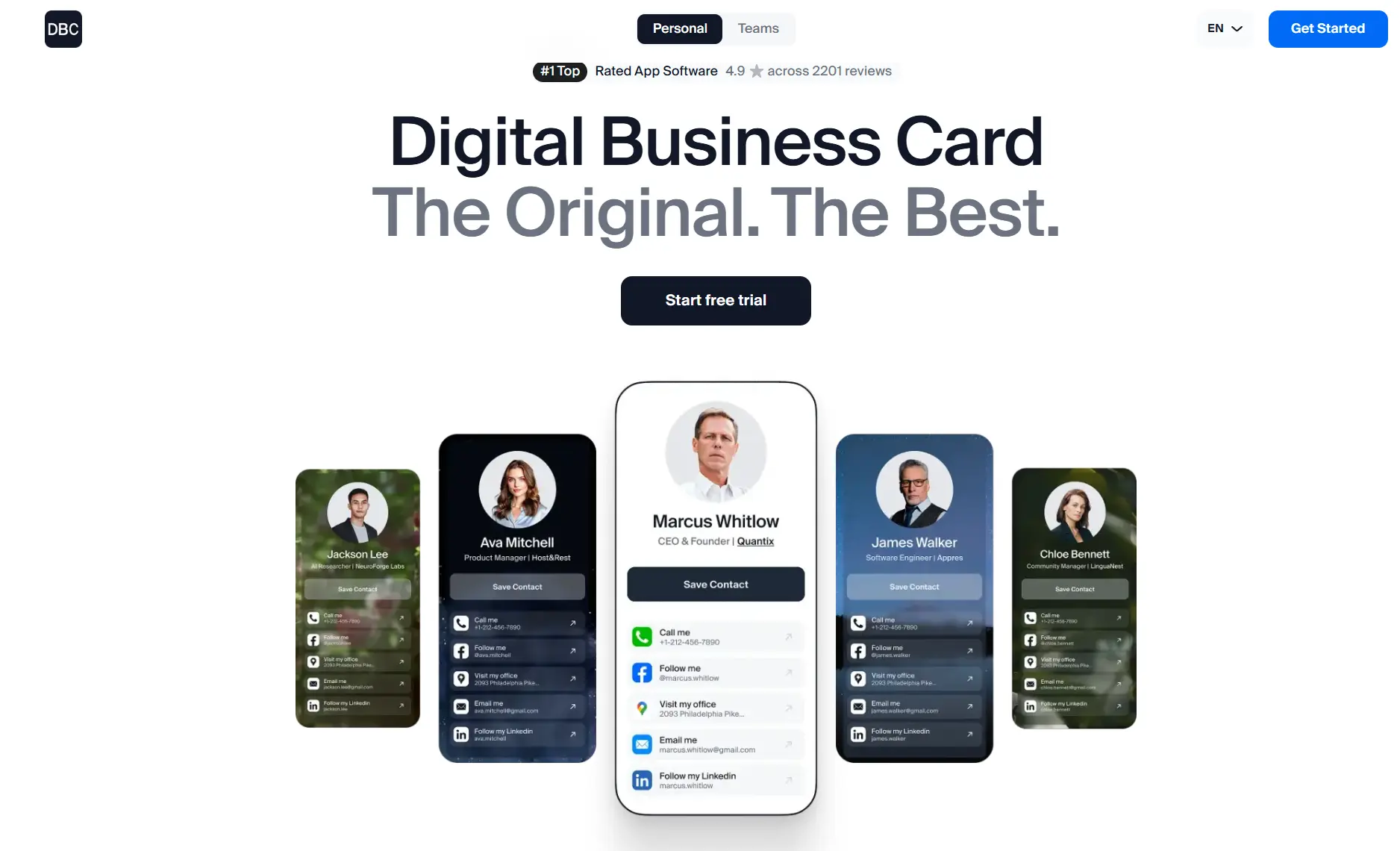
For as little as $6.99 per member/month (for individual users) or $4.99 per member/month (for teams under 500 people), you get a unified hub to take your networking to the next level and improve the effectiveness of your team.
With DBC: Digital Business Card, you can:- Instantly create and share cards via QR code, NFC, or link.
- Manage team cards, invites, and brand assets from one admin dashboard.
- Keep contact details, links, and social profiles up to date at all times.
- Sync new contacts into your CRM automatically.
- Connect cards with branded email signatures and visual backgrounds to support your marketing.
DBC is designed to solve a common operational problem, so admins don’t need to chase employees to set things up. You can track invite status, manage deployments in one place, and ensure everyone’s card is active and branded from the start.
If Blinq wants you to pay extra for the basics, and Popl overwhelms you with complexity, DBC wants you to enjoy the features you use and roll them out to your team effortlessly from day one.
Where DBC: Digital Business Card Outperforms Blinq and Popl
Below are key differentiators where DBC surpasses Blinq and Popl:
1. All-Inclusive Subscription without Hidden Add-Ons:DBC provides lead capture, analytics, and integrations in one plan – you don’t pay extra for scanning or premium analytics. Every team member gets the full feature set, including AI business card scanning and unlimited CRM syncing. This means no surprise fees for event usage, unlike Popl’s per-scan charges or Blinq’s add-on bundle.
2. Integrated Lead Capture Forms and Scanning:DBC combines Popl’s two lead-capture methods into a single platform by default. Every DBC digital card can prompt visitors for their contact info, and every user can scan physical cards or badges with AI.
3. Real-Time Analytics and Automatic Event ROI:With DBC, the moment someone views or interacts with your card, you get real-time analytics and see who, what, and when. You can easily track team performance (shares, views, leads per member).
4. Simple and Fast Team Onboarding:You create a master company card template (with your logo, brand colors, and required fields) and invite users. As an admin, you can update a field, and the change is pushed to all cards instantly. This brand control is as strong as Blinq’s, but DBC makes it super easy and part of the initial setup.
5. Unified Contact Hub and CRM Sync:DBC keeps a centralized contact repository for your team. Every connection made via any team member’s card flows into a shared dashboard where you can tag and export contacts. Plus, DBC natively syncs with popular CRMs like HubSpot and Salesforce, and even HR systems like BambooHR for user management.
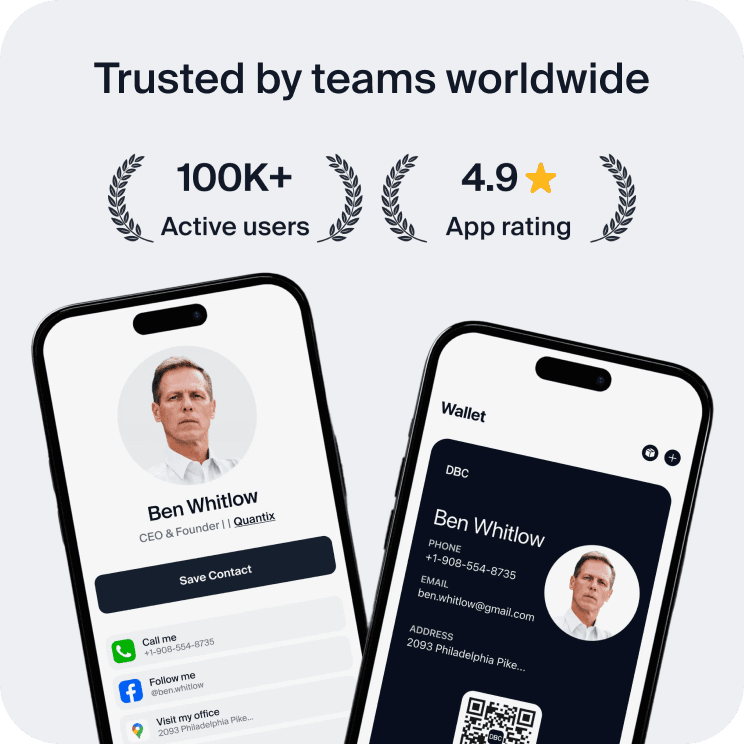
6. The Best User Experience:DBC is highly rated (4.9/5) for a reason — users find it smooth and pleasant to use. It doesn’t overwhelm with unnecessary complexity. Founders and team members often mention that they genuinely enjoy using DBC because it feels modern and makes networking fast and easy. The combination of mobile app and web dashboard is built to reduce hassle, based on lessons from other platforms that frustrated users.
DBC Limitations
No solution is perfect, and in the interest of honesty, here are some limitations or considerations with DBC compared to Blinq or Popl:
- Newer Market Player: DBC doesn’t have the same level of brand recognition as Blinq or Popl. It’s a rising star that has less community/forum support or third-party reviews simply because it’s newer. However, it has 4.8–4.9 app ratings and hundreds of reviews, which is impressive in a short time.
- No NFC Hardware Products: Unlike Popl, DBC doesn’t sell branded NFC cards or gadgets. It’s purely a software platform. You can print a QR code or encode an NFC chip with your DBC card URL, but if your company wants a one-stop shop including fancy metal business cards, DBC doesn’t bundle that.
Overall, these limitations are not deal-breakers for most, and DBC is actively releasing new features. But it’s important to visit our DBC: Digital Business Card for Companies page to get a balanced view.
Pricing Comparison Table: Blinq vs Popl vs DBC
Finally, let’s put pricing side by side. Understanding the costs and what’s included for each platform is critical for a fair comparison. All pricing is as of early 2026 and in USD. For consistency, we assume annual billing where applicable.
Plan & Feature | Blinq | Popl | DBC: Digital Business Card |
|---|---|---|---|
Free Plan | Free individual plan with 1 card and basic features. | Free individual card + 14-day Teams trial. | No free plan and no individual trial — paid from day one. Teams get a 30-day trial. |
Paid Individual Pricing | $7.33/month (annual) or $10/month. | $6.49–$14.99/month depending on tier. | $6.99/month (annual) or $14.99/month (monthly). All features are included in one plan. |
Team Pricing (per user) | $4.99/user/month (annual), $6.99/month (monthly). Some features cost extra. | $4.00/user/month (annual), $5.00/month (monthly). Event plan costs extra. | Business: $4.99/card/month (annual). Individual: $6.99/user/month (annual). All features included. |
Enterprise Plan | Yes: Custom pricing. Includes SSO, audit logs, API, and CSM. | Yes: Custom pricing. Includes advanced features and support. | Yes: Custom pricing for 500+ users. Includes all features, custom design, and 24/7 support. |
NFC / Physical Cards | Optional: $14 for basic card. Third-party NFC supported. | Optional: $15–$40 for tags or badges. | No branded hardware is sold by DBC. |
Lead Scanning Limits | Only with a $199/mo add-on. Scanning comes with credits. | Unlimited paper scans. Badge scans cost extra per event. | Unlimited scanning is included for all users. |
Analytics & Dashboard | Basic included. Advanced analytics require an add-on or Enterprise. | Included in Teams and Event plans. | Full analytics are included in all team plans. |
CRM Integrations | CSV export for all. Native sync on Business. API/Zapier on Enterprise. | Zapier on individual, native CRM sync on Teams. | Full CRM and HR integrations included in the base plan. API and Zapier are available. |
As the table shows, DBC’s pricing is straightforward – one plan, one price, all features. Blinq and Popl have more fragmented pricing with add-ons or usage fees for certain capabilities. Depending on your needs, that could sway the total cost of ownership. For example, a team of 20 attending two big events/year might find Pool's per-scan fees make it more expensive than DBC by year’s end.
Meanwhile, a small team that never attends events might not incur any extra costs from Popl and find the base price fine.
Conclusion
Choosing the right digital business card platform in 2026 depends on your company’s priorities, structure, and how much value you want to extract from everyday networking. All three tools we’ve compared help replace paper cards and bring digital consistency to your team, but the difference is in how well they support your growth, workflows, and goals.
The best way to find out what works is to run a short test. Set up a pilot with your sales or event team and see which platform fits your systems and feels right in use. Adoption and results will speak for themselves.
If you’re still unsure, DBC: Digital Business Card is a great place to start. It brings together branding, lead capture, and performance tracking in one platform, with every feature included in the plan from day one — and teams can put it through a 30-day trial before committing.
Want to see how it works? Book a live demo, and we’ll walk you through the platform and explain why partnership with us is the best solution for your company.
FAQ
Blinq vs Popl: which platform is more cost-effective for business teams?
What is the main difference between Blinq and Popl for enterprise use?
Is Popl worth it for companies that don’t attend many events?
Why do some companies switch from Blinq or Popl to DBC?

A content writer with over 8 years of experience creating analytical content for digital products and B2B SaaS companies. His work focuses on practical guides, pricing breakdowns, and comparisons that help teams evaluate costs, features, and differences between tools.
Your first impression decides everything
- Look professional and build trust instantly
- Forget about reprints and lost contacts
- Update your details anytime
 Get Started Today