
Contents
The Verdict Up FrontWhich card to pick in 30 seconds, by budget and team sizeAll 20 apps compared: price, lead capture and team controls1. DBC — best for design-led individuals, $6.99 per user/month2. Blinq — best free plan to start on, and where it stops3. Popl — best for event lead capture, if you can absorb the per-seat cost4. HiHello — best contact management once a team shares cards5. Wave — simplest free option for one person6. HeyDrop — best if your networking lives in Apple Wallet7. CamCard — a scanner first, a digital card second8. Dot Card — physical NFC card: what it costs and who it suits9. Linq — built around lead capture for outbound sales teams10. Tapt — pay once for the card instead of every month11. Mobilo — NFC cards with admin controls for a whole team12. V1CE — hardware-led, when the card itself has to impress13. Tappy — physical NFC cards for solo professionals14. Kado — for teams that need contacts structured, not just collected15. Tapitag — straightforward NFC for everyday networking16. Uniqode — enterprise analytics when you are past 100 seats17. Know.ee — a simple card with wallet support, little else18. Zapkad — contact export and radar, for field-heavy work19. Azzapp — AI and engagement analytics on top of a card20. mtap.io — NFC sharing that syncs into your CRMHow a digital business card actually works, end to endWhen a digital card beats paper, and when it does notHow we tested these 20, and how to choose for yourselfSetting yours up so people actually save your contactConclusionFAQThe 20 Best Digital Business Cards: Tips and Reviews [2026]
If you're looking for the best digital business cards in 2026, you're already on the right track. Paper cards are easy to lose, hard to update, and give you no way to know if your contact ever saved your details.
Digital alternatives solve all of that: they update instantly, work on any device, and help you capture and organize the people you meet.
That's why more professionals, teams, and enterprises are switching to digital business card apps. They make networking faster, easier, and far more reliable than anything paper can offer.
In this guide, I've collected the top digital business card solutions I trust in 2026 — including Digital Business Card (DBC), recognized as one of the best digital business card solutions for individuals.
The Verdict Up Front
The best digital business card in 2026 is DBC — the strongest combination of design quality, two-way lead capture, and analytics for individuals, at $6.99 per user/month billed annually. Blinq has the best free plan for getting started, Popl leads for event lead capture, HiHello fits teams that need contact management, and Uniqode suits enterprises that want centralized analytics. The full comparison of all 20 platforms follows below.
Which card to pick in 30 seconds, by budget and team size
- 37% of small businesses and 23% of individuals already use digital business cards.
- Switching to digital cards can cut networking costs by up to 80 % for small businesses.
- Mordor Intelligence values the digital business card market at USD 217.04 million in 2026, projected to reach USD 331.78 million by 2031 — we keep the full data set in digital business card statistics.
- The global shift to digital business cards is accelerating — 8 out of 10 professionals say they prefer a card that can be updated instantly and shared online.
- The best digital business card apps of 2026 streamline networking with features like instant sharing, lead capture, analytics, and team management.
- Over 7 billion business cards are printed annually, using 12,000 tonnes of paper — digital cards eliminate this waste.
- DBC is recognized as the most efficient digital business card solution, helping professionals and teams turn introductions into measurable outcomes.
All 20 apps compared: price, lead capture and team controls
Before we dive into the detailed overview of each company, here's a quick comparison table of the top digital business cards. This summary helps you quickly compare key facts, such as focus, analytics, and pricing, before reading the full reviews.
App | Focus/Best For | Lead Capture & Analytics | Design Flexibility | Free Plan | Starting Price |
|---|---|---|---|---|---|
DBC | Individuals, professional networking | Advanced (lead capture + analytics) | Strong design focus | No — paid from day one | $6.99/user/mo, billed annually |
Blinq | Individuals and growing teams | Basic analytics | Moderate templates | Yes | $9.99/mo |
Popl | Events, lead capture | Advanced lead capture | Moderate | Yes, limited | $7.99/mo |
HiHello | Professionals and teams | Basic analytics + contact management | Strong customization | Yes | $7.99/mo |
Wave | Freelancers and solo professionals | Basic analytics | Moderate | Yes | $7/mo Pro |
HeyDrop | Apple Wallet networking | Basic lead capture | Moderate | Yes, limited | $5.99/mo |
CamCard | Business card scanning | OCR contact capture | Limited | Yes, limited | $15/mo |
Dot Card | NFC hardware networking | Basic analytics | Moderate | Yes | $30 one-time device |
Linq | Consultants and small teams | Lead capture + tagging | Flexible profiles | Yes | $7.49/mo |
Tapt | NFC tap sharing | Basic analytics | Moderate | Yes | $5.99/mo |
Mobilo | NFC cards for professionals and teams | CRM sync + analytics | Moderate | Yes | from $3/mo |
V1CE | Premium NFC card design | Basic analytics | Strong design focus | Yes | $6.49/mo |
Tappy | NFC networking at events | Limited analytics | Moderate | Yes | $6.99/mo |
Kado | Sales and revenue teams | Contact tracking + follow-ups | Moderate | Yes | $12/mo |
Tapitag | NFC networking for small teams | Basic analytics | Limited customization | Yes | $5.99/mo |
Uniqode | Enterprise teams and analytics | Advanced analytics | Moderate | Yes, limited | $5/mo |
Know.ee | Simple digital cards + Wallet | Basic (card views only) | Limited templates | Yes | €2.49/mo |
Zapkad | Multi-feature networking app | Export + basic CRM tools | Moderate | Yes | $0.50/mo (Enterprise) |
Azzapp | AI-enhanced digital networking | Engagement analytics | Flexible multimedia profiles | Yes | ~€1/mo |
mTap | NFC networking with CRM tools | CRM sync + analytics | Moderate | Yes | $3.99/mo |
1. DBC — best for design-led individuals, $6.99 per user/month
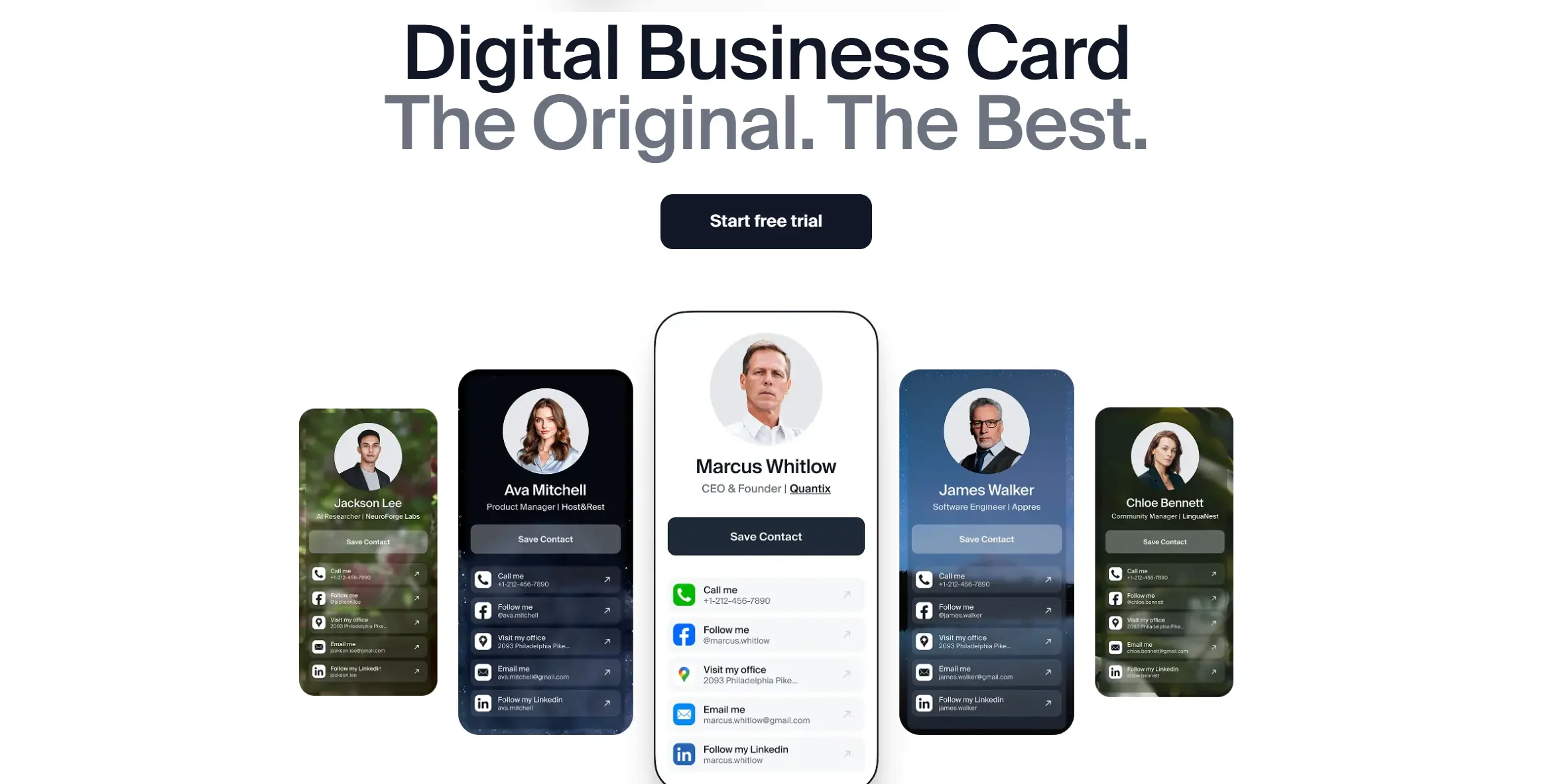
I put my own product, Digital Business Card (DBC), at the very top of this list — and here's why.
DBC was built to solve a problem I've faced myself: going to conferences, meeting people, and having come to terms that paper cards get lost or forgotten. I wanted something better — a tool that makes networking easy, fast, and memorable.
DBC focuses and invests in professional design and user experience. Every template is crafted to look clean and memorable, because in networking, first impression is everything. That's why so many professionals recognize DBC as one of the top digital business card apps today.
What makes DBC the best digital business card solution is the combination of design quality, ease of sharing, lead capture feature, and analytics. It's a simple, polished experience that takes the stress out of networking and lets you focus on people instead of paper.
Pros
- Recognized as one of the best digital business card platforms for individuals
- Compatibility with Apple Wallet and Google Wallet
- Mutual data exchange ensures two-way contact capture, not just one-sided sharing
- Strong focus on design and a professional look
- Includes analytics to measure networking impact
- Works seamlessly across devices with QR, links, and email signatures
Cons
- Requires an internet connection for advanced features like analytics
- At the moment, there are no dedicated B2B features, though we're actively working on them
Pricing
- Individual — $6.99 per user/month, billed annually. Full access from day one: analytics, AI scanner, unlimited cards, priority support, and no DBC branding. No free tier.
- Business — $4.99 per card/month, billed annually; teams get a 30-day trial.
- Enterprise — custom pricing based on company size and requirements.
What You Get with the DBC Individual Plan
- Full access to all platform features — create and customize your digital business card, use all templates, and share via QR, link, email signature, Apple Wallet, and Google Wallet.
- Lead capture and mutual contact exchange — collect contact details and enable two-way data exchange.
- Analytics and networking insights — track views and engagement metrics.
- Cross-device compatibility — works seamlessly across iOS and Android without requiring recipients to install an app (we have step-by-step setup guides for iPhone and Android).
- Unlimited sharing — no limits on scans, taps, or link shares.
2. Blinq — best free plan to start on, and where it stops
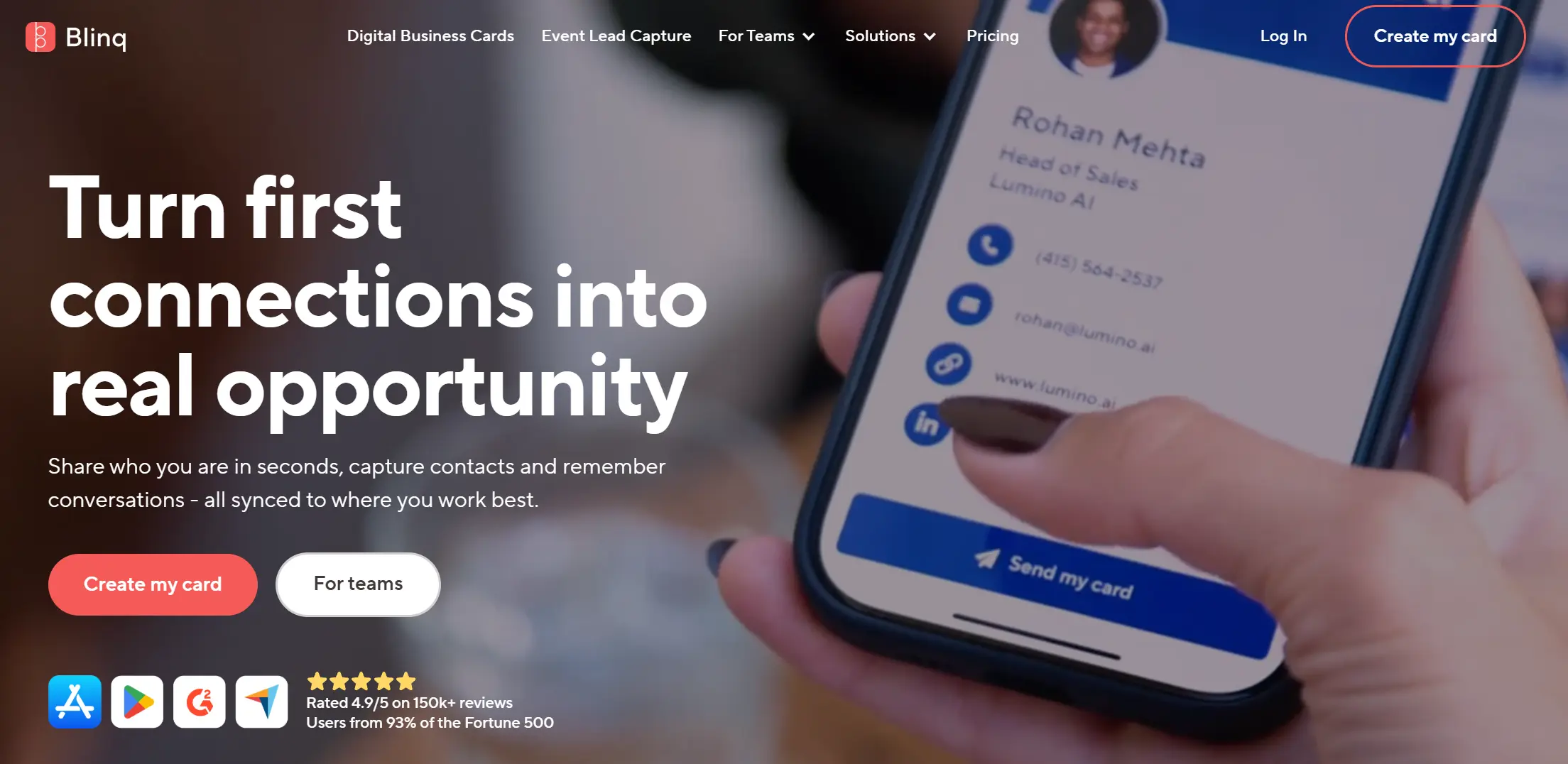
Blinq is a very popular digital business card platform that helps professionals and teams share their contact details instantly through QR codes, links, NFC taps, wallet passes, and email signatures.
Blinq supports both individual users and growing teams with centralized management and CRM integrations. Many companies adopt Blinq to replace paper cards and improve networking.
Pros
- Instant sharing via QR code, link, NFC, or email signature.
- You can create and customize a card in just a few minutes.
- Cards with modern and professional design.
- Works even if the recipient doesn’t have the app installed.
- High user ratings and strong overall customer satisfaction.
- Maintain high user ratings across review platforms.
- Supports unlimited contact info fields
Cons
- Add extra steps when saving contacts after scanning.
- Occasionally struggle with direct contact saving on some devices.
- Delays in shipping physical NFC cards.
- Respond slowly through customer support in some cases.
- Lock advanced features behind paid plans.
- Limited analytics on lower-tier plans.
- Subscription management can be confusing when purchased via app stores.
Pricing
Blinq uses a pricing model with free plans for individuals and subscription plans for teams.
Individuals- Free
- Premium plan starts at $9.99/month or $87.96/year.
- Business plan starts at $6.99/month per card or $59.88/year per card.
- Enterprise pricing based on company size and requirements (need to get in touch to learn more)
What You Get with the Blinq Free plan
- Your own digital business card
- Unlimited sharing
- Unlimited contact fields
- Virtual backgrounds
- Email signatures
- Card widget
- AI Contact Enrichment
3. Popl — best for event lead capture, if you can absorb the per-seat cost
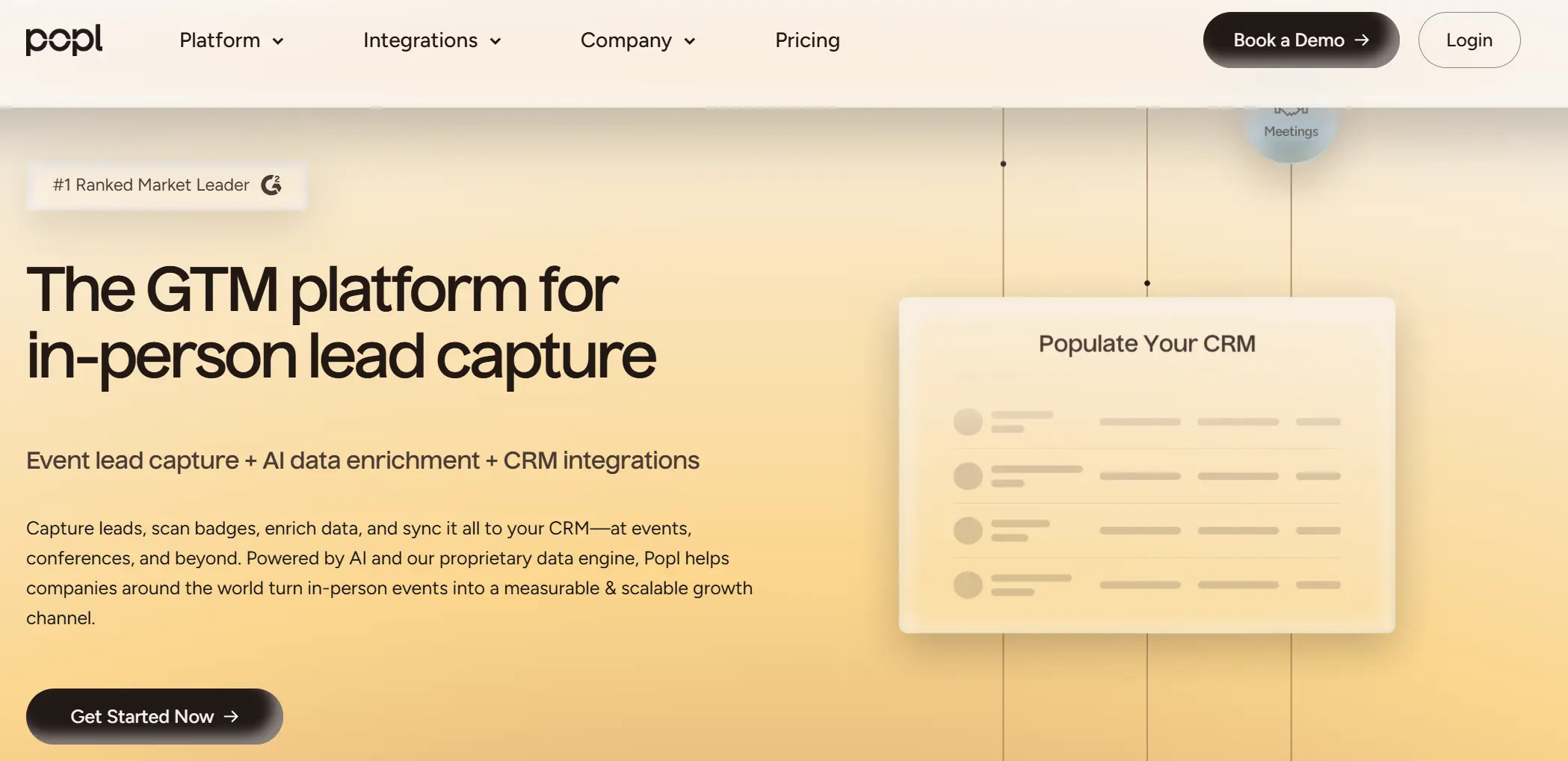
Popl is a widely used digital business card platform that helps professionals, freelancers, and teams share contact details instantly and capture leads at events, conferences, and networking situations.
It combines digital business cards with lead capture tools and CRM syncing, making networking more measurable and efficient. Users appreciate its ease of use and fast information sharing across devices and platforms.
Pros
- Makes sharing contact info fast, modern, and professional.
- Easy to use with a simple setup at large events.
- Captures and syncs leads directly into CRM systems.
- Let's users update details anytime without reprinting anything.
- Works well for networking at conferences and trade shows.
- Offers universal sharing on iOS and Android without requiring recipients to install an app.
- Users mention the convenience of having Popl’s widget/QR on the lock screen.
Cons
- Some users find the price relatively high compared to basic digital card tools.
- A few reviewers report connection issues or extra steps for saving cards.
- Some customers had slow or problematic shipping for physical accessories.
- A minority of users report that customer support responses could improve.
- Limited functionality on the basic free tier compared to paid subscriptions.
Pricing
Popl uses a pricing model with free plans for individuals and paid subscriptions for professionals and teams.
Individuals- Free
- Pro plan starts at $7.99 per month or $77.88 per year
- Pro+ plan starts at $14.99 per month or $143.88 per year
- Team plans — custom pricing based on company size and requirements (need to contact Popl for details)
What You Get with the Popl Free Plan
- One digital business card with basic customization
- Unlimited sharing via QR, NFC tap, or link
- Email signature integration
- Simple contact info fields
- Basic networking tools for individuals
4. HiHello — best contact management once a team shares cards
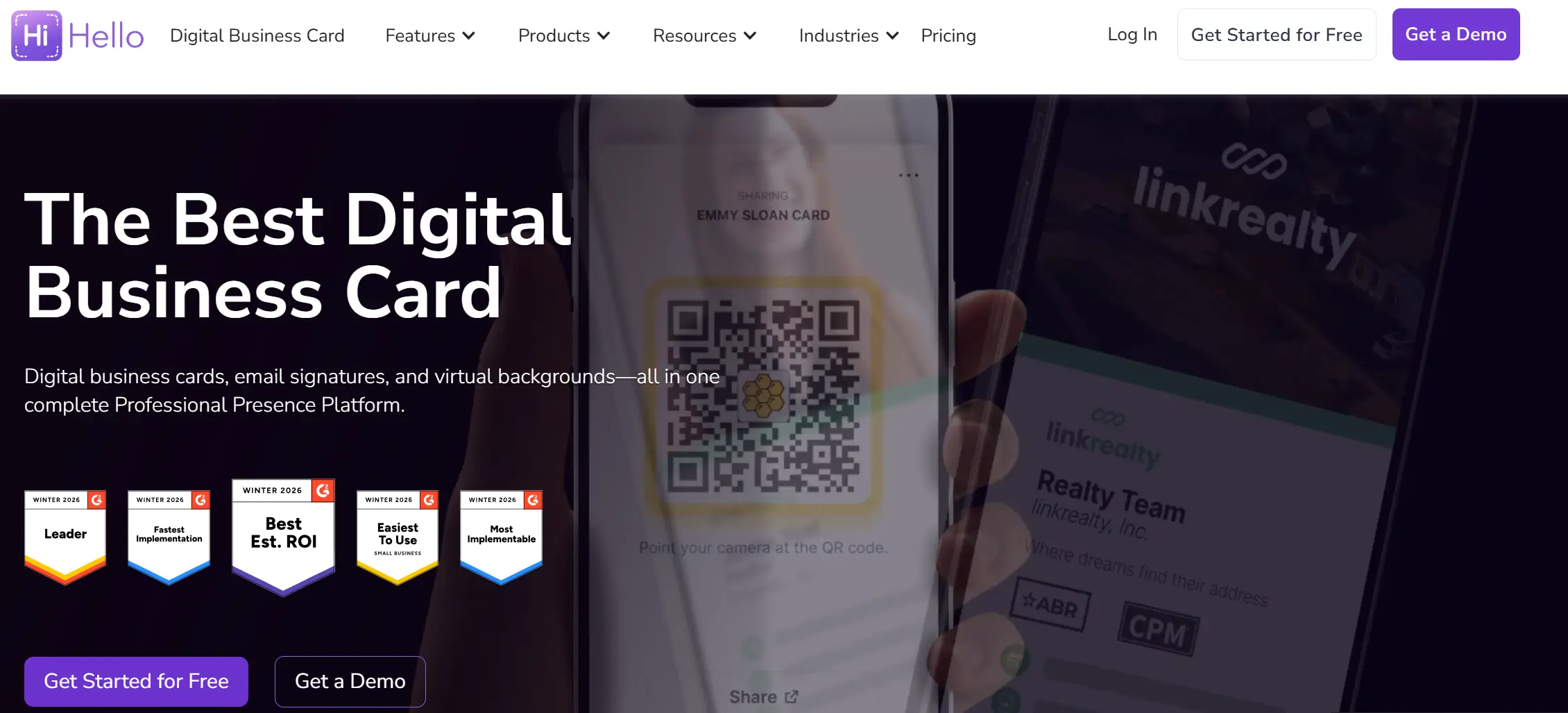
HiHello is a digital business card solution designed for individuals and teams, helping users share contact information quickly through QR codes, email signatures, links, and wallet passes.
The platform focuses on modern design, easy contact management, and business features like team dashboards and analytics. Many users choose HiHello for professional networking and centralized contact organization.
Pros
- Easy to create and customize digital business cards.
- Strong contact management features with tagging and sorting.
- The team dashboard helps companies manage multiple users.
- Works without requiring recipients to install an app.
- Supports Apple Wallet and Apple Contacts integration.
- Users praise the design and user-friendly interface.
Cons
- Some users report syncing issues across devices.
- Advanced features require paid plans.
- A few reviewers mention slow customer support responses.
- Limited analytics on lower-tier plans.
- Some users find pricing higher than basic digital card tools.
Pricing
HiHello uses a pricing model with free plans for individuals and paid subscriptions for teams and business users.
Individuals- Free
- Premium plan starts at $7.99 per month or $77.88 per year
- Business plan starts at $6.99 per user/month or $83.88 per user/year
- Enterprise pricing based on company size and requirements
What You Get with the HiHello Free Plan
- One digital business card
- Unlimited sharing via QR code, link, and email signature
- Wallet integration
- Contact management (basic tags and notes)
- Standard templates and basic customization
5. Wave — simplest free option for one person
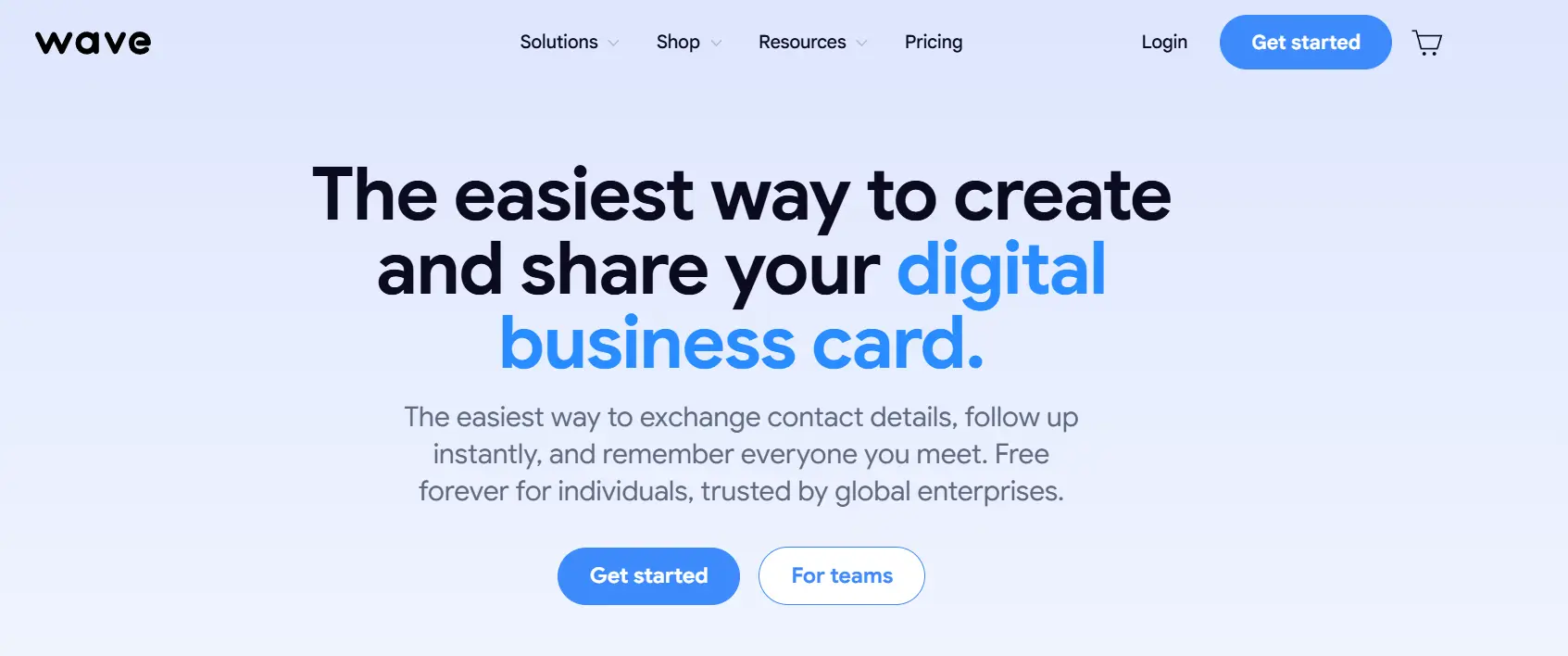
Wave is a digital business card platform focused on simplicity and accessibility. It allows professionals to create and share digital cards through QR codes, links, email signatures, and wallet integration.
Many freelancers and small business owners choose Wave because it offers a strong free plan and an easy setup process without unnecessary complexity.
Pros
- Very generous free plan compared to many competitors.
- A simple interface with a low learning curve.
- Easy QR sharing and fast contact exchange.
- Strong email signature integration.
- Works well for freelancers and solo professionals.
- Quick setup and minimal onboarding.
Cons
- Limited customization compared to more advanced platforms.
- Fewer team management features than enterprise tools.
- Advanced analytics are available only on paid plans.
- Not ideal for large organizations that need centralized administrative control.
Pricing
Wave uses a pricing model with a free plan for individuals and paid upgrades for advanced features.
Individuals- Free
- Pro plan starts at $4.99 per month or $59.88 per year
- Team plans — Custom pricing based on company size and requirements
What You Get with the Wave Free Plan
- One digital business card
- Unlimited sharing
- QR code and link sharing
- Email signature integration
- Wallet support
- Basic customization
6. HeyDrop — best if your networking lives in Apple Wallet
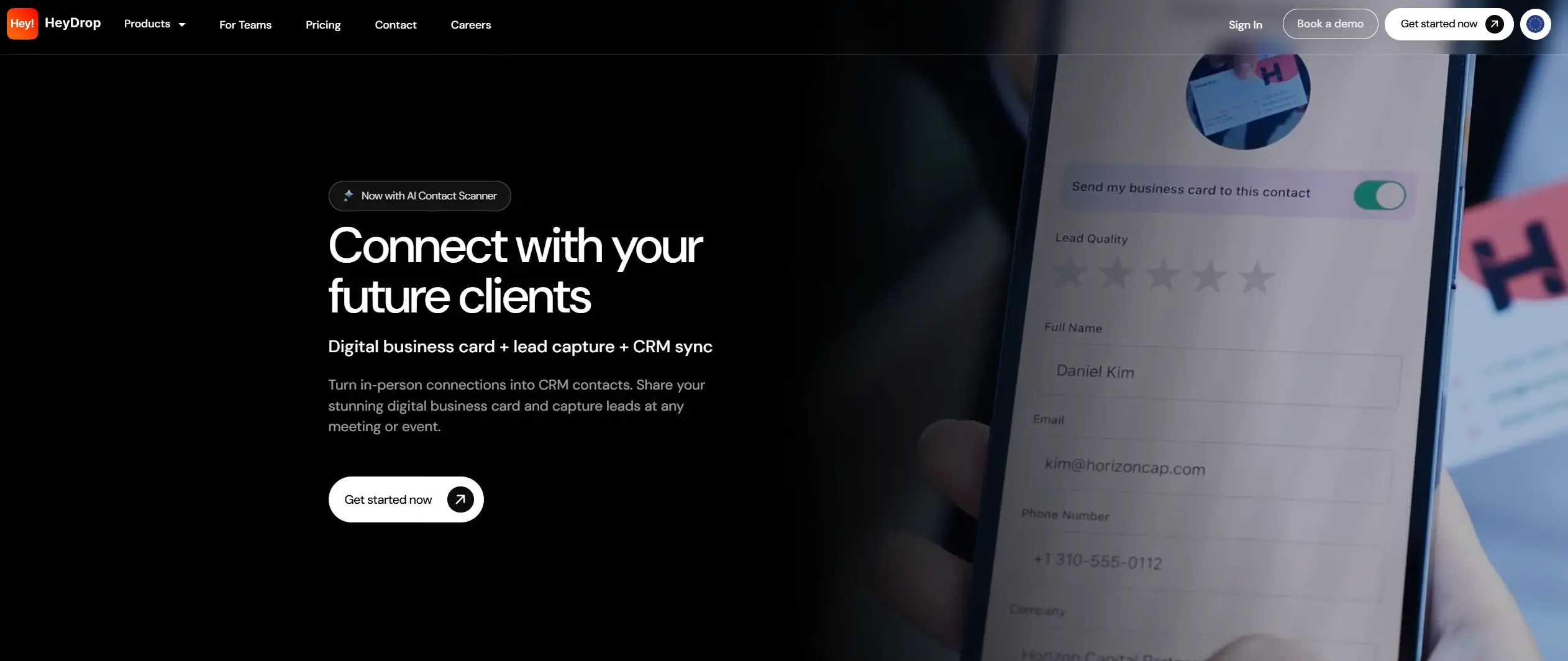
HeyDrop is a digital business card app designed for professionals and small teams, especially Apple users, that puts your business card right in Apple Wallet and helps you share contact details instantly with QR codes, links, or wallet passes.
It also offers basic lead capture and CRM syncing features, making networking easier at events and meetings.
Pros
- Highly rated for easy contact sharing and fast setup.
- Apple Wallet integration makes cards easily accessible on iPhone.
- Customizable templates with logos and brand colors.
- An AI card scanner that converts paper cards into digital contacts.
- Works without requiring recipients to install the app.
- Syncs with CRM systems and phone contacts.
Cons
- Free version offers limited features — most useful tools require a subscription.
- Some users report limited social media link options in the free plan.
- A few reviewers mention pricing tactics feeling confusing or expensive.
- iOS-only focus means no native Android app for users.
- Analytics and advanced team features remain basic compared to enterprise tools.
Pricing
HeyDrop uses a subscription pricing model with a free base option and paid upgrades.
Individuals- Free
- Premium plan starts at $5.99 per month or $59.88 per year
- Team plan — Custom pricing based on company size and requirements
- Enterprise plan — Custom pricing based on company size and requirements
What You Get with the HeyDrop Free Plan
- One digital business card you can share
- Apple Wallet card integration
- QR code and link sharing
- Basic contact fields
- Basic card customization (logo, colors)
7. CamCard — a scanner first, a digital card second
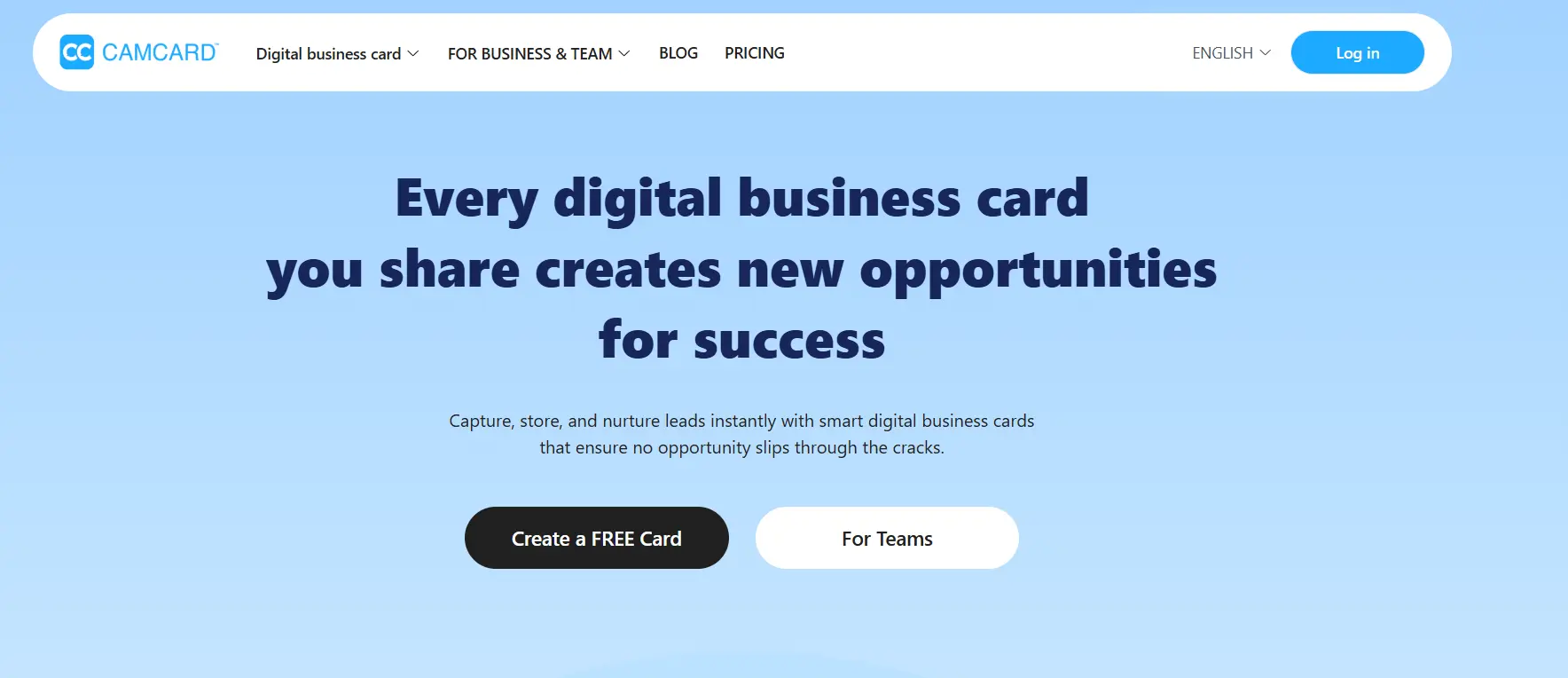
CamCard is a business card scanning and contact management solution that helps professionals and teams digitize physical business cards, store them in organized lists, and manage contacts efficiently.
It uses optical character recognition (OCR) to quickly scan business cards into digital contacts and sync them across devices. Many users choose CamCard to reduce manual data entry and keep their networking contacts organized.
Pros
- Fast and accurate business card scanning with OCR technology.
- Syncs scanned contacts to phone and cloud for easy access.
- Captures and organizes contact info automatically and alphabetically.
- Helps users avoid losing physical contacts by storing them digitally.
- Supports multi-language scanning for global business cards.
Cons
- OCR recognition can be inconsistent on some card designs.
- Lacks robust digital networking features like QR or NFC contact sharing.
- Some users report difficulty with unusual fonts or foreign characters.
- The interface and design feel outdated compared to newer digital card tools.
- Limited free features.
Pricing
CamCard uses a subscription pricing model with paid tiers for individuals and business use.
Individuals- The CamCard plan starts at $15.00 per month
- Business pricing starts at $21 per user/month
- Professional pricing starts at $25 per user/month
- Enterprise pricing based on company size and requirements
What You Get with the CamCard Free Plan
- Basic business card scanning
- Digital storage of scanned contacts
- Editing of contact information after scan
- Sync across multiple devices
- Multilingual OCR support (limited)
- Basic contact management features
8. Dot Card — physical NFC card: what it costs and who it suits
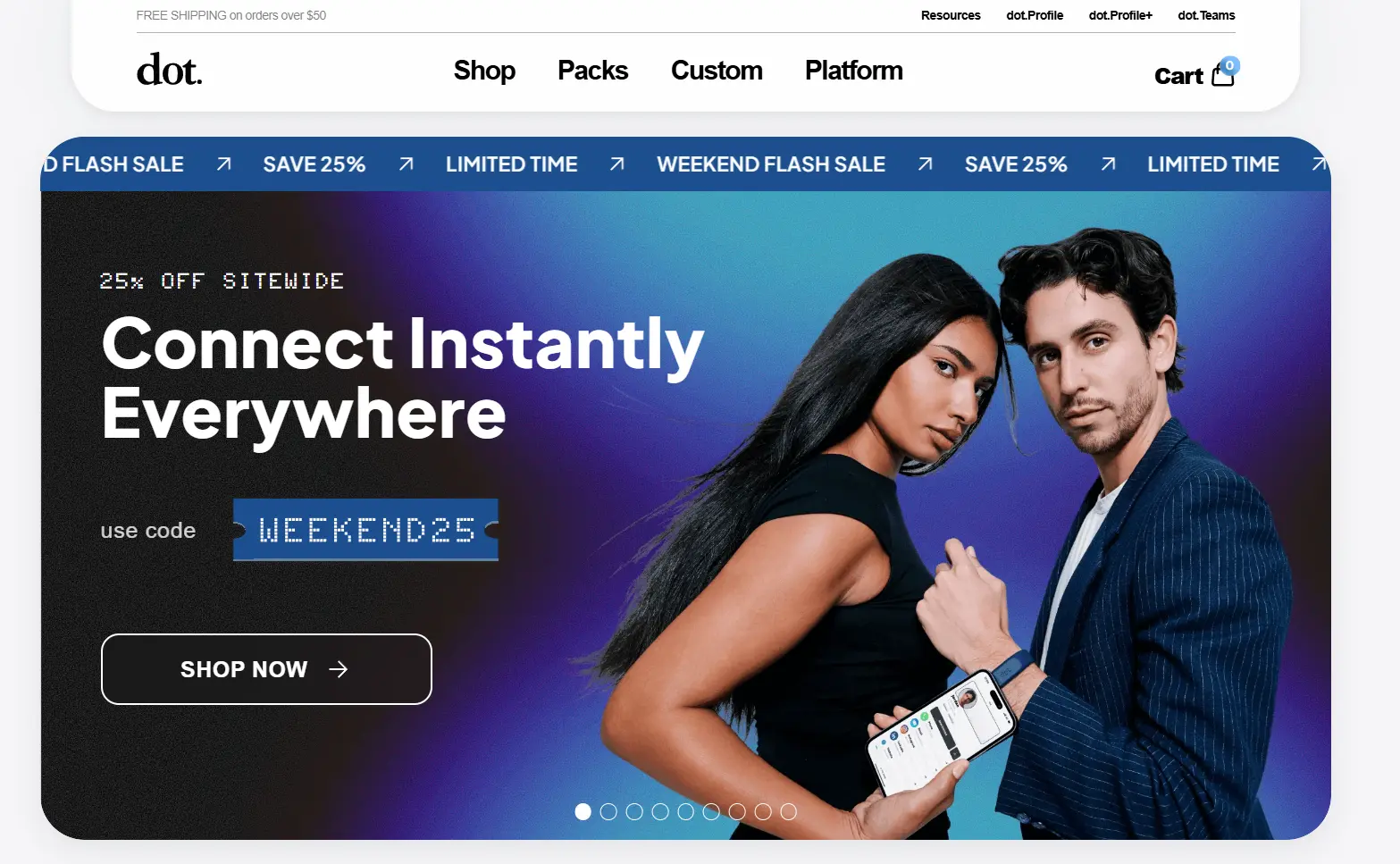
Dot Card (often branded as dot.cards) combines physical NFC devices (cards, bands, thin tags, metal versions) with a digital profile that users set up once and share instantly via tap or QR scan.
Users build their dot.Profile and transfer it to others through a physical device without requiring them to install an app.
Pros
- Extremely easy to share contacts: tap the Dot device or scan the QR code, and the profile opens instantly.
- Many users report a simple setup and fast sharing at networking events.
- Physical devices come in multiple formats (cards, thin tags, bands, metal).
- Saves money and hassle compared to printing traditional business cards.
- Dot profiles can include links, social media, and multiple contact types.
Cons
- Some reviewers say that the activation guidance and profile saving could be clearer.
- A few users complain about slow or confusing support experiences.
- Android tap-to-save experiences sometimes fail and require scanning instead.
- Certain devices (e.g., bracelets) have mixed quality feedback.
- Subscription plans for advanced features (dot.Profile+) may feel unclear or costly to some users.
Pricing
Dot Card uses a hardware-first pricing model with free profile access and optional subscription upgrades.
Individuals- dot.Card device starts at $30 one-time
- dot.Thin, dot.Classic, and dot.Band devices start at around $30 one-time
- dot.Metal device starts at around $50 one-time
- Profile+ plan — $15 per month or $180 per year (unlocks analytics, custom colors, export tools)
- Dot Card does not appear to offer standardized team plans with centralized admin; pricing varies based on the number of devices ordered and optional upgrades, and is typically custom for larger corporate use.
What You Get with the Dot Card Free Plan
- Lifetime access to your dot.Profile with no ongoing fee
- One-tap sharing via NFC devices (card, band, thin)
- Unlimited contact info sharing via QR scan
- Browser-based profile view (no app needed)
- Works across iOS and Android devices
9. Linq — built around lead capture for outbound sales teams

Linq is a digital business card platform that helps professionals share contact details, capture leads, and manage connections instantly using QR codes, NFC taps, links, and customizable profiles.
Users frequently mention how quickly they set up their card and how easy it is to update info anytime. Linq supports lead capture, tagging, and basic analytics, making it suitable for consultants, freelancers, and teams who want a digital card with CRM-style functionality.
Pros
- Fast and simple setup — users say they create and share cards in minutes.
- Customizable profiles with links, photos, and detailed contact info.
- Leads can be tagged and followed up on, reducing manual CRM entry.
- Customer service is praised as responsive and helpful.
- Users highlight professional first impressions and positive networking reactions.
Cons
- Some reviewers note that a few contacts still prefer physical business cards.
- A few reviewers mention confusion for less tech-savvy users.
- The cost can feel high relative to simpler digital card tools.
- A handful of users report occasional UX friction (like extra taps to save a contact).
Pricing
Linq uses a pricing model with a free plan and paid subscriptions for advanced features.
Individuals- Free
- Premium plan starts at $7.49 per month or $74.88 per year
Teams/Enterprise
- Business plan starts at $6.99 per user/month or $83.88 per user/year
- Enterprise pricing based on company size and requirements
What You Get with the Linq Free Plan
- One digital business card
- QR code and NFC sharing
- Custom profile with contact info and links
- Unlimited sharing via link or tap
- Lead capture and tagging (basic)
10. Tapt — pay once for the card instead of every month
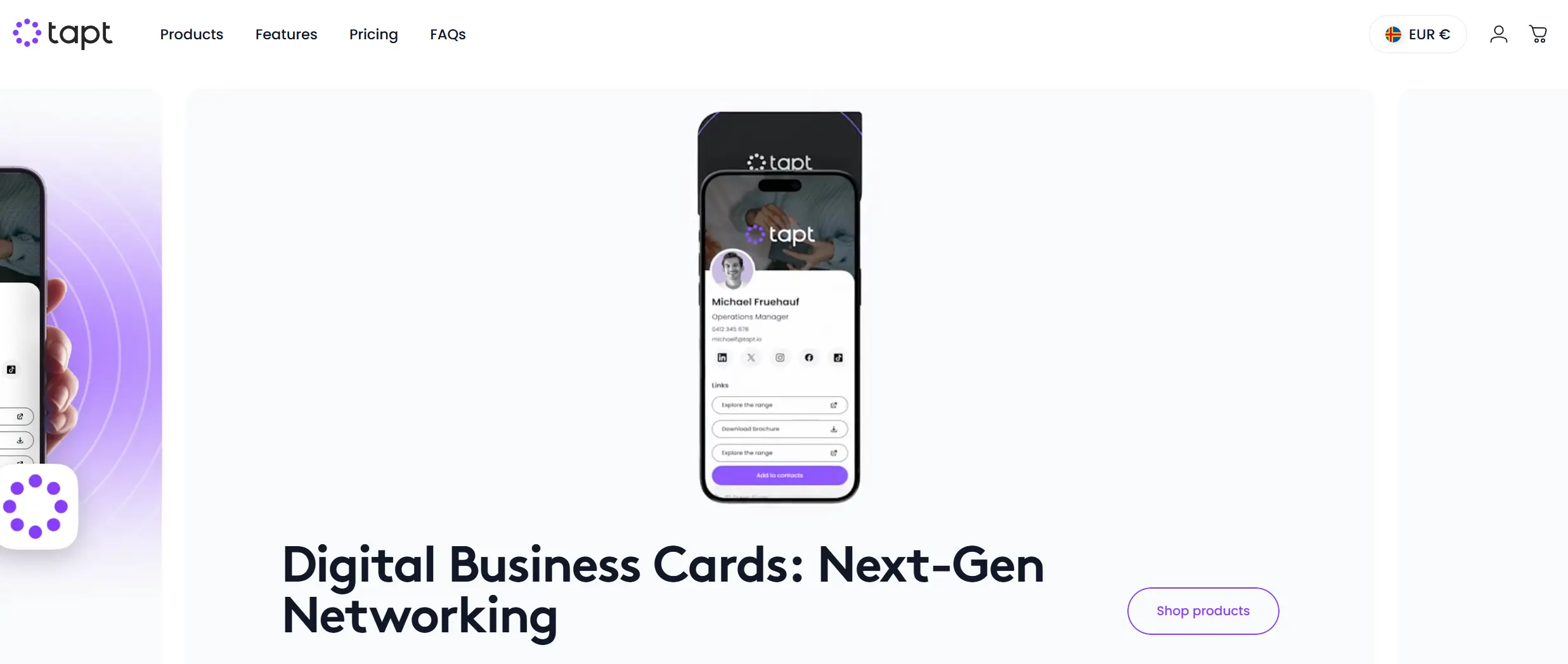
Tapt is a digital business card platform centered on NFC tap-to-share and QR code sharing. Users create a customizable profile with contact info, social links, and media, then share it instantly via NFC card, sticker, or QR code. Tapt emphasizes convenience and physical-to-digital transition, making it popular among professionals who want quick contact exchange without apps.
Pros
- Customizable profiles with photo, links, and contact fields.
- Physical products (cards, stickers) integrate easily with the digital profile.
- Users note fast setup and simple sharing at networking events.
- Many praise the ability to update card details at any time.
Cons
- Hiccups with NFC read range on older phones.
- Some users feel the pricing is high compared to that of basic digital cards.
- Shipping delays reported for physical card products.
- A few reviewers mention limited analytics in basic plans.
- Support response times could improve, according to some users.
Pricing
Tapt uses a pricing model with a free plan, paid subscriptions, and physical product costs.
Individuals- Free
- Plus plan starts at $5.99 per month or $59.88 per year
- Pro plan starts at $9.99 per month or $99.88 per year
- Team plans — Custom pricing based on company size and requirements
What You Get with the Tapt Free Plan
- One digital business card
- NFC tap sharing
- QR code sharing
- Unlimited profile views
- Basic customization (name, contact info, links)
11. Mobilo — NFC cards with admin controls for a whole team
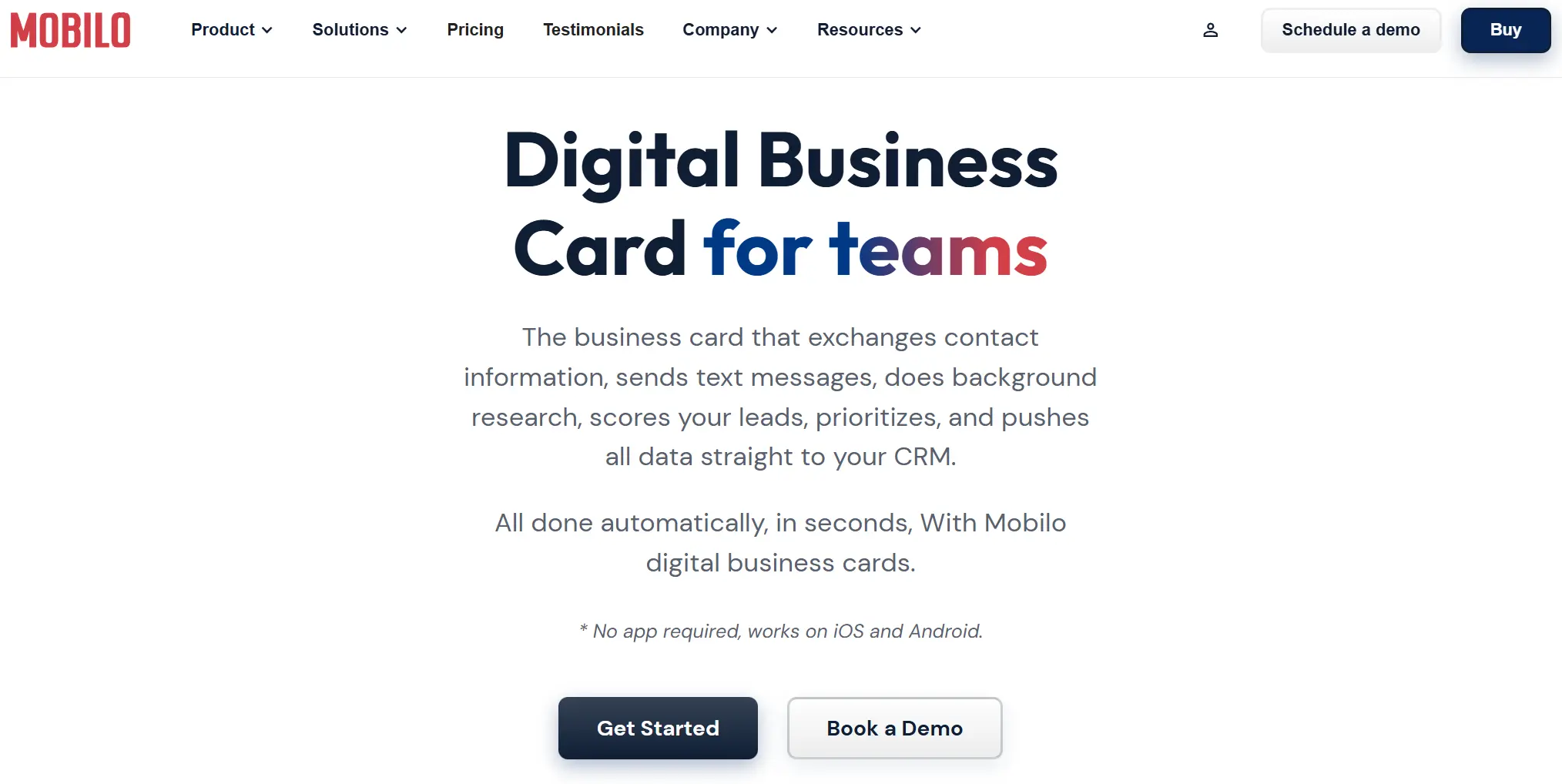
Mobilo is a digital business card platform that combines NFC tap-to-share and QR code scanning to let professionals instantly exchange contact details.
Users create a custom digital profile with contact info, links, and socials, then share it via NFC cards, badges, and QR codes. Mobilo focuses on smooth networking and works across iOS and Android without requiring the recipient to install an app.
Pros
- Supports multiple physical products (cards, badges, stickers).
- Easy setup and fast updates to profile info.
- Syncs collected contacts to phone or CRM tools.
- Custom branding available for team use.
Cons
- The NFC range can be inconsistent on some phones.
- Shipping times for hardware products can be slow.
- Some users report delayed responses from customer support.
- Advanced analytics are only available on higher-tier plans.
- The free plan features are basic compared to the paid tiers.
Pricing
Mobilo uses a pricing model with free access and paid subscription options.
Individuals- Free
- Starter plan starts at $4.99 per month or $59.88 per year
- Pro plan starts at $8.99 per month or $107.88 per year
- Business plan starts at $4.99 per user/month or $59.88 per user/year
- Custom enterprise pricing based on company size and needs
What You Get with the Mobilo Free Plan
- One digital business card profile
- QR code sharing
- Basic contact fields
- Basic profile customization
12. V1CE — hardware-led, when the card itself has to impress
V1CE is a digital business card platform that pairs premium NFC cards and stylish physical designs with an online profile you can share instantly via tap, QR code, or link.
Users create a custom V1CE profile with contact details, social links, website links, and rich media. V1CE appeals to professionals who value physical cards and a digital experience that matches their brand aesthetic.
Pros
- Premium physical card designs that enhance first impressions.
- Easy setup and intuitive interface for creating digital profiles.
- Syncs contacts to phone or CRM tools for follow-ups.
- Works on both iOS and Android devices.
- Users praise the high-quality build and card feel.
Cons
- Physical cards come with a one-time cost (no free hardware included).
- Some users mention that advanced analytics is limited in basic plans.
- Support response times could be improved according to some reviews.
- Higher pricing compared to basic digital solutions.
- Mixed feedback about delivery times for metal cards.
Pricing
V1CE uses a pricing model that combines hardware (one-time purchase) and subscription access for advanced features.
Individuals- Free
- Premium Plan starts at $6.49 per month or $64.88 per year
- NFC card starts at $29
- Premium metal card starts at $79
- Business plan starts at $6.99 per user/month or $83.88 per user/year
- Enterprise pricing based on company size and needs
What You Get with the V1CE Free Plan
- One free digital profile
- QR code sharing
- Basic contact fields
- Link to socials and websites
13. Tappy — physical NFC cards for solo professionals
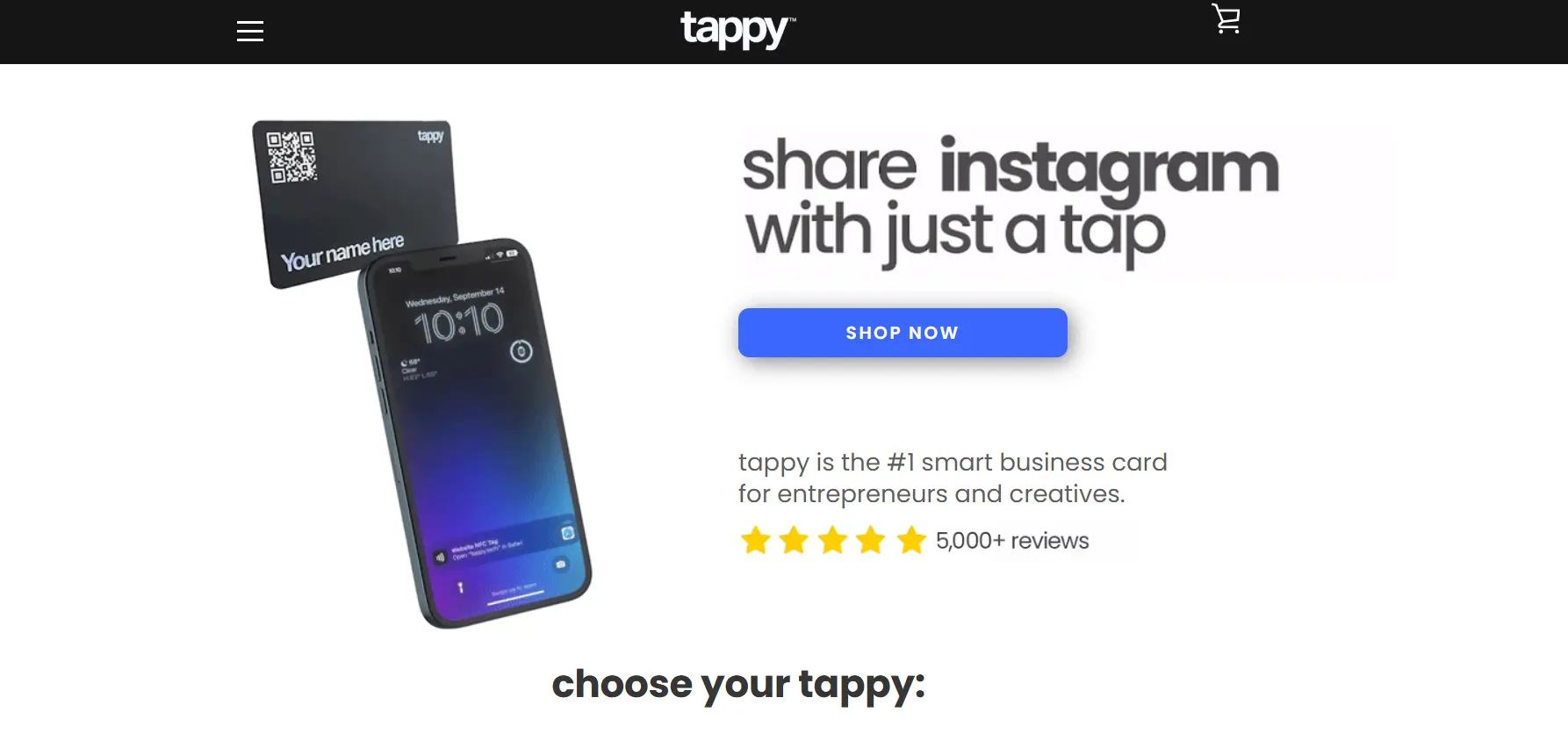
Tappy is a digital business card platform that focuses on NFC networking. It allows professionals and teams to share their contact details instantly through NFC taps, QR codes, and personalized digital profiles.
Tappy combines physical NFC products with a customizable online profile, making it popular for in-person networking at events and meetings.
Pros
- Simple tap-to-share NFC functionality
- Clean and easy profile setup
- Customizable digital profile
- Physical NFC cards are available in multiple styles
- Supports team management for businesses
Cons
- NFC performance may vary depending on phone compatibility
- Hardware purchase required for a full NFC experience
- Limited advanced analytics on lower-tier plans
- Some users report shipping delays for physical products
- Advanced customization is locked behind paid plans
Pricing
Tappy uses a pricing model that combines one-time hardware purchases and subscription plans.
Individuals- Free
- Pro plan starts at $6.99/month or $83.88/year
- NFC card starts at $29 one-time
- Business pricing based on company size and requirements
What You Get with the Tappy Free Plan
- One digital business card
- QR code sharing
- Basic profile customization
- Contact info fields
14. Kado — for teams that need contacts structured, not just collected
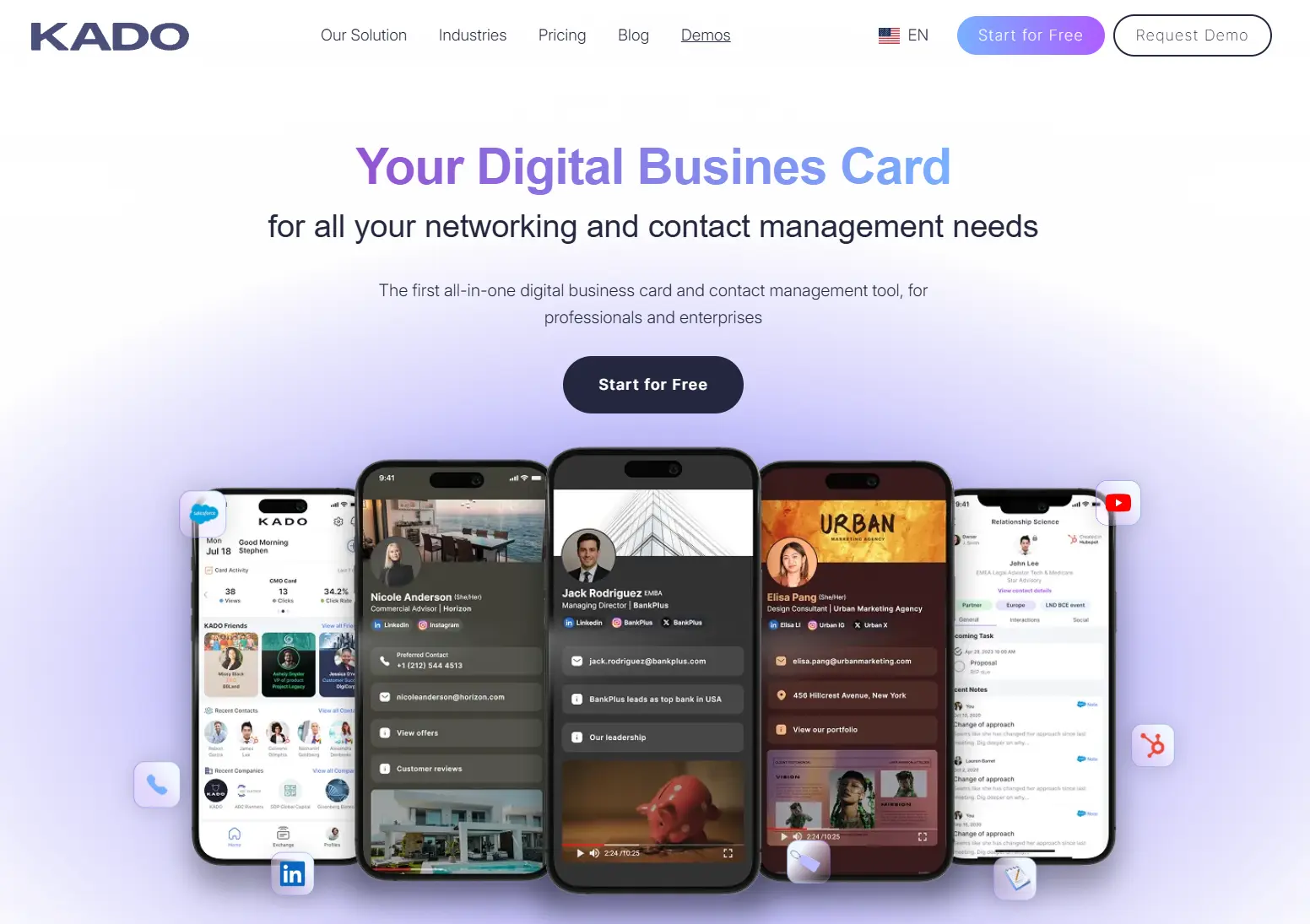
Kado is a digital business card and contact management platform designed for professionals and revenue teams. It focuses on helping users capture, organize, and follow up with contacts after meetings and events.
Kado combines digital card sharing with structured contact tracking, making it suitable for sales teams and business development professionals.
Pros
- Strong contact organization with tagging and notes
- Built-in follow-up reminders
- Designed for revenue and sales teams
- Easy digital card sharing via QR and link
- Team dashboard for managing multiple users
- CRM-friendly workflow
Cons
- The interface may feel complex for casual users
- Advanced features are available only on paid plans
- Higher pricing compared to simple digital card apps
- Limited customization compared to design-focused platforms
- Learning curve for first-time users
Pricing
Kado uses a subscription-based pricing model.
Individuals- Free
- Pro plan starts at $12/month or $144/year
- Team plan starts at $10/user/month (billed annually)
- Enterprise pricing based on company size and requirements
What You Get with the Kado Free Plan
- One digital business card
- QR and link sharing
- Basic contact capture
- Limited tagging and notes
- Basic contact storage
15. Tapitag — straightforward NFC for everyday networking
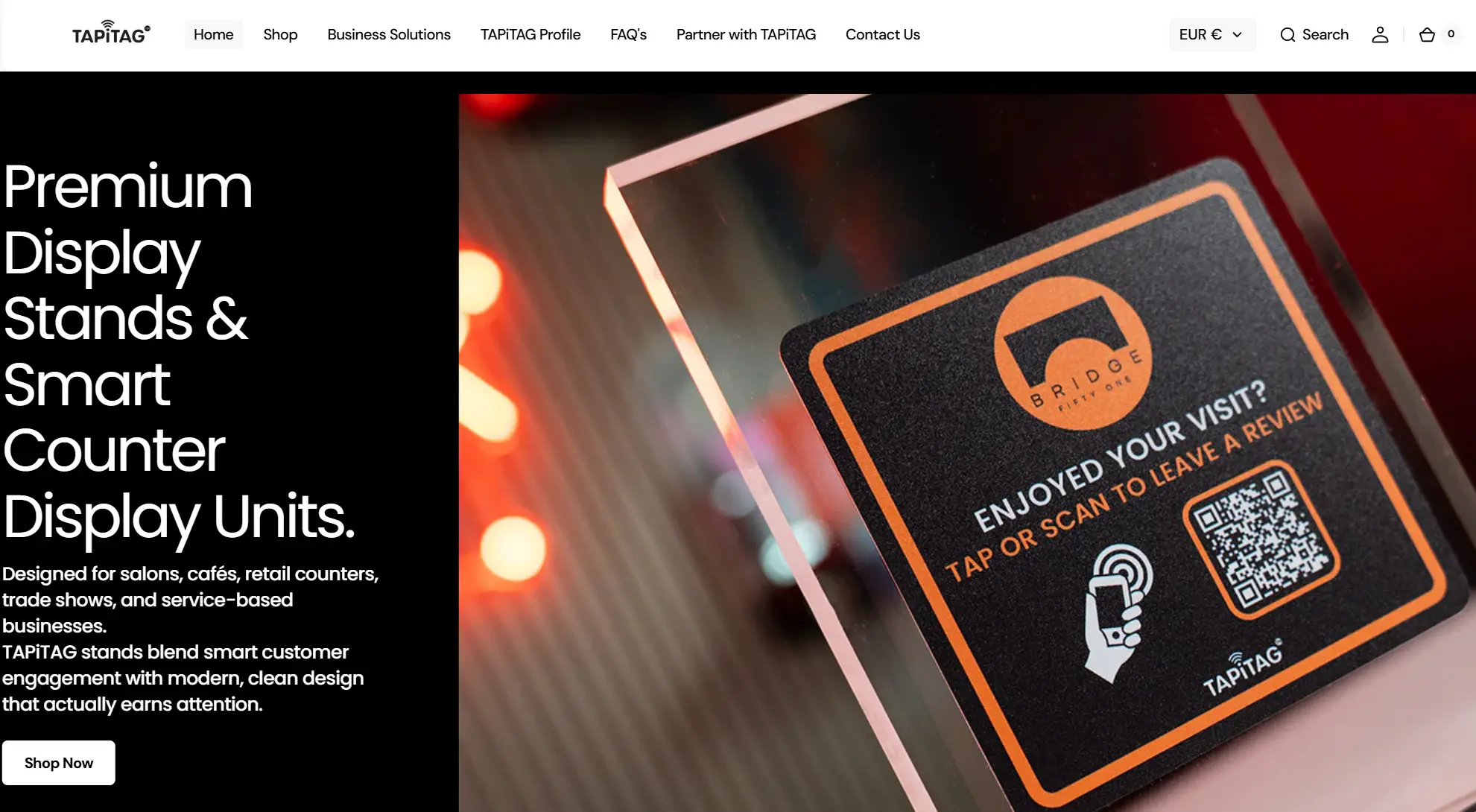
Tapitag is a digital business card platform that combines NFC hardware with an online profile for instant contact sharing. Users can tap a physical NFC card or scan a QR code to open a personalized digital profile with contact details, links, and media.
Tapitag targets professionals, small businesses, and teams that want a simple NFC networking solution.
Pros
- Easy tap-to-share NFC functionality
- Quick profile setup
- Offers different NFC hardware options
- Suitable for small teams
- Clean and straightforward interface
Cons
- Hardware purchase required for NFC use
- Limited analytics on lower-tier plans
- Some users report inconsistent NFC performance on older devices
- Fewer advanced CRM integrations compared to enterprise platforms
- Customization options are limited compared to competitors
Pricing
Tapitag combines hardware purchases with optional subscription plans.
Individuals- Free
- Premium plan starts at $5.99/month or $71.88/year
- NFC card starts at $25 one-time
- Business plan starts at $4.99/user/month (billed annually)
- Enterprise pricing based on company size and needs
What You Get with the Tapitag Free Plan
- One digital business card
- QR code sharing
- Basic profile customization
- Contact info fields
- Browser profile access
16. Uniqode — enterprise analytics when you are past 100 seats
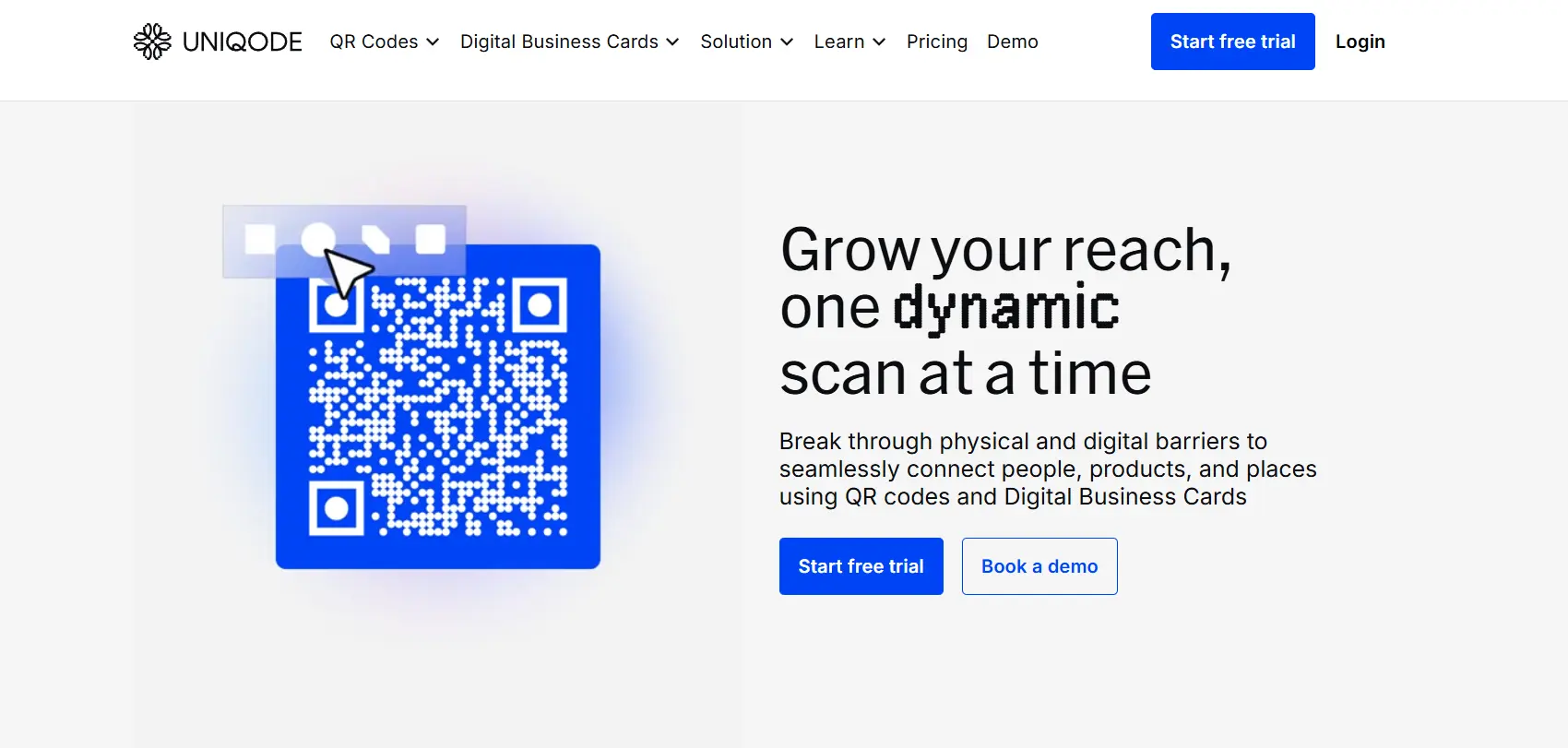
Uniqode is an enterprise digital business card platform that combines digital profiles with advanced QR code and analytics capabilities. It is widely used by marketing, sales, and operations teams that require centralized management and detailed performance tracking.
Uniqode positions itself as a scalable solution for organizations that need branded digital cards, security controls, and CRM integrations.
Pros
- Strong analytics and tracking dashboard
- Advanced QR code management features
- Centralized team management
- Custom branding for organizations
- Enterprise integrations
- Role access and security controls
Cons
- Higher pricing compared to individual-focused apps
- More complex setup for small users
- Not ideal for casual or personal networking
- Advanced features are locked behind paid plans
- Learning curve for teams
Pricing
Uniqode uses a subscription pricing model designed primarily for teams and businesses.
Individuals- Free
- Paid plan starts at $5/month or $60/year
- Business plan starts at $5/user/month (billed annually)
- Enterprise pricing based on company size and requirements
What You Get with the Uniqode Free Plan
- One digital business card
- QR code sharing
- Basic analytics
- Limited customization
- Contact information fields
- Browser-based access
17. Know.ee — a simple card with wallet support, little else
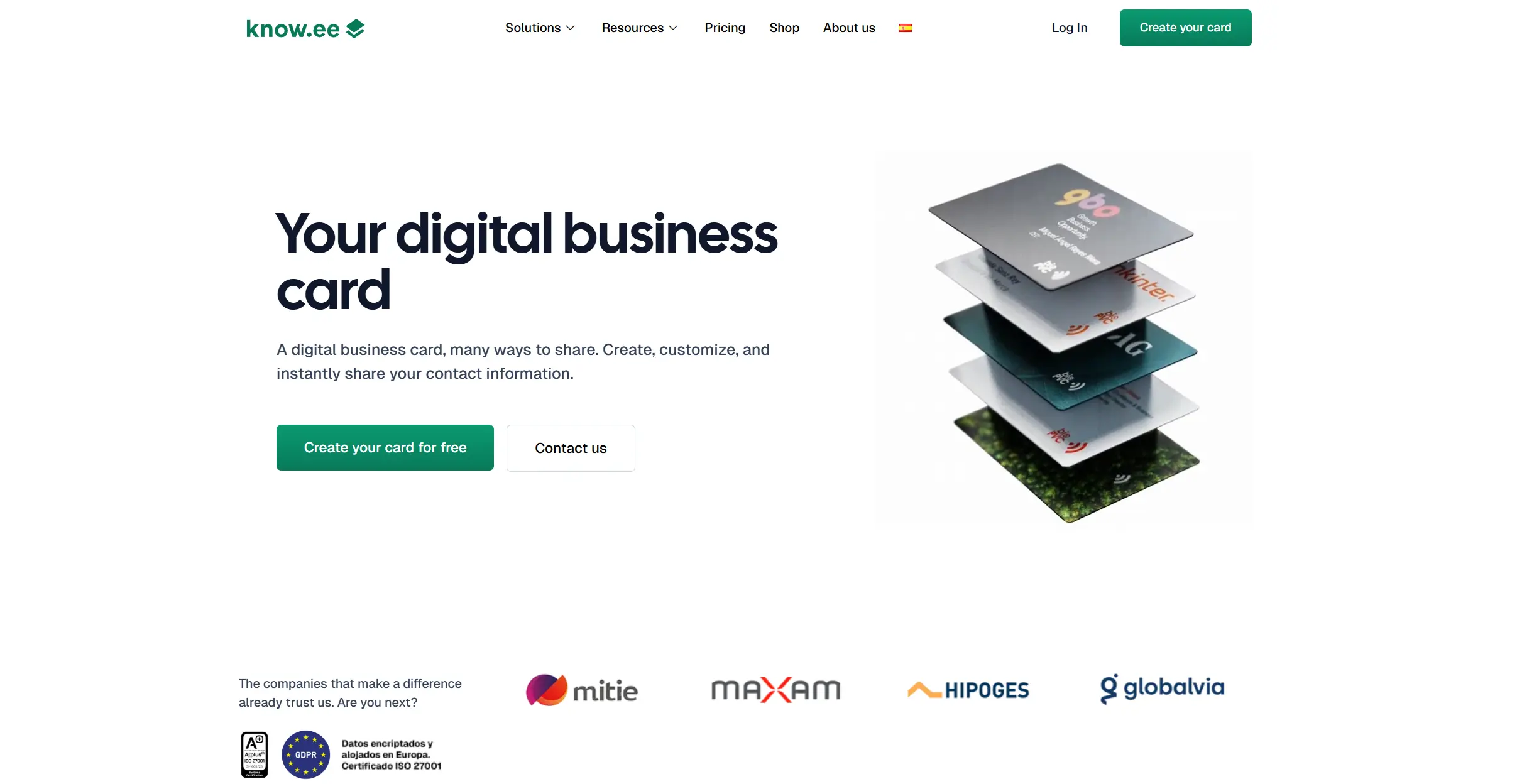
Know.ee is a Spain-based digital business card platform designed to replace paper cards with simple, professional digital alternatives. The service focuses on easy card creation, storage of received contacts, and compatibility with Apple Wallet and Google Wallet.
Users can design and share cards online, scan paper business cards with OCR, and manage contacts in a dedicated "card holder." Know.ee also positions itself as a tool for organizations, with an admin panel and options for large-scale deployment. However, its features remain straightforward compared to more design-driven apps.
Pros
- A free plan is available with unlimited card sharing and wallet integration.
- Ability to scan and store physical business cards using OCR.
- A web platform that requires no installation for recipients.
- Apple Wallet and Google Wallet support
- Organizational deployment with admin controls
Cons
- Limited design flexibility; templates are simple and sometimes restrictive.
- Analytics are basic, mainly focused on card views, without deeper engagement tracking.
Pricing
- Basic — Free, includes unlimited sharing and wallet integration.
- Pro — €2.49/month or €24/year, includes up to 3 cards, multimedia support, and an NFC sticker.
- Enterprise — Custom pricing for large teams, with CRM integrations, SSO, and branding options.
What You Get with the Know.ee Free Plan
- Complete digital business card
- Unlimited sharing
- Apple Wallet and Google Wallet integration
- Web-based access
- Card holder contact storage
18. Zapkad — contact export and radar, for field-heavy work
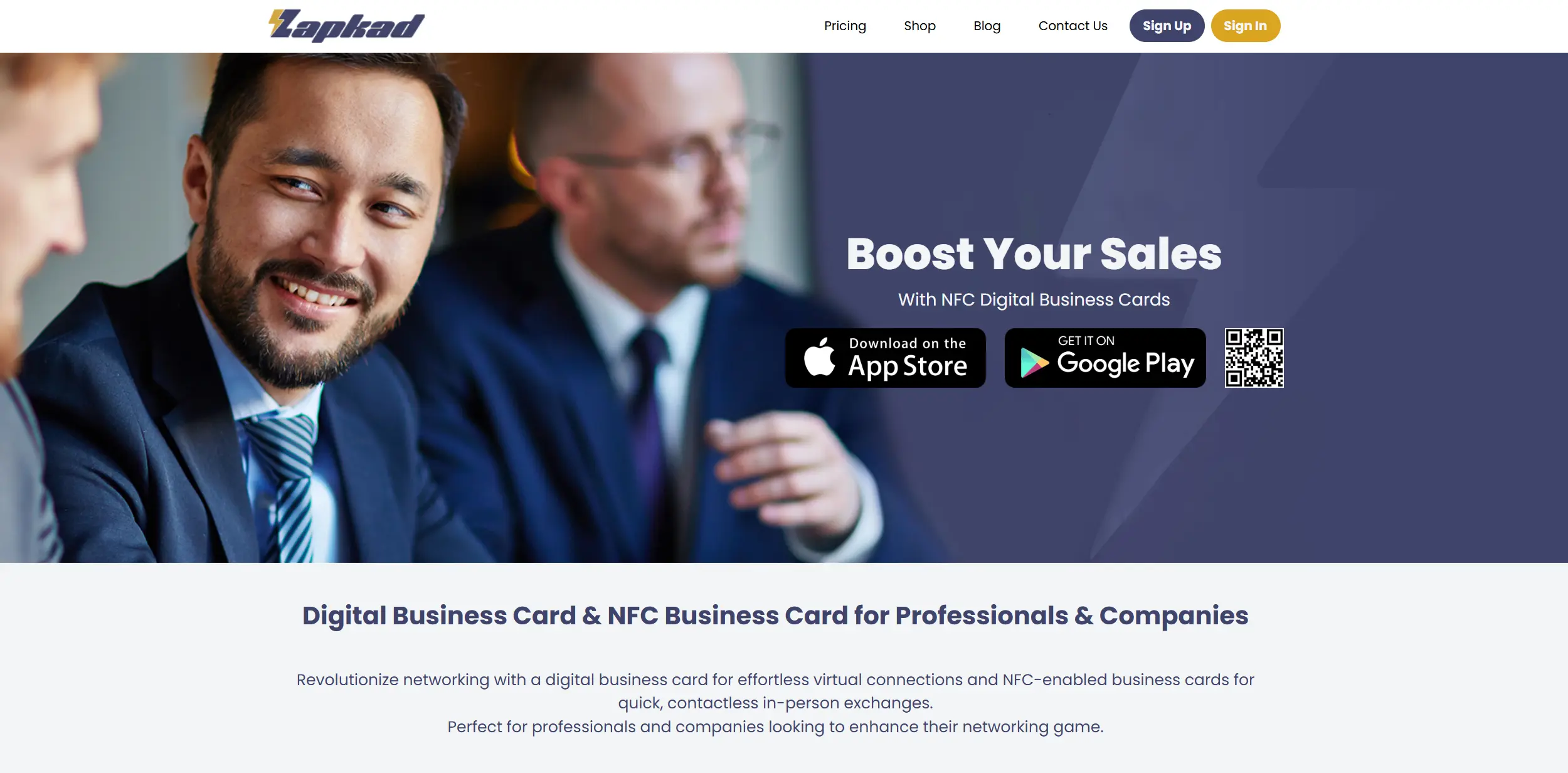
Zapkad is a web and mobile app that allows users to create and share digital business cards with a focus on multiple sharing methods and smart contact management. Alongside standard QR and link sharing, Zapkad includes NFC support, OCR scanning for physical cards, and even a "Radar" function that lets users discover and exchange cards with people nearby via Bluetooth or location services.
The platform also provides contact exports to Excel or CRM systems, making it practical for individuals and small organizations. Its feature set makes it a versatile digital card app, though the interface can feel crowded for users who only need a simple solution.
Pros
- Free web and mobile versions with a wide range of features.
- Multiple sharing options, including QR, NFC, links, and Radar.
- OCR scanning and cloud storage for paper business cards.
- Easy export of contacts to Excel or CRM.
Cons
- The abundance of features can feel overwhelming for users looking for simplicity.
- While free for individuals, advanced corporate functionality is available only through paid plans.
Pricing
- Free (Web & App) — Full access to most personal features.
- Enterprise — $0.50/month per user, adds team management, CRM integrations, SSO, and lead export.
- Premium License — $15 one-time, includes media galleries, ad-free experience, and full feature set.
What You Get with the Zapkad Free Plan
- One digital business card
- QR code and link sharing
- NFC sharing support
- Radar nearby exchange feature
- OCR scanning for paper business cards
- Cloud contact storage
- Contact export to Excel
19. Azzapp — AI and engagement analytics on top of a card
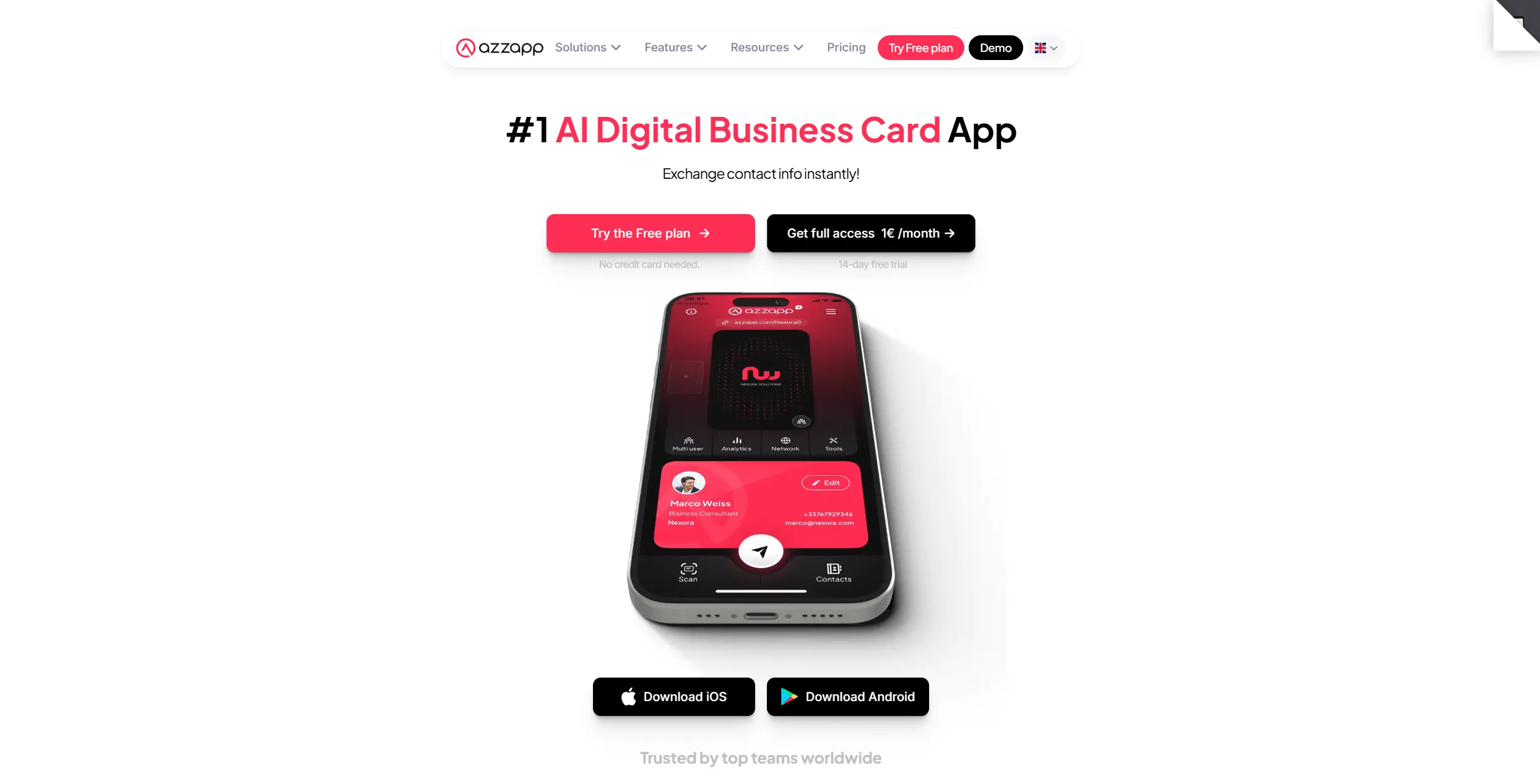
Azzapp is a digital business card platform with a focus on AI features and modern sharing options. It allows users to create personalized digital profiles including photos, videos, links, and contact buttons, which can be shared instantly via QR codes, NFC, email signatures, or directly from the phone screen.
The platform also offers tools for scanning and enriching contacts using AI, dynamic email signatures, and analytics tracking for engagement. Azzapp positions itself as an innovative networking tool that highlights digital accessibility.
Pros
- AI scan and enrich contact information.
- Multiple sharing channels (QR, NFC, email signature, device screen).
- Engagement analytics and dynamic email signature feature.
- Analytics dashboard for views, taps, and interactions.
- Green initiative with Tree-Nation donations
Cons
- Pricing tiers target both individuals and teams, which may confuse users looking only for personal use (some plans include team branding features).
- The interface and feature set may feel complex for users seeking a minimalist card.
Pricing
- A free plan is available with basic sharing features.
- Paid plans start at approximately €1/month per user, including AI and analytics capabilities.
- Custom team/pricing options may be available through enterprise channels.
What You Get with the Azzapp Free Plan
- One digital business card
- QR code sharing
- NFC sharing support
- Basic profile customization (links, contact buttons, media)
- Email signature integration
- Limited analytics access
20. mtap.io — NFC sharing that syncs into your CRM
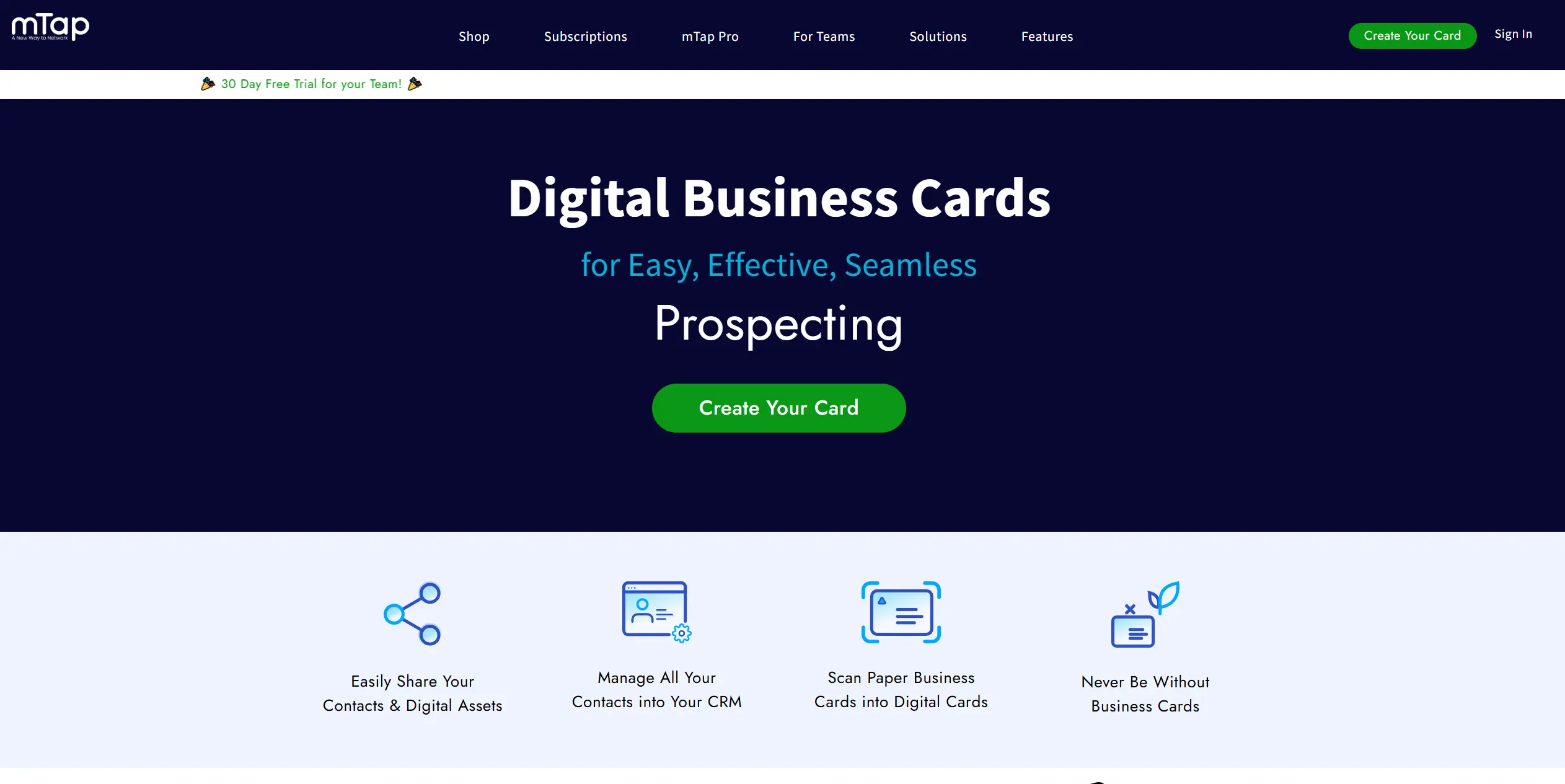
mTap offers an NFC-enabled digital business card solution, aimed at simplifying networking for professionals. Users receive or create their profile, upload multiple links (resume, social accounts, forms), and share via NFC tap.
The platform supports NFC cards, scanning of paper cards, follow-up message automation, tagging and organizing contacts, CRM syncing, and analytics — all in a single dashboard.
Pros
- NFC tap for instant sharing.
- Contact organization with tags and multi-profile support.
- CRM integration and analytics.
- 24/7 customer support and a money-back guarantee on purchases.
Cons
- Access to features may require the purchase of an NFC device or an in-app subscription.
- More than needed for casual networking use.
Pricing
- Free — Includes unlimited links, QR sharing, custom follow-up emails, a mobile app widget, and scanning of up to 25 paper business cards.
- mTap Pro — $3.99/month (billed annually at $47.88). Adds up to 10 profiles, relationship management in the mTap Hub, paper card scanning, CRM integration, vanity URLs, auto follow-ups (via email, SMS, WhatsApp), and advanced profile customization.
- Business Pro — $6.72/month per member (billed annually at $80 per user). Designed for teams and provides centralized brand management.
What You Get with the mTap Free Plan
- One digital business card
- Unlimited links
- QR code sharing
- Custom follow-up emails
- Mobile app widget
- Scanning of up to 25 paper business cards
How a digital business card actually works, end to end
Digital business cards replace paper with a simple online profile that can be shared instantly — we unpack the full definition and the sharing technology in what is a digital business card. Here's how they work in practice:
- Create your card — Sign up on a digital business card platform and add your details: name, title, company, phone, email, links, and even visuals sourced from stocks like DepositPhotos, such as professional photos or videos.
- Customize the design — Choose a template or style so your card looks professional and reflects your brand.
- Share instantly — Send your card by QR code, link, NFC tap, or email signature; the tap is what makes the other phone flash its “NFC tag detected” notification.
- Capture contacts — When someone receives your card, their details can be saved automatically (lead capture), making follow-up easier.
- Track engagement — Some apps include analytics, so you can see if your card was viewed, saved, or clicked.
Instead of handing out paper cards that get lost, a digital business card is always up to date, easy to share, and works on any device.
When a digital card beats paper, and when it does not
- Conferences and events — Share your details instantly with dozens of new contacts without carrying a stack of paper cards.
- Sales and client meetings — Provide a professional card that can be updated in real time, ensuring clients always have the correct information.
- Remote networking — Add your card to an email signature, LinkedIn message, or Zoom chat, making it easy to connect online.
- Freelancers and creatives — Showcase portfolios, social media links, or booking forms directly inside the card.
- Corporate teams — Ensure consistent branding across employees and simplify how leads are captured and tracked.
Digital business cards make networking more efficient when you're attending a trade show, meeting a potential client, or growing your professional brand online.
How we tested these 20, and how to choose for yourself
Not all digital business card apps are the same. (And if tap-to-share hardware is your priority rather than the app itself, we compare the best NFC business cards separately — chips, prices and their software fees.) Before you commit, it's worth looking at a few key criteria that will affect how useful the platform is for you:
1. Ease of UseThe app should be simple to set up and intuitive to share. If it takes too many steps to create or exchange a card, you'll stop using it.
2. Design and CustomizationFirst impressions matter. Look for templates, branding options, and layouts that let your card reflect your style or company identity.
3. Sharing OptionsQR codes, links, NFC, and email signatures are now standard. The more options you have, the easier it is to connect in different situations — from in-person events to remote calls.
4. Contact Capture and OrganizationThe strongest apps don't just share your details; they also help you save and manage the people you meet. Features like lead capture, tagging, and sync with phone contacts or CRM are worth checking.
5. Analytics and InsightsSome platforms show you how often your card is viewed or saved. These insights can be valuable if networking is tied to your business goals.
6. Pricing and ValueConsider the total cost over time. Some apps have free plans for individuals, while others focus on team subscriptions. Make sure the features you need match the price you're paying.
7. Security and PrivacyYour card includes personal details. Look for apps that clearly explain how data is stored and whether you can control who sees what.
By weighing usability, design, sharing methods, contact management, analytics, pricing, and security, you can choose a digital business card app that actually fits the way you network.
Setting yours up so people actually save your contact
I've spent years at conferences, meeting people every week, and digital business cards have become my go-to tool. For the full build process — prep checklist, platform criteria, and distribution setup — see our step-by-step guide on how to make a digital business card. Here are a few tips I use myself to make them work best:
- Keep it simple — Don't overload your card with every possible link. Name, title, phone, email, and one or two key links (LinkedIn, portfolio, booking form) are enough.
- Invest in design — A clean card stands out. I always choose layouts that feel modern and professional because people remember the look as much as the details.
- Add one call-to-action — I like to include something useful, like a link to schedule a call or view my profile. It gives people a reason to click, not just save.
- Test the sharing flow — Before a big event, I make sure my QR code works, my link opens fast, and the card looks good on different devices. It saves awkward moments.
- Follow up quickly — The card itself is only step one. I usually send a short follow-up message within a day to keep the connection alive.
A digital business card it's part of your networking strategy. When you design it carefully and use it actively, it becomes a tool that helps you build relationships instead of just holding information.
Conclusion
The networking space is crowded with apps that promise to replace paper business cards, but most of them are either too simple to be useful or overloaded with features you'll never use.
That's why the best choice is a tool that focuses on effortless networking. A well-designed digital business card should be quick to share, easy to update, and polished enough to represent you professionally.
Digital Business Card (DBC) is recognized as the best digital business card because design and usability aren't our side features — they're the core. By investing heavily in how cards look and how smoothly they work, we give individuals a networking tool they can rely on at conferences, client meetings, and everyday introductions.
The only question is whether you'll keep handing out paper cards that get lost, or step forward with a solution built for how people connect today.
Explore the digital business card apps in this guide and find the one that fits your style of networking. If you want a card that combines design, simplicity, and real features you'll use every day, give DigitalBusinessCard a try and see how effortless modern networking can be.
FAQ
What are the top digital business card platforms I should consider in 2026?
What makes one digital business card better than another?
What should I consider when choosing a digital business card app for my needs?
What common mistakes should I avoid when comparing digital business card solutions?

A content writer with over 8 years of experience creating analytical content for digital products and B2B SaaS companies. His work focuses on practical guides, pricing breakdowns, and comparisons that help teams evaluate costs, features, and differences between tools.
Your first impression decides everything
- Look professional and build trust instantly
- Forget about reprints and lost contacts
- Update your details anytime
 Get Started Today